
《HarmonyOS 7 ArkGraphics 3D 空间设计开发实战》08:动画、生命周期与SpaceRoom工程化收尾【鸿蒙心迹】
最后不堆新功能,把整个工程收回来。
前言
七篇做下来,SpaceRoom 已经有:场景、模型、坐标、材质、灯光、相机交互、拾取选择、性能优化。一个能看能点的 3D 空间设计器差不多齐了。
最后一篇不加新功能,做工程收尾:补动画、理生命周期、把模块拆清楚。很多 Demo 看着能跑,真要做成工程就发现到处都是耦合:Scene 和 UI 绑死了,模型加载和页面生命周期搅在一起,退出页面以后资源还在内存里。
这一篇就把这些问题收拾干净,让 SpaceRoom 从一个 Demo 变成一个结构清楚的工程。
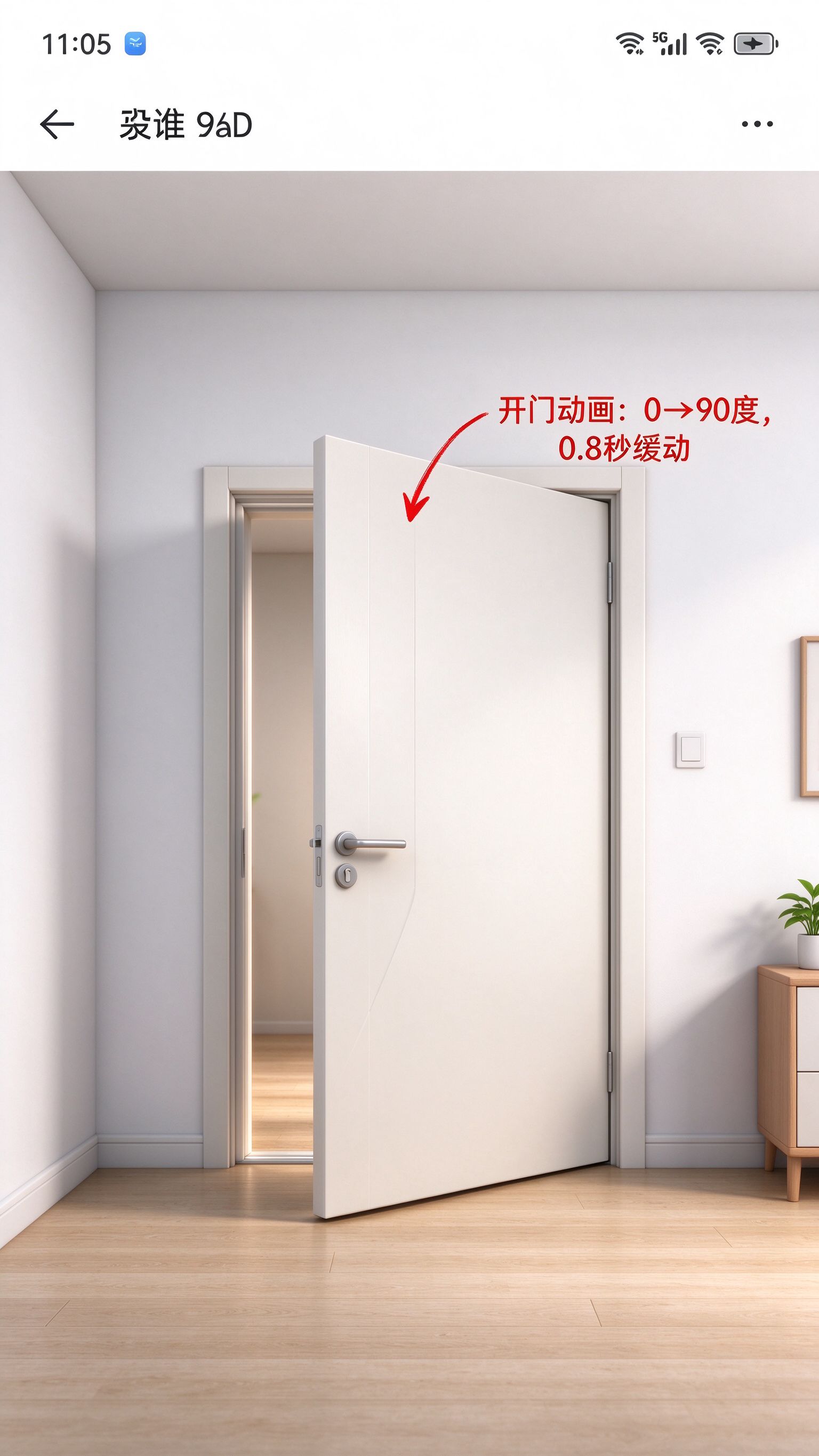
一、先补动画:柜门、抽屉、灯光渐变
先加几个简单动画,让场景活起来:
import { scene } from '@kit.ArkGraphics3DKit';

export class AnimationController {
  private animations: Map<string, scene.Animation> = new Map();

  /**
   * 播放柜门开启动画
   */
  playDoorOpen(doorNode: scene.Node): void {
    // 从0度转到90度,500ms
    const anim = doorNode.createComponent(scene.NodeComponentType.ANIMATION) as scene.Animation;
    anim.duration = 500;
    anim.from = {rotation: {x: 0, y: 0, z: 0}};
    anim.to = {rotation: {x: 0, y: 90, z: 0}};
    anim.easing = 'easeOut';
    anim.play();

    this.animations.set('door', anim);
    console.info('AnimationController: door opened');
  }

  /**
   * 播放灯光渐变
   */
  playLightFade(lightNode: scene.Node, targetIntensity: number): void {
    const light = lightNode.getComponent(scene.NodeComponentType.LIGHT) as scene.Light;
    const anim = lightNode.createComponent(scene.NodeComponentType.ANIMATION) as scene.Animation;
    anim.duration = 800;
    anim.from = {intensity: light.intensity};
    anim.to = {intensity: targetIntensity};
    anim.easing = 'easeInOut';
    anim.play();
  }

  /**
   * 停止所有动画
   */
  stopAll(): void {
    this.animations.forEach(anim => {
      anim.stop();
    });
    this.animations.clear();
  }
}
动画本身不复杂,关键是动画的生命周期:页面退到后台的时候要暂停,回到前台的时候继续;页面销毁的时候要停掉所有动画。
二、生命周期:页面退了以后,谁来清理
这是工程里最容易出问题的地方。3D 对象的生命周期和 ArkUI 页面的生命周期不一样。
页面走了,Scene 可能还在后台跑动画、跑渲染,白白耗电。
写个统一的入口:
@Entry
@Component
struct SpaceRoomPage {
  private sceneMgr: SceneManager = new SceneManager();
  private cameraCtrl: CameraController | null = null;
  private modelMgr: ModelResourceManager | null = null;
  private lightMgr: LightManager | null = null;
  private pickingMgr: PickingManager | null = null;
  private animCtrl: AnimationController | null = null;
  private perfMonitor: ScenePerformanceMonitor | null = null;

  // 页面出现:初始化所有模块
  onPageShow(): void {
    this.initScene();
    this.animCtrl?.resumeAll();
  }

  // 页面隐藏:暂停动画,不要后台跑
  onPageHide(): void {
    this.animCtrl?.pauseAll();
    this.perfMonitor?.stop();
  }

  // 页面销毁:释放所有资源
  aboutToDisappear(): void {
    // 1. 停动画
    this.animCtrl?.stopAll();

    // 2. 释放模型资源
    this.modelMgr?.releaseAll();

    // 3. 释放场景
    this.sceneMgr.release();

    console.info('SpaceRoomPage: all resources released');
  }

  private initScene(): void {
    // 按顺序初始化
    this.sceneMgr.setupScene();
    this.cameraCtrl = new CameraController(this.sceneMgr.getScene()!);
    this.cameraCtrl.setupCamera();

    this.lightMgr = new LightManager(this.sceneMgr.getScene()!);
    this.lightMgr.setupSceneLights(this.sceneMgr.getScene()!);

    this.modelMgr = new ModelResourceManager(this.sceneMgr.getScene()!);
    this.pickingMgr = new PickingManager(this.sceneMgr.getScene()!);
    this.animCtrl = new AnimationController();
    this.perfMonitor = new ScenePerformanceMonitor();
  }

  build() {
    Stack() {
      scene.SceneView({ scene: this.sceneMgr.getScene() ?? undefined })
        .width('100%')
        .height('100%')
    }
    .width('100%')
    .height('100%')
  }
}
关键是三个生命周期方法:
- onPageShow:页面出来,恢复动画和监控
- onPageHide:页面隐藏,暂停动画,不要后台空跑
- aboutToDisappear:页面销毁,把所有资源释放干净
很多人只做了 onAppear 初始化,没做 aboutToDisappear 释放,结果就是用户进出几次页面,内存涨好几倍。
三、最后把模块理清楚
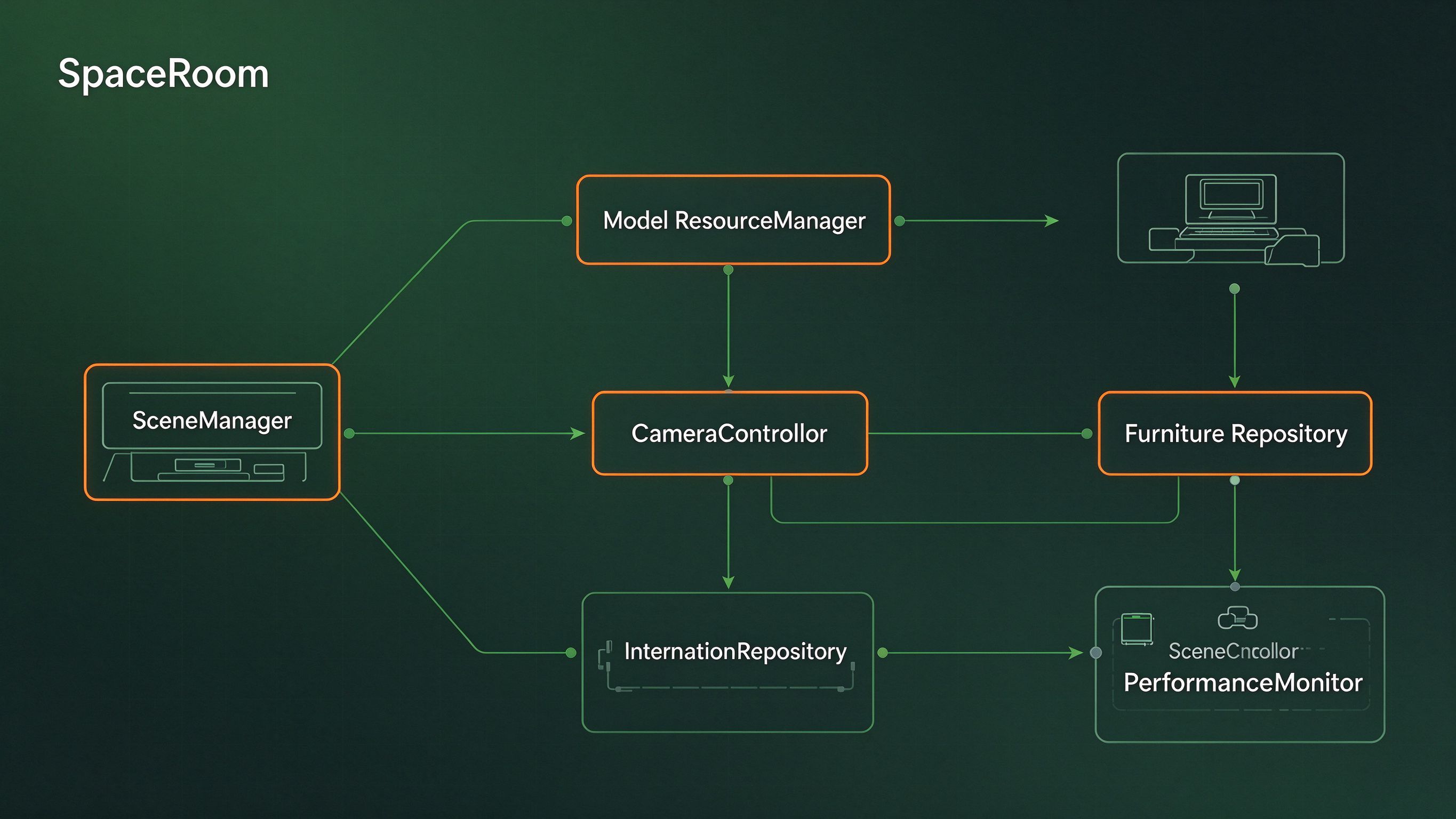
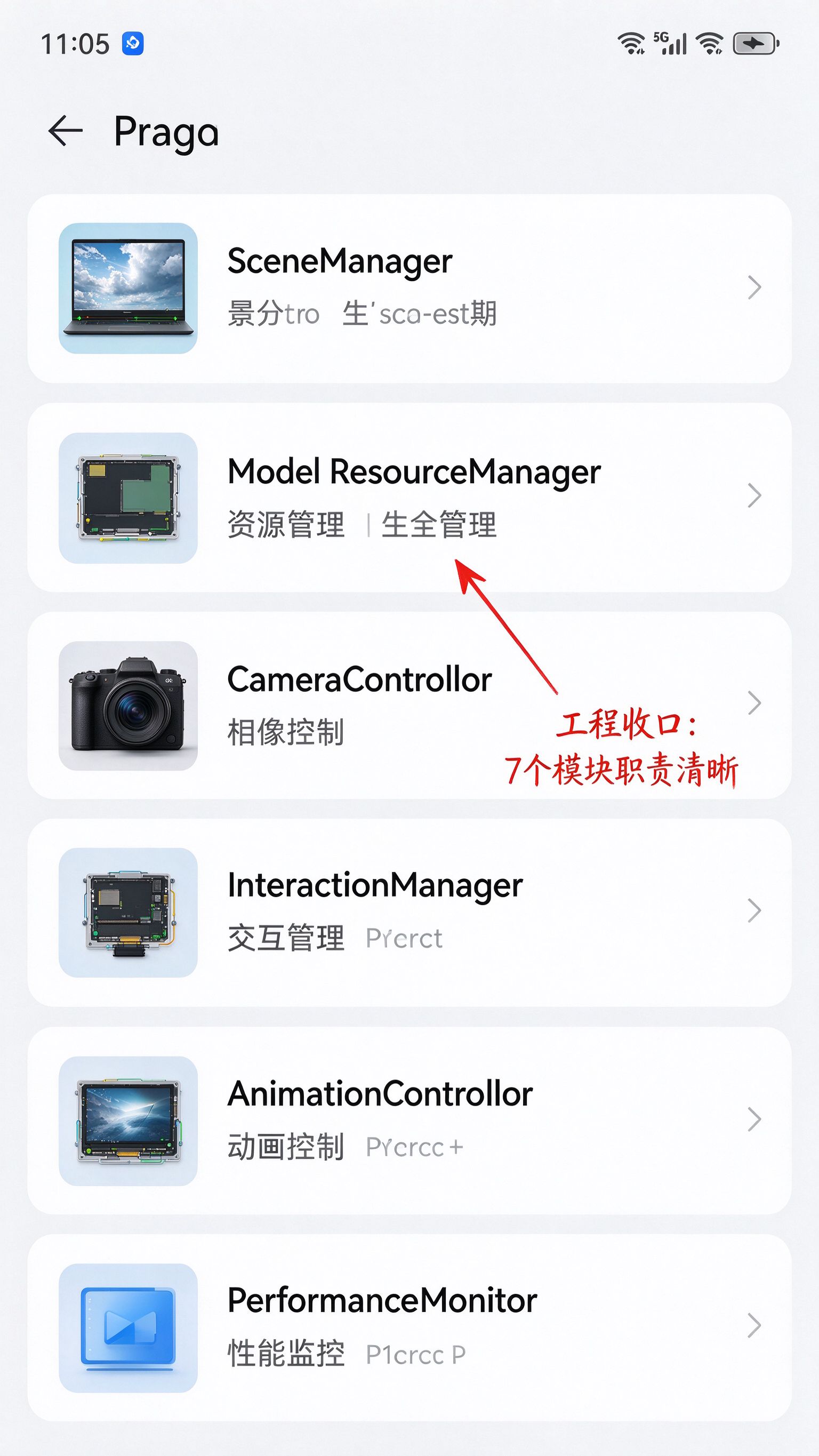
回顾一下整个工程的模块划分:
| 模块 | 负责什么 | 不负责什么 |
|---|---|---|
| SceneManager | Scene 生命周期,创建和释放 | 不管模型、不管灯光 |
| CameraController | 相机位置、旋转、缩放 | 不管手势识别 |
| ModelResourceManager | 模型加载、缓存、引用计数 | 不管模型放哪 |
| LightManager | 灯光设置、氛围预设 | 不管材质 |
| MaterialManager | 材质和纹理 | 不管灯光 |
| PickingManager | 点击拾取、选中状态 | 不管 UI 展示 |
| AnimationController | 动画播放和暂停 | 不管动画内容 |
| PerformanceMonitor | 帧率和统计 | 不管优化策略 |
| SpaceRoomPage | 组装所有模块、接 UI | 不写具体 3D 逻辑 |
这个划分的原则是:每个模块只做一件事。以后要加新功能,比如加个截图功能,就新建一个 ScreenshotManager,不要往 Page 里堆。
四、整个系列回顾
八篇走下来,技术线是这样的:
- 01 基础场景:Scene、Camera、Light、Node 创建成功 ≠ 能看见
- 02 坐标体系:世界坐标和局部坐标,父子节点 Transform 叠加
- 03 模型加载:Resource 和 Instance 分开,引用计数管生命周期
- 04 材质灯光:质感是材质和灯光配合出来的,不是模型好看就行
- 05 相机交互:二维手势映射成三维相机旋转,轨道相机模型
- 06 3D 拾取:从屏幕点反推射线,找到命中的物体
- 07 性能优化:先测数据再优化,视锥裁剪、共享材质、减少每帧计算
- 08 工程收尾:动画、生命周期、模块划分
整个过程里踩的坑,其实都不是 API 不会用,是 3D 开发的思维方式和 ArkUI 不一样:
- ArkUI 里一个组件就是一个对象,3D 里 Resource 和 Instance 是分开的
- ArkUI 里位置就是相对于父容器,3D 里要考虑世界坐标和局部坐标
- ArkUI 里页面销毁就完了,3D 里还有 GPU 资源、纹理、模型要释放
这些概念理清楚了,后面做更复杂的 3D 应用就不会乱。
总结
第八篇是整个系列的收尾:
- 动画要管生命周期:后台暂停,销毁停掉
- 页面销毁时必须释放所有资源,不然内存越积越多
- 模块按职责拆分,每个模块只做一件事
- 3D 开发的思维和 ArkUI 不一样,核心是理解"渲染资源"和"业务对象"是分开的
SpaceRoom 到这里就完整了。从一个黑屏的空场景,到一个能转视角、能选家具、有材质有灯光的 3D 房间设计器。后面如果要继续做,可以加模型导入、保存分享、多人协作这些功能,但基础的 3D 开发链路已经跑通了。

作为“人工智能6S店”的官方数字引擎,为AI开发者与企业提供一个覆盖软硬件全栈、一站式门户。
更多推荐

 0
0 0
0- 0


 已为社区贡献48条内容

所有评论(0)