
鸿蒙 7 Agent 框架实战:搭建离线本地文件检索智能体
鸿蒙 7 最核心的升级之一,就是系统级 Agent 智能体框架的全面落地。很多人以为 Agent 必须联网、必须依赖云端大模型,其实恰恰相反——鸿蒙 Agent 架构的核心优势之一就是端云协同、离线优先:依托内置的 openPangu 端侧大模型,完全不联网也能实现意图理解、工具调用、结果整理的完整智能体链路。
本文就基于鸿蒙 7 原生能力,从零搭建一个纯离线的本地文件检索智能体:不用联网、数据不出设备、不用第三方服务,用户用自然语言提问,智能体自动检索应用沙箱内的文件并整理答案返回。全程遵循鸿蒙 Agent「意图理解 → 工具调度 → 结果生成」的标准架构,代码可直接复制运行。
一、先理清:鸿蒙 Agent 的两种落地形态
很多新手容易混淆,鸿蒙 7 的 Agent 体系其实分为两个层级,对应不同的开发场景:
1. 系统级 A2A 智能体
基于 @kit.AgentFrameworkKit,面向生态接入:开发者将应用能力封装成标准智能体上架后,可被系统小艺调度、与其他应用智能体跨应用协作。这类智能体需要在华为智能体平台配置 agentId,适合有生态分发需求的场景。
2. 应用内端侧智能体
基于 @kit.AIKit 端侧大模型 + 自定义工具调度,完全运行在应用内,离线可用,数据不出沙箱。适合应用内部的智能助手、本地数据处理等场景,开发门槛更低,隐私性更强。
本文实战的是第二种:应用内离线智能体。它完整遵循 Agent 的核心设计思想,同时无需云端配置、无需联网,新手也能快速跑通。
二、技术选型与核心原理
2.1 核心技术栈
| 能力模块 | 对应官方套件 | 作用 |
|---|---|---|
| 端侧大模型推理 | @kit.AIKit(aiEngine) |
自然语言意图理解、结果摘要生成,基于 openPangu 2.0 离线运行 |
| 本地文件操作 | @kit.CoreFileKit |
遍历沙箱文件、读取文件内容、建立本地索引 |
| 对话 UI 交互 | @kit.ArkUI |
实现聊天式交互界面,接收用户输入、展示回答 |
2.2 智能体核心工作流
我们实现的文件检索智能体,完整遵循标准 Agent 执行链路:
用户自然语言提问
    ↓
端侧大模型:意图识别 + 提取关键词
    ↓
调度「本地文件检索」工具
    ↓
匹配沙箱内文件,返回候选文件列表
    ↓
端侧大模型:整理结果,生成自然语言回答
    ↓
展示给用户
全程所有数据都在设备本地处理,无需上传云端,既保证隐私,又能在断网环境下正常使用。
2.3 前置条件
- SDK 版本:API 26(HarmonyOS 7.0)及以上
- 运行设备:搭载麒麟 9000 系列及以上芯片的鸿蒙设备(支持端侧大模型 NPU 加速)
- 权限要求:无需网络权限,仅使用应用私有沙箱,无需额外用户授权
- 开发工具:DevEco Studio 5.0 及以上
💡 降级兼容:如果设备不支持端侧大模型,可自动降级为纯关键词检索,保证基础功能可用。
三、第一步:文件索引模块封装
智能体的基础工具是「本地文件检索」。我们先基于 CoreFileKit 封装文件索引能力,负责遍历沙箱目录、读取文本文件、建立检索索引。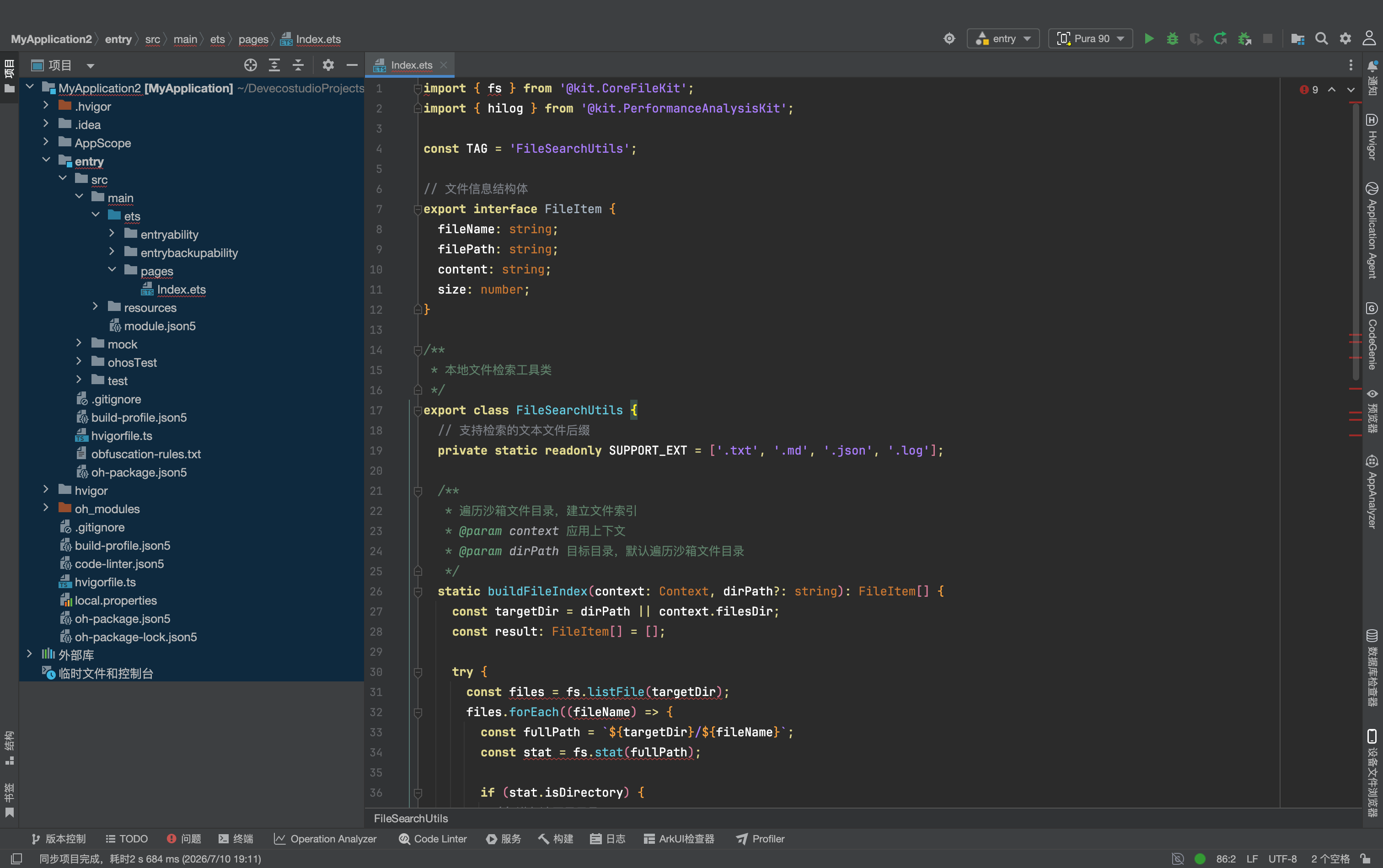
新建 entry/src/main/ets/utils/FileSearchUtils.ets:
import { fs } from '@kit.CoreFileKit';
import { hilog } from '@kit.PerformanceAnalysisKit';

const TAG = 'FileSearchUtils';

// 文件信息结构体
export interface FileItem {
  fileName: string;
  filePath: string;
  content: string;
  size: number;
}

/**
 * 本地文件检索工具类
 */
export class FileSearchUtils {
  // 支持检索的文本文件后缀
  private static readonly SUPPORT_EXT = ['.txt', '.md', '.json', '.log'];

  /**
   * 遍历沙箱文件目录,建立文件索引
   * @param context 应用上下文
   * @param dirPath 目标目录,默认遍历沙箱文件目录
   */
  static buildFileIndex(context: Context, dirPath?: string): FileItem[] {
    const targetDir = dirPath || context.filesDir;
    const result: FileItem[] = [];

    try {
      const files = fs.listFile(targetDir);
      files.forEach((fileName) => {
        const fullPath = `${targetDir}/${fileName}`;
        const stat = fs.stat(fullPath);

        if (stat.isDirectory) {
          // 递归遍历子目录
          result.push(...this.buildFileIndex(context, fullPath));
        } else {
          // 只处理支持的文本格式
          const ext = fileName.substring(fileName.lastIndexOf('.')).toLowerCase();
          if (this.SUPPORT_EXT.includes(ext)) {
            try {
              const content = fs.readText(fullPath);
              result.push({
                fileName: fileName,
                filePath: fullPath,
                content: content,
                size: stat.size
              });
            } catch (e) {
              hilog.warn(0x0000, TAG, `读取文件失败: ${fileName}`);
            }
          }
        }
      });
    } catch (err) {
      hilog.error(0x0000, TAG, `遍历目录失败: ${JSON.stringify(err)}`);
    }

    return result;
  }

  /**
   * 关键词检索文件
   * @param fileIndex 文件索引列表
   * @param keyword 检索关键词
   * @returns 匹配的文件列表,按匹配度排序
   */
  static searchFiles(fileIndex: FileItem[], keyword: string): FileItem[] {
    if (!keyword.trim()) return [];
    const lowerKeyword = keyword.toLowerCase();

    return fileIndex
      .filter(item =>
        item.fileName.toLowerCase().includes(lowerKeyword) ||
        item.content.toLowerCase().includes(lowerKeyword)
      )
      .sort((a, b) => {
        // 文件名匹配优先
        const aNameMatch = a.fileName.toLowerCase().includes(lowerKeyword) ? 1 : 0;
        const bNameMatch = b.fileName.toLowerCase().includes(lowerKeyword) ? 1 : 0;
        return bNameMatch - aNameMatch;
      });
  }
}
四、第二步:端侧大模型与智能体核心逻辑
接下来封装智能体核心逻辑:负责端侧模型初始化、意图解析、工具调用、结果生成。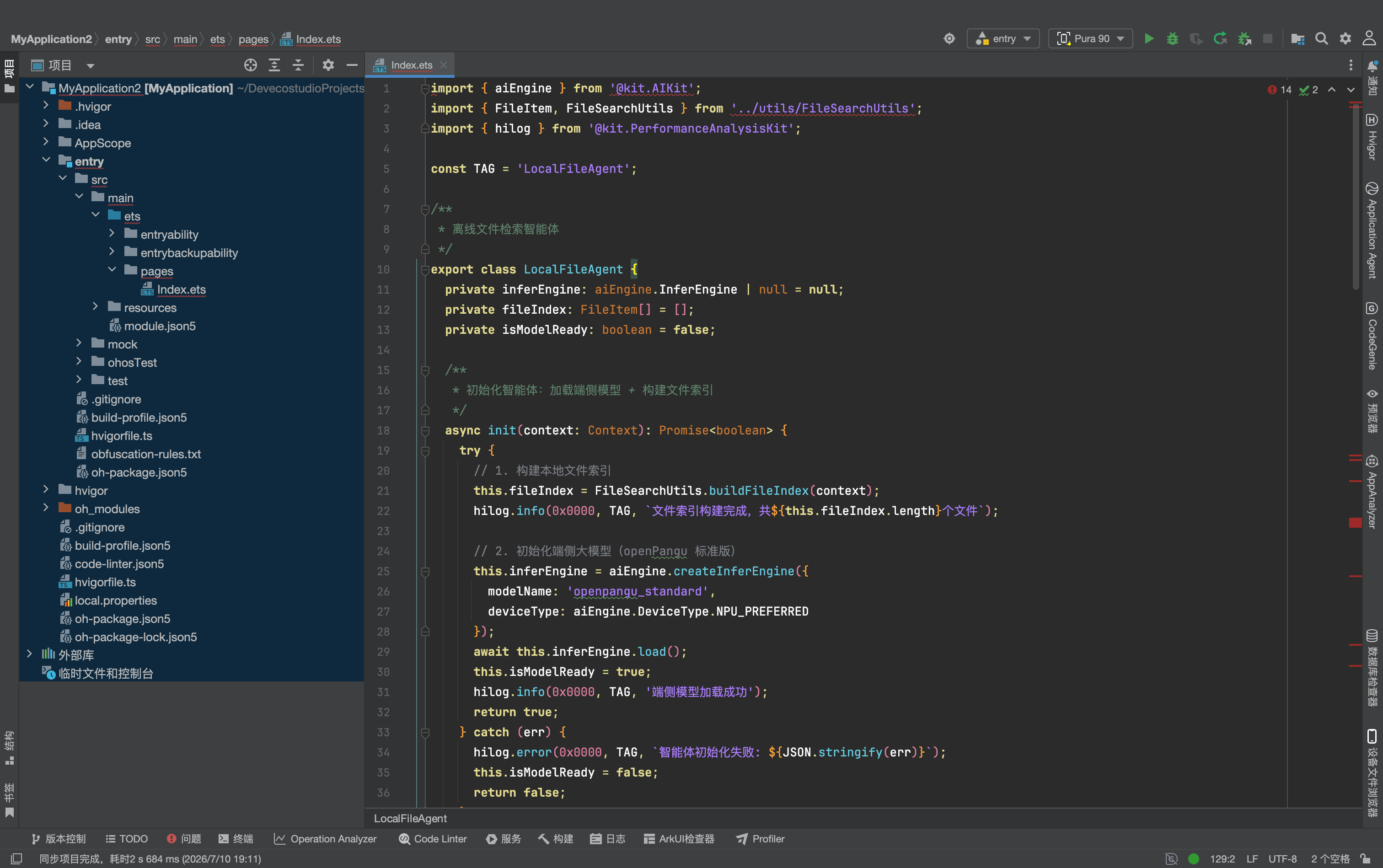
新建 entry/src/main/ets/agent/LocalFileAgent.ets:
import { aiEngine } from '@kit.AIKit';
import { FileItem, FileSearchUtils } from '../utils/FileSearchUtils';
import { hilog } from '@kit.PerformanceAnalysisKit';

const TAG = 'LocalFileAgent';

/**
 * 离线文件检索智能体
 */
export class LocalFileAgent {
  private inferEngine: aiEngine.InferEngine | null = null;
  private fileIndex: FileItem[] = [];
  private isModelReady: boolean = false;

  /**
   * 初始化智能体:加载端侧模型 + 构建文件索引
   */
  async init(context: Context): Promise<boolean> {
    try {
      // 1. 构建本地文件索引
      this.fileIndex = FileSearchUtils.buildFileIndex(context);
      hilog.info(0x0000, TAG, `文件索引构建完成,共${this.fileIndex.length}个文件`);

      // 2. 初始化端侧大模型(openPangu 标准版)
      this.inferEngine = aiEngine.createInferEngine({
        modelName: 'openpangu_standard',
        deviceType: aiEngine.DeviceType.NPU_PREFERRED
      });
      await this.inferEngine.load();
      this.isModelReady = true;
      hilog.info(0x0000, TAG, '端侧模型加载成功');
      return true;
    } catch (err) {
      hilog.error(0x0000, TAG, `智能体初始化失败: ${JSON.stringify(err)}`);
      this.isModelReady = false;
      return false;
    }
  }

  /**
   * 处理用户提问,返回回答
   */
  async chat(userInput: string): Promise<string> {
    if (!userInput.trim()) {
      return '请输入你要查找的内容~';
    }

    // 方案一:端侧模型可用,走完整智能体链路
    if (this.isModelReady && this.inferEngine) {
      return this.runAgentFlow(userInput);
    }

    // 方案二:模型不可用,降级为纯关键词检索
    return this.fallbackKeywordSearch(userInput);
  }

  /**
   * 完整 Agent 执行流:意图解析 → 工具调用 → 结果生成
   */
  private async runAgentFlow(userInput: string): Promise<string> {
    try {
      // 1. 意图理解:从用户提问中提取检索关键词
      const prompt = `
你是一个本地文件检索助手。请从用户的问题中提取最核心的1-2个检索关键词,直接返回关键词,不要多余内容。
用户问题:${userInput}
关键词:`;

      const keywordRes = await this.inferEngine!.run(prompt);
      const keyword = keywordRes.text.trim().replace(/[,。、]/g, ' ').split(' ')[0];
      hilog.info(0x0000, TAG, `提取关键词: ${keyword}`);

      // 2. 调用工具:检索本地文件
      const matchedFiles = FileSearchUtils.searchFiles(this.fileIndex, keyword);

      if (matchedFiles.length === 0) {
        return `没有找到和「${keyword}」相关的文件哦,可以换个关键词试试。`;
      }

      // 3. 结果整理:用大模型生成自然语言回答
      const fileSummary = matchedFiles.slice(0, 3).map((f, i) =>
        `${i + 1}. ${f.fileName}(${Math.round(f.size / 1024)}KB)`
      ).join('\n');

      const answerPrompt = `
用户想找和「${keyword}」相关的文件,检索到以下结果:
${fileSummary}

请用自然语言整理成友好的回答,告诉用户找到了哪些文件,不要添加额外信息。
回答:`;

      const answerRes = await this.inferEngine!.run(answerPrompt);
      return answerRes.text.trim();

    } catch (err) {
      hilog.error(0x0000, TAG, `智能体执行失败: ${JSON.stringify(err)}`);
      return this.fallbackKeywordSearch(userInput);
    }
  }

  /**
   * 降级方案:纯关键词检索
   */
  private fallbackKeywordSearch(userInput: string): string {
    const matched = FileSearchUtils.searchFiles(this.fileIndex, userInput);
    if (matched.length === 0) {
      return `未找到包含「${userInput}」的文件。`;
    }
    const list = matched.slice(0, 5).map((f, i) => `${i + 1}. ${f.fileName}`).join('\n');
    return `找到以下相关文件:\n${list}`;
  }

  /**
   * 刷新文件索引
   */
  refreshIndex(context: Context): void {
    this.fileIndex = FileSearchUtils.buildFileIndex(context);
  }

  /**
   * 释放资源
   */
  release(): void {
    if (this.inferEngine) {
      this.inferEngine.unload();
      this.inferEngine = null;
    }
    this.isModelReady = false;
  }
}
说明:端侧模型名称与初始化参数以官方最新文档为准,openPangu 提供轻量版、标准版、增强版多个规格,可根据设备性能选择。
五、第三步:完整对话页面实现
最后实现聊天式交互界面,接收用户输入,调用智能体并展示回答。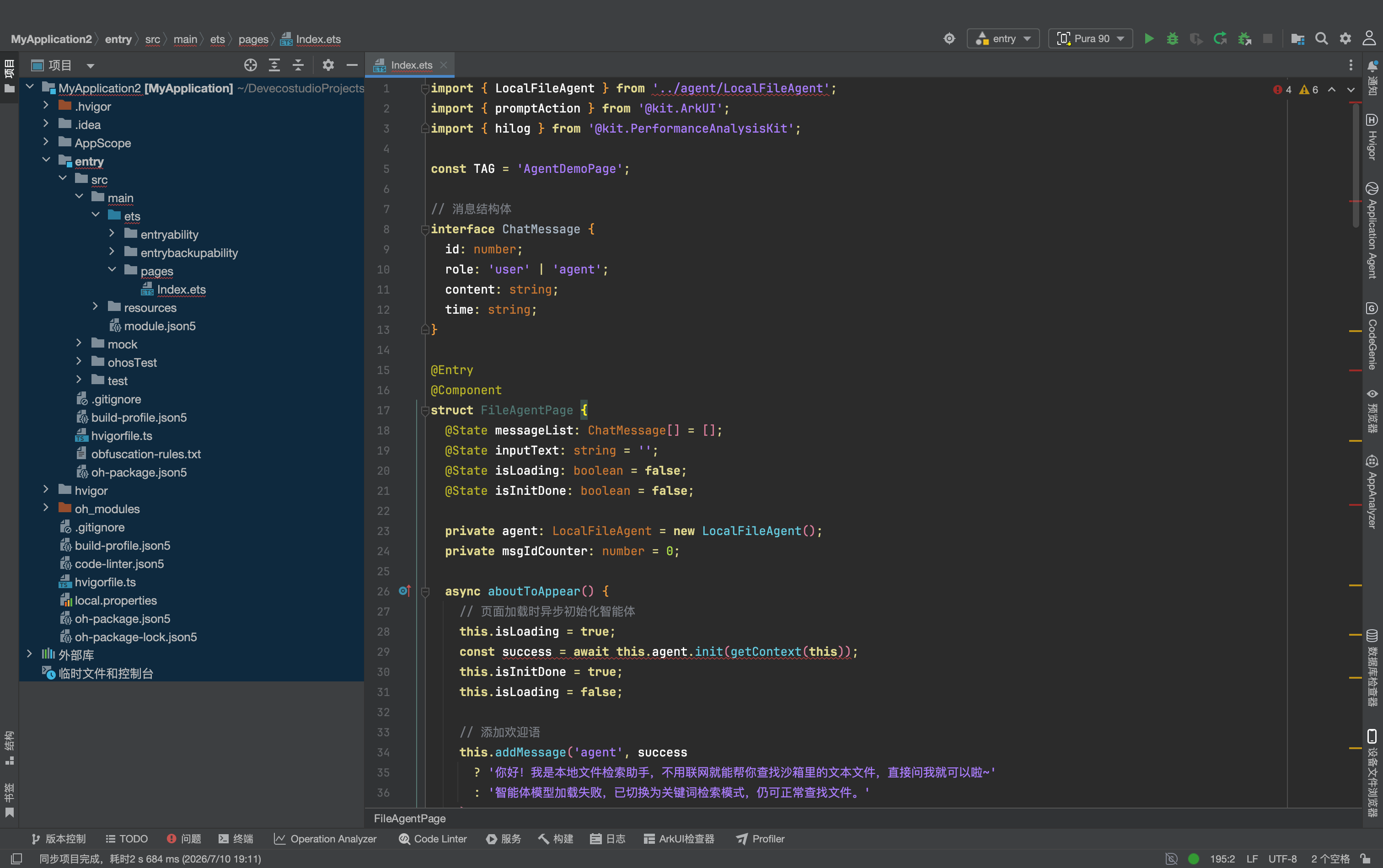
打开 entry/src/main/ets/pages/Index.ets,完整代码如下:
import { LocalFileAgent } from '../agent/LocalFileAgent';
import { promptAction } from '@kit.ArkUI';
import { hilog } from '@kit.PerformanceAnalysisKit';

const TAG = 'AgentDemoPage';

// 消息结构体
interface ChatMessage {
  id: number;
  role: 'user' | 'agent';
  content: string;
  time: string;
}

@Entry
@Component
struct FileAgentPage {
  @State messageList: ChatMessage[] = [];
  @State inputText: string = '';
  @State isLoading: boolean = false;
  @State isInitDone: boolean = false;

  private agent: LocalFileAgent = new LocalFileAgent();
  private msgIdCounter: number = 0;

  async aboutToAppear() {
    // 页面加载时异步初始化智能体
    this.isLoading = true;
    const success = await this.agent.init(getContext(this));
    this.isInitDone = true;
    this.isLoading = false;

    // 添加欢迎语
    this.addMessage('agent', success
      ? '你好!我是本地文件检索助手,不用联网就能帮你查找沙箱里的文本文件,直接问我就可以啦~'
      : '智能体模型加载失败,已切换为关键词检索模式,仍可正常查找文件。'
    );
  }

  aboutToDisappear() {
    // 页面销毁释放模型资源
    this.agent.release();
  }

  /**
   * 添加一条消息
   */
  private addMessage(role: 'user' | 'agent', content: string) {
    const now = new Date();
    const time = `${String(now.getHours()).padStart(2, '0')}:${String(now.getMinutes()).padStart(2, '0')}`;
    this.messageList.push({
      id: this.msgIdCounter++,
      role: role,
      content: content,
      time: time
    });
  }

  /**
   * 发送提问
   */
  async sendMessage() {
    const text = this.inputText.trim();
    if (!text) return;
    if (!this.isInitDone) {
      promptAction.showToast({ message: '智能体初始化中,请稍候' });
      return;
    }

    // 添加用户消息
    this.addMessage('user', text);
    this.inputText = '';
    this.isLoading = true;

    try {
      // 调用智能体获取回答
      const answer = await this.agent.chat(text);
      this.addMessage('agent', answer);
    } catch (err) {
      hilog.error(0x0000, TAG, `提问失败: ${JSON.stringify(err)}`);
      this.addMessage('agent', '抱歉,处理出错了,请稍后再试。');
    } finally {
      this.isLoading = false;
    }
  }

  build() {
    Column() {
      // 顶部标题栏
      Row() {
        Text('离线文件检索智能体')
          .fontSize(18)
          .fontWeight(FontWeight.Medium);
      }
      .width('100%')
      .height(56)
      .backgroundColor('#FFFFFF')
      .justifyContent(FlexAlign.Center)
      .shadow({ radius: 2, color: '#1A000000' });

      // 消息列表
      Scroll() {
        Column({ space: 16 }) {
          ForEach(this.messageList, (msg: ChatMessage) => {
            Row() {
              if (msg.role === 'user') {
                Blank();
                this.buildUserBubble(msg.content, msg.time);
              } else {
                this.buildAgentBubble(msg.content, msg.time);
                Blank();
              }
            }
            .width('100%');
          }, (msg) => msg.id.toString());

          if (this.isLoading) {
            Row() {
              this.buildAgentBubble('正在思考中...', '');
              Blank();
            }
            .width('100%');
          }
        }
        .width('100%')
        .padding(16);
      }
      .layoutWeight(1)
      .backgroundColor('#F5F7FA');

      // 底部输入栏
      Row({ space: 12 }) {
        TextInput({ text: this.inputText, placeholder: '输入你想找的文件内容' })
          .layoutWeight(1)
          .height(44)
          .borderRadius(22)
          .padding({ left: 16, right: 16 })
          .backgroundColor('#FFFFFF')
          .onChange((val) => this.inputText = val)
          .onSubmit(() => this.sendMessage());

        Button('发送')
          .width(72)
          .height(44)
          .borderRadius(22)
          .backgroundColor('#0A59F7')
          .enabled(!this.isLoading)
          .onClick(() => this.sendMessage());
      }
      .width('100%')
      .padding(12)
      .backgroundColor('#FFFFFF');
    }
    .width('100%')
    .height('100%');
  }

  // 用户聊天气泡
  @Builder
  buildUserBubble(content: string, time: string) {
    Column({ space: 4 }) {
      Text(content)
        .fontSize(15)
        .fontColor('#FFFFFF')
        .padding(12)
        .backgroundColor('#0A59F7')
        .borderRadius(12)
        .maxLines(10);
      Text(time)
        .fontSize(11)
        .fontColor('#AAAAAA');
    }
    .alignItems(HorizontalAlign.End);
  }

  // 智能体聊天气泡
  @Builder
  buildAgentBubble(content: string, time: string) {
    Column({ space: 4 }) {
      Text(content)
        .fontSize(15)
        .fontColor('#333333')
        .padding(12)
        .backgroundColor('#FFFFFF')
        .borderRadius(12)
        .maxLines(20);
      if (time) {
        Text(time)
          .fontSize(11)
          .fontColor('#AAAAAA');
      }
    }
    .alignItems(HorizontalAlign.Start);
  }
}
四、运行验证步骤
- 准备测试文件:先在应用沙箱目录放入几个 txt、md 格式的测试文件,内容包含不同的关键词
- 编译运行:将应用安装到支持端侧大模型的鸿蒙设备上
- 初始化验证:进入页面后等待智能体初始化完成,看到欢迎语即加载成功
- 检索测试:输入自然语言提问,比如「帮我找一下包含鸿蒙开发的文件」,智能体会自动提取关键词、检索文件、整理回答
- 离线验证:关闭设备网络,重复上述操作,功能完全正常,验证纯离线可用
五、新手高频踩坑与避坑指南
1. 模型加载失败,提示不支持
- 原因:设备芯片不支持端侧大模型 NPU 加速,或系统未内置对应模型
- 解决:代码已内置降级逻辑,会自动切换为纯关键词检索模式,保证基础功能可用;也可手动切换为轻量版模型降低硬件要求
2. 检索不到文件
- 原因:文件不在应用沙箱内,或文件格式不在支持列表中
- 解决:默认只检索应用私有沙箱内的文本文件;需要访问公共目录需通过 FilePicker 授权后再加入索引
3. 大文件读取卡顿
- 原因:一次性读取全部大文件内容,占用过多内存
- 解决:大文件只读取前 2000 字符建立摘要索引,不读取完整内容,避免内存溢出
4. 页面退出后仍占用资源
- 原因:未释放端侧模型引擎,后台持续占用内存
- 解决:在页面
aboutToDisappear生命周期中调用release()方法,主动卸载模型释放资源
5. 回答质量不符合预期
- 原因:端侧模型参数量有限,复杂指令理解能力弱于云端大模型
- 解决:优化 Prompt 提示词,指令越简单明确效果越好;也可升级使用增强版模型
六、总结与扩展方向
这个离线文件检索智能体,是鸿蒙 Agent 架构最轻量化的实战落地:不用云端服务、不用联网、数据不出设备,就能实现自然语言交互的智能检索。它完整体现了鸿蒙 Agent「意图理解 + 工具调用 + 结果反馈」的核心设计思想,同时兼顾了隐私与可用性。
基于这套基础架构,还可以快速扩展更多能力:
- 更多工具:增加时间戳转换、Base64 编解码等工具,做成全能开发者助手
- 向量检索:接入本地向量数据库,实现语义级文件检索,关键词匹配更精准
- 系统级接入:按照 A2A 协议封装成标准智能体,上架后可被系统小艺直接调用
- 跨设备协同:结合分布式数据能力,实现多设备文件统一检索
对于新手来说,从这个轻量 Demo 入手,既能快速理解 Agent 的核心逻辑,又能熟悉鸿蒙端侧 AI 与文件能力的用法,是非常合适的入门实战。

作为“人工智能6S店”的官方数字引擎,为AI开发者与企业提供一个覆盖软硬件全栈、一站式门户。
更多推荐
 0
0 0
0- 0


 已为社区贡献34条内容

所有评论(0)