
Harmony鸿蒙实战开发-博客新闻app「首页、广场、体系、公众号、我的、登录注册、并可收藏进行查看」【源码在文末】
·
Harmony鸿蒙实战开发-博客新闻app「首页、广场、体系、公众号、我的、登录注册、并可收藏进行查看」【源码在文末】
文章目录
运行工具:DevEco Studio
一、运行演示
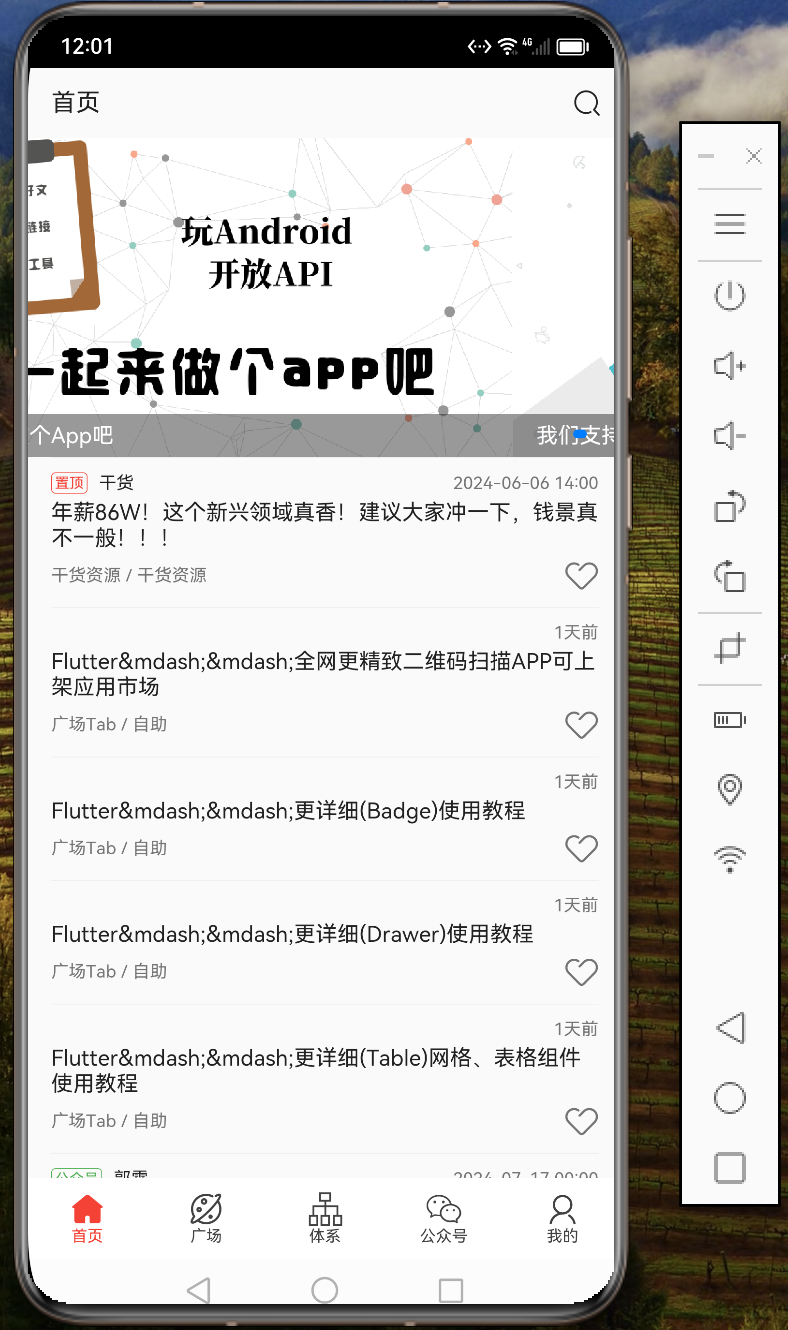
1、首页
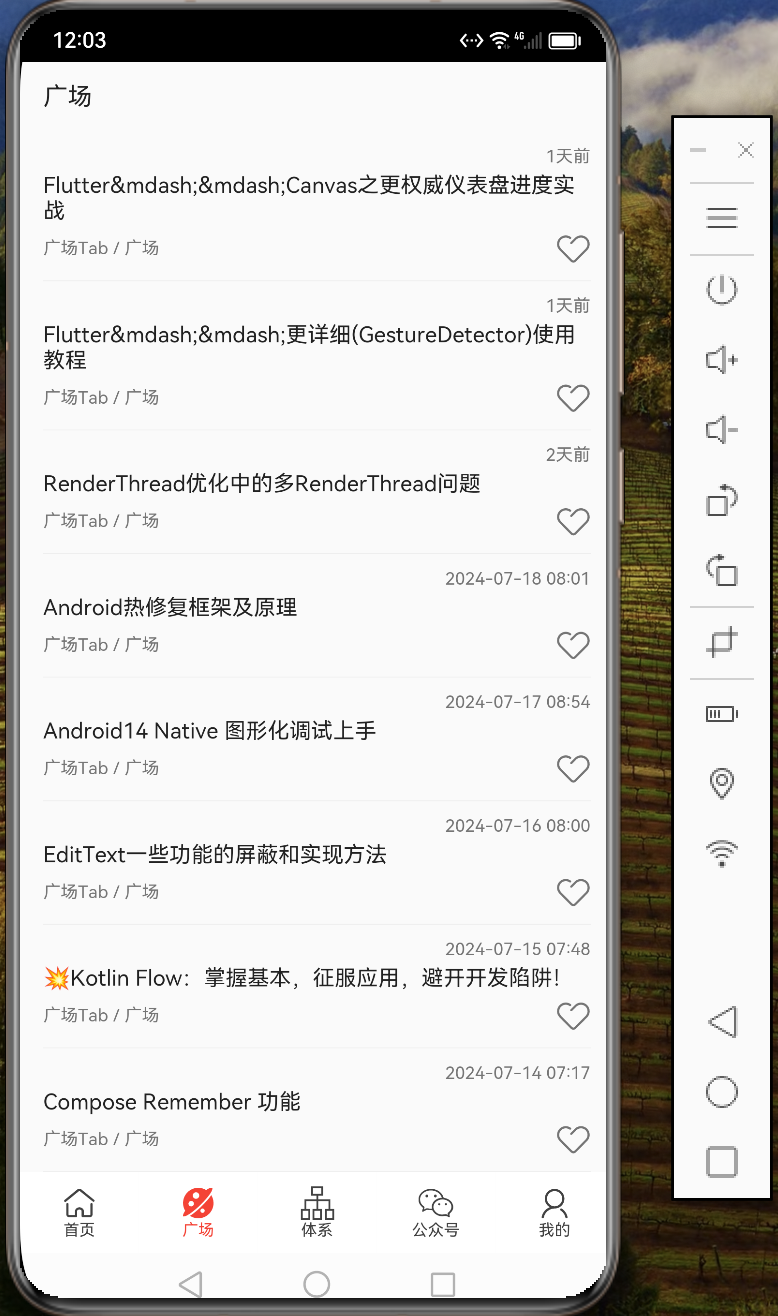
2、广场
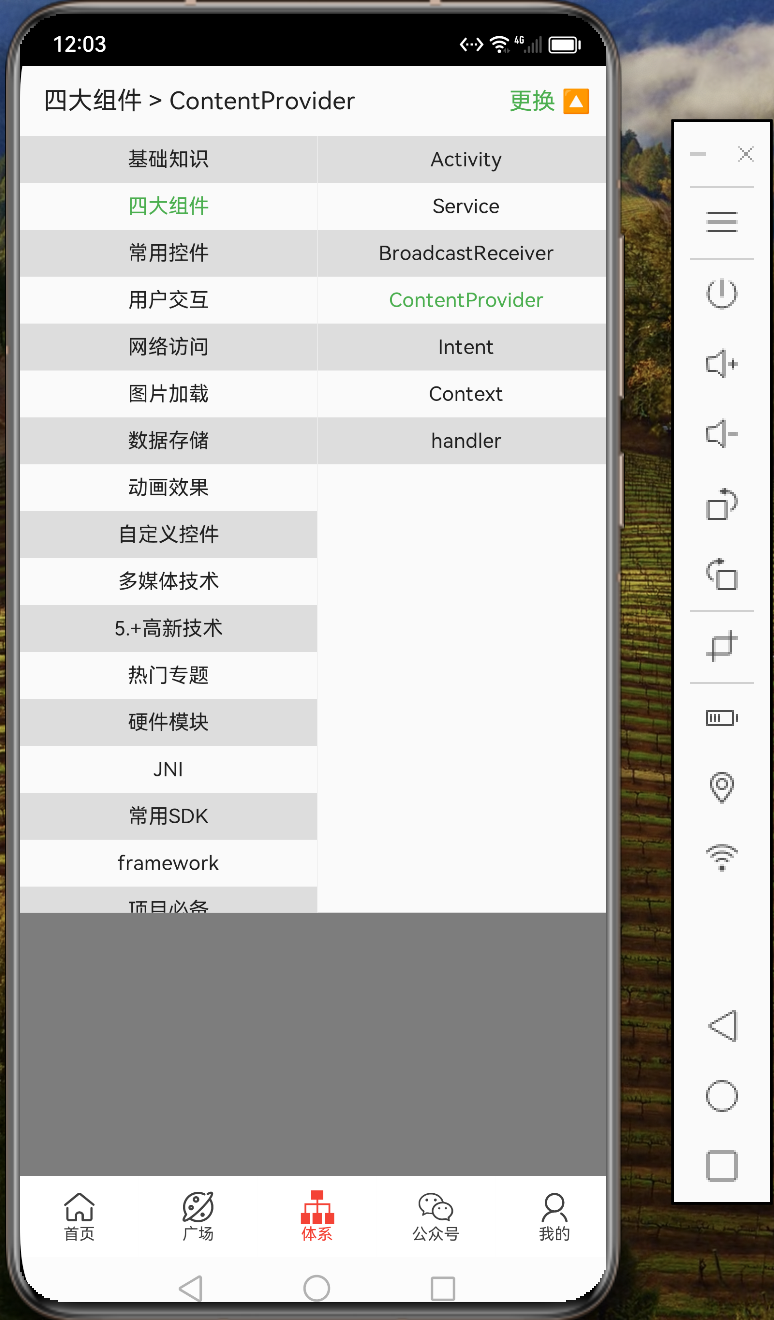
3、体系
4-1、公众号界面
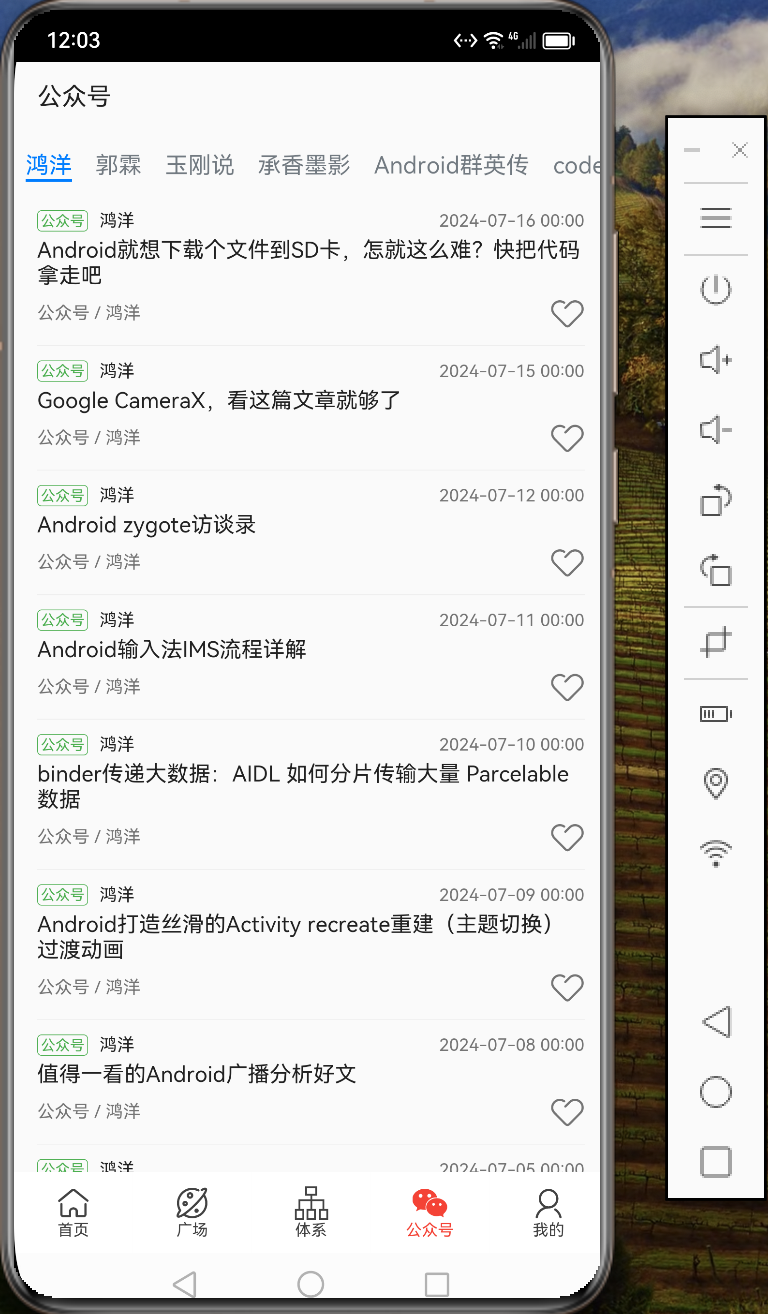
4-2、公众号内容
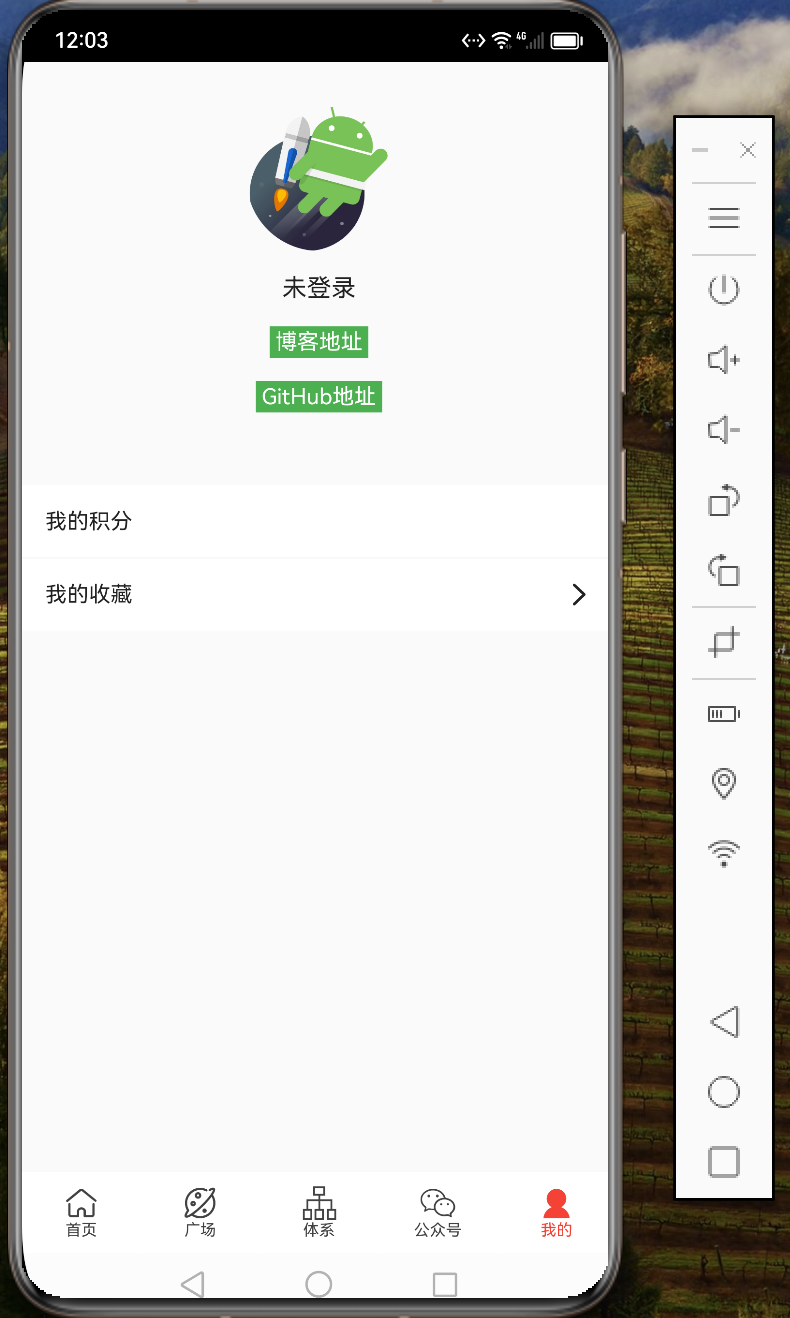
5、我的-未登录
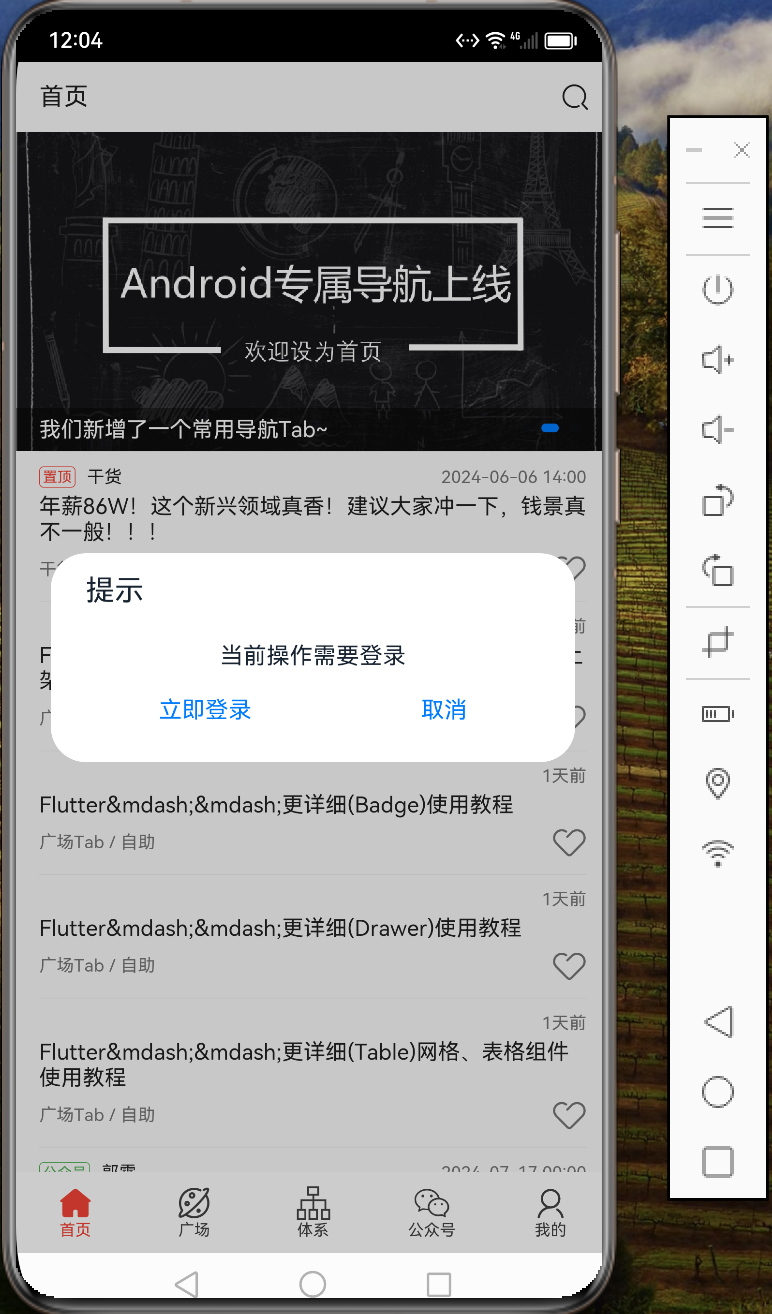
6、登录注册提醒
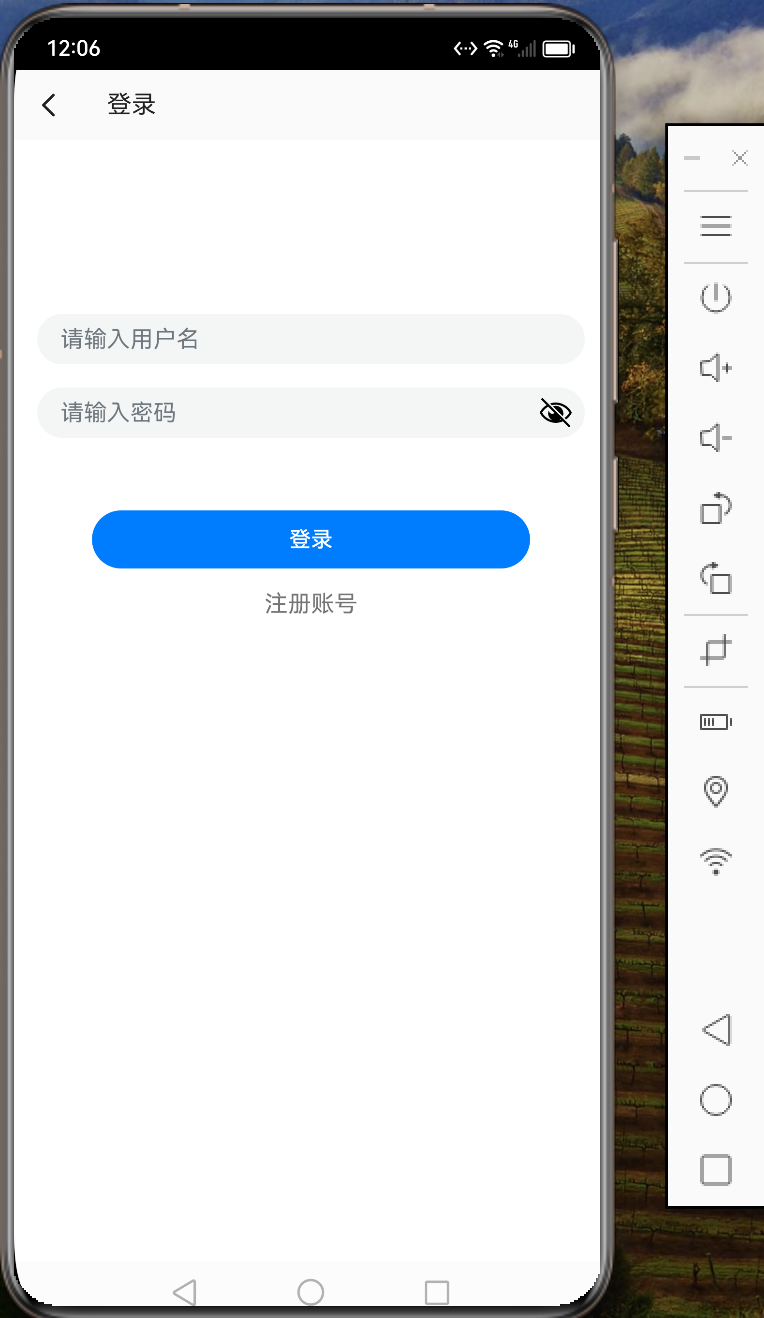
7、登录注册
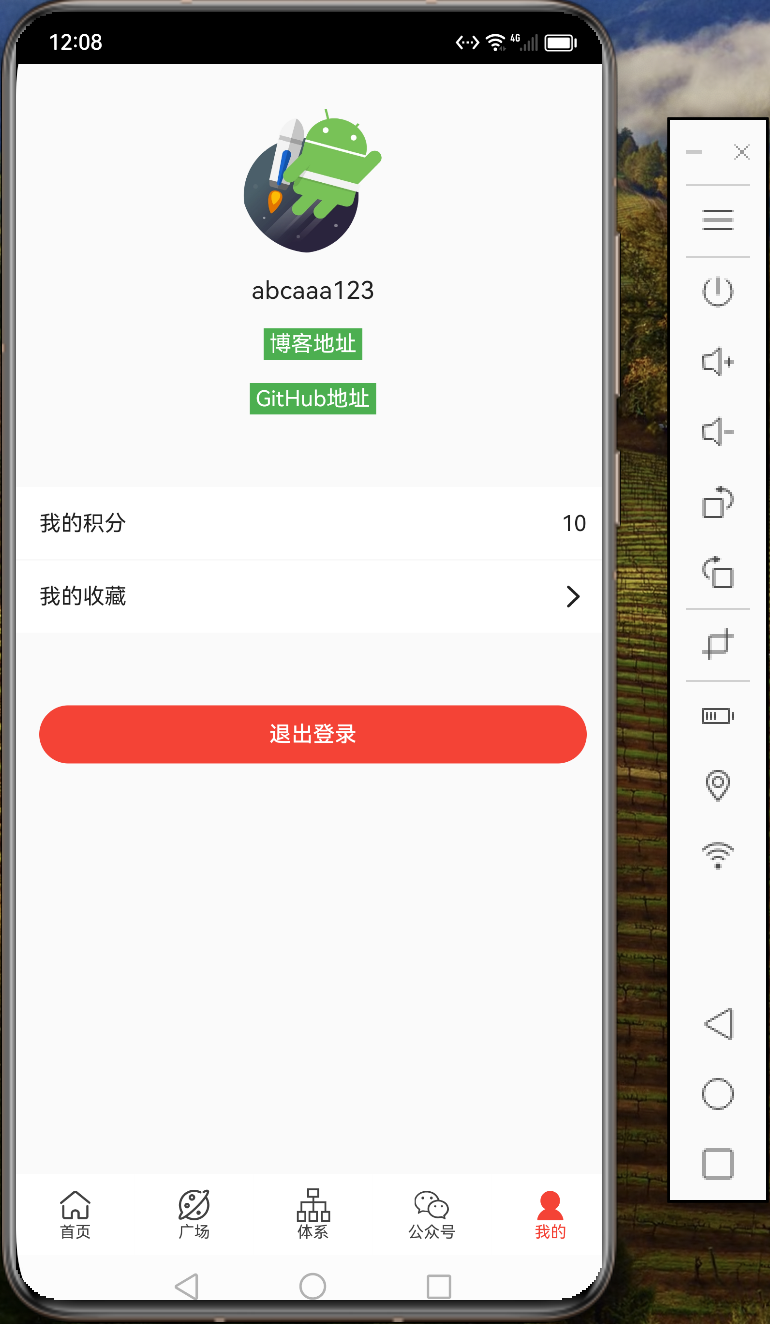
8、我的-登录后
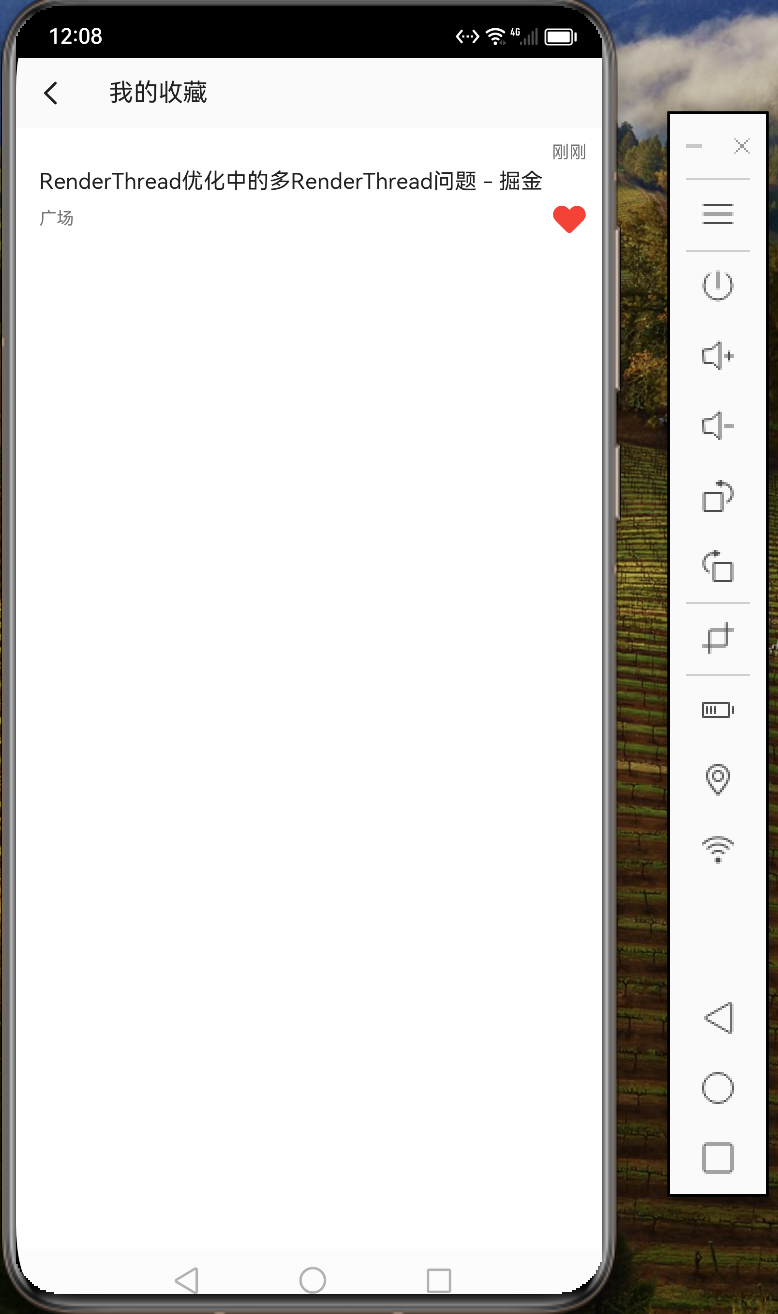
9、收藏内容
二、部分代码
import router from '@ohos.router'
import promptAction from '@ohos.promptAction'
import Api from '../net/Api'
import UserService, { User } from '../service/UserService'
import { LoadState, PageLoading } from '../widget/PageLoading'
import { TitleLayout } from '../widget/TitleLayout'

class UserInfo {
  name: string
  level: string
  rank: string
  point: string
}

@Component
export struct Mine {
  @State loadState: LoadState = LoadState.SUCCESS;
  @State showLoading: boolean = false;
  @State title: string = "";
  private unLoginInfo: UserInfo = {
    name: "未登录",
    level: "",
    rank: "",
    point: ""
  }
  @State userInfo: UserInfo = this.unLoginInfo;
  @State isLogin: boolean = false;
  private userObserver = (user?: User) => {
    if (user) {
      this.isLogin = true;
      this.userInfo = {
        name: user.nickname,
        level: user.level,
        rank: user.rank,
        point: user.coinCount.toString()
      }
    } else {
      this.isLogin = false;
      this.userInfo = this.unLoginInfo
    }
  }

  aboutToAppear() {
    UserService.get().addUserObserver(this.userObserver);
    let user = UserService.get().getUser();
    this.userObserver(user);
  }

  aboutToDisappear() {
    UserService.get().removeUserObserver(this.userObserver);
  }

  clickUrl(
    url: string
  ) {
    router.pushUrl({
      url: 'pages/WebPage',
      params: {
        url: url
      }
    });
  }

  async logout() {
    let res = await promptAction.showDialog({
      title: "提示",
      message: "确认退出登录?",
      buttons: [
        {
          text: "确认",
          color: $r("app.color.main")
        },
        {
          text: "取消",
          color: $r("app.color.text_h2")
        }
      ]
    })
    if (res.index === 0) {
      await Api.get().logout();
      UserService.get().clearUser();
    }
  }

  build() {
    PageLoading({
      loadState: $loadState,
      showLoading: $showLoading
    }) {
      Column() {
        TitleLayout({
          title: $title,
          isJustShowStatusBar: true
        })
        Column() {
          Image($r("app.media.icon_fly"))
            .objectFit(ImageFit.Cover)
            .clip(new Circle({ width: 100, height: 100 }))
              // .borderWidth(20)
              // .borderColor(Color.Gray)
              // .borderRadius(20)
            .width(100)
            .height(100)


          Text(this.userInfo.name)
            .fontColor($r("app.color.text_h1"))
            .fontSize(17)
            .margin({ top: 16 })
          Row({ space: 5 }) {
            Text("LV" + this.userInfo.level)
              .fontColor($r("app.color.white"))
              .fontSize(15)
              .backgroundColor($r("app.color.green"))
              .padding({ left: 4, top: 2, right: 4, bottom: 2 })
            Text("排名" + this.userInfo.rank)
              .fontColor($r("app.color.white"))
              .fontSize(15)
              .backgroundColor($r("app.color.blue"))
              .padding({ left: 4, top: 2, right: 4, bottom: 2 })
          }
          .margin({ top: 16 }).visibility(Visibility.None)

          Row({ space: 5 }) {
            Text("博客地址")
              .fontColor($r("app.color.white"))
              .fontSize(15)
              .backgroundColor($r("app.color.green"))
              .padding({ left: 4, top: 2, right: 4, bottom: 2 })

            //Text("Ddup" + this.userInfo.rank)
              //.fontColor($r("app.color.white"))
              //.fontSize(15)
              //.backgroundColor($r("app.color.blue"))
              //.padding({ left: 4, top: 2, right: 4, bottom: 2 })
          }
          .onClick(() => this.clickUrl('https://blog.csdn.net/m0_63324772'))
          .margin({ top: 16 })

          Row({ space: 5 }) {
            Text("GitHub地址")
              .fontColor($r("app.color.white"))
              .fontSize(15)
              .backgroundColor($r("app.color.green"))
              .padding({ left: 4, top: 2, right: 4, bottom: 2 })

            //Text("androideoe" + this.userInfo.rank)
              //.fontColor($r("app.color.white"))
              //.fontSize(15)
              //.backgroundColor($r("app.color.blue"))
              //.padding({ left: 4, top: 2, right: 4, bottom: 2 })
          }
          .onClick(() => this.clickUrl('https://blog.csdn.net/m0_63324772'))
          .margin({ top: 16 })
        }
        .margin({ top: 30 })
        .alignItems(HorizontalAlign.Center)
        .onClick((e) => {
          UserService.get().checkLogin()
        })

        Row() {
          Text("我的积分")
            .layoutWeight(1)
            .fontSize(15)
            .fontColor($r("app.color.text_h1"))
          Text(this.userInfo.point)
            .fontSize(15)
            .fontColor($r("app.color.text_h1"))
        }
        .width('100%')
        .height(50)
        .margin({ top: 50 })
        .alignItems(VerticalAlign.Center)
        .padding({ left: 16, right: 16 })
        .backgroundColor($r("app.color.white"))
        .onClick((e) => {
          UserService.get().checkLogin()
        })

        Row()
          .width('100%')
          .height(0.5)
          .backgroundColor($r("app.color.divider"))
        Row() {
          Text("我的收藏")
            .layoutWeight(1)
            .fontSize(15)
            .fontColor($r("app.color.text_h1"))
          Image($r("app.media.ic_arrow_right"))
            .fillColor($r("app.color.text_h1"))
            .width(20)
            .height(20)
        }
        .width('100%')
        .height(50)
        .alignItems(VerticalAlign.Center)
        .padding({ left: 16, right: 16 })
        .backgroundColor($r("app.color.white"))
        .onClick((event) => {
          UserService.get().checkLogin(() => {
            router.pushUrl({ url: "pages/CollectList" })
          })
        })

        if (this.isLogin) {
          Column() {
            Button("退出登录", {
              type: ButtonType.Capsule
            })
              .width('100%')
              .fontSize(15)
              .fontColor($r("app.color.white"))
              .backgroundColor($r("app.color.red"))
              .onClick((e) => {
                this.logout();
              })
          }
          .width('100%')
          .margin({ top: 50 })
          .padding({ left: 16, right: 16 })
        }
      }
      .width('100%')
      .height('100%')
    }
  }
}
三、源码

通过百度网盘分享的文件:…zip 链接:百度网盘 请输入提取码
文件已经加密,请点击下方名片获取源码
或:Lvnvn0508

作为“人工智能6S店”的官方数字引擎,为AI开发者与企业提供一个覆盖软硬件全栈、一站式门户。
更多推荐

 6
6 0
0- 0


 已为社区贡献27条内容

所有评论(0)