
鸿蒙国际化货币-旅行记账本 — 技术实现篇
·
一、业务需求(为什么这么设计)
环球旅行者记一笔账:巴黎的咖啡 €4.5,东京的地铁票 ¥860,伦敦的酒店 £180——每笔钱都是不同币种。旅行者想回答的问题是"我这次旅行总共花了多少(人民币)"。这需要:
- 每笔消费用当地币种记录(原币),保持真实性;
- 按参考汇率折算成本国货币(本币),用于汇总;
- 金额展示必须符合用户语言习惯:¥/€/$ 符号位置、千分位、小数位。
二、总体架构
┌─ 数据层:CURRENCIES(币种+汇率表)+ BILLS(消费记录,原币金额)
├─ 换算层:toCny() 原币 → 本币(参考汇率)
├─ 格式化层:fmtMoney()(currency 风格)/ fmtRate() / fmtMoneyDisp()
└─ 状态层:@StorageLink 语言 + @State convertIdx / convertAmount
核心设计:记账记原币,汇总折本币。BILLS 里每条记录只有 { currency, amount }——不存折算结果,因为汇率会变,折算永远是"展示时计算"。
数据模型:币种表与账单表
币种表把"汇率"建模为 rateToCny(1 单位外币 = ? 元人民币),这是折算的核心数据:
interface Currency {
  code: string;       // ISO-4217
  name: string;       // 显示名
  flag: string;
  rateToCny: number;  // 1 单位外币 = ? 元人民币
}

const CURRENCIES: Currency[] = [
  { code: 'CNY', name: '人民币', flag: '🇨🇳', rateToCny: 1 },
  { code: 'USD', name: '美元', flag: '🇺🇸', rateToCny: 7.2 },
  { code: 'EUR', name: '欧元', flag: '🇪🇺', rateToCny: 7.85 },
  { code: 'JPY', name: '日元', flag: '🇯🇵', rateToCny: 0.048 },
  { code: 'GBP', name: '英镑', flag: '🇬🇧', rateToCny: 9.15 },
  { code: 'INR', name: '印度卢比', flag: '🇮🇳', rateToCny: 0.086 }
];
设计要点:
code用 ISO-4217 标准代码(USD/EUR/JPY…),这是NumberFormat能识别的唯一标识——不要自造$/元之类的别名;rateToCny以"1 单位外币 = ? 本币"定义,统一换算方向,避免一半表写"1 CNY = ? USD"、一半反过来的混乱;flag装饰字段:币种名会随语言翻译(人民币 → Chinese Yuan),国旗不翻译,锚定视觉;- 汇率是参考值:演示场景固定值,真实产品从服务端拉取并缓存,且要标注汇率时效(见场景篇)。
账单表只存原币,不存折算结果——这是与"全本币记账"方案的本质区别:
interface Bill {
  id: string;
  desc: string;
  currency: string;
  amount: number;
}

const BILLS: Bill[] = [
  { id: 'b1', desc: '咖啡 · 巴黎左岸', currency: 'EUR', amount: 4.5 },
  { id: 'b2', desc: '地铁一日票 · 东京', currency: 'JPY', amount: 860 },
  { id: 'b3', desc: '酒店 · 伦敦两晚', currency: 'GBP', amount: 180 },
  { id: 'b4', desc: '博物馆门票 · 纽约', currency: 'USD', amount: 28 },
  { id: 'b5', desc: '街头小吃 · 孟买', currency: 'INR', amount: 320 },
  { id: 'b6', desc: '机场快线 · 上海', currency: 'CNY', amount: 30 }
];
要点:
amount是原币金额:€4.5 就记 4.5,不提前折算——保持事实,汇率更新后历史账目可随时重算;desc是纯文案(含地名),不参与任何计算;- 6 笔账覆盖 6 种币种:欧洲(EUR/GBP)、亚洲(JPY/CNY/INR)、北美(USD),体现"环球消费"的业务设定。
三、核心实现
3.1 货币格式化(本应用核心)
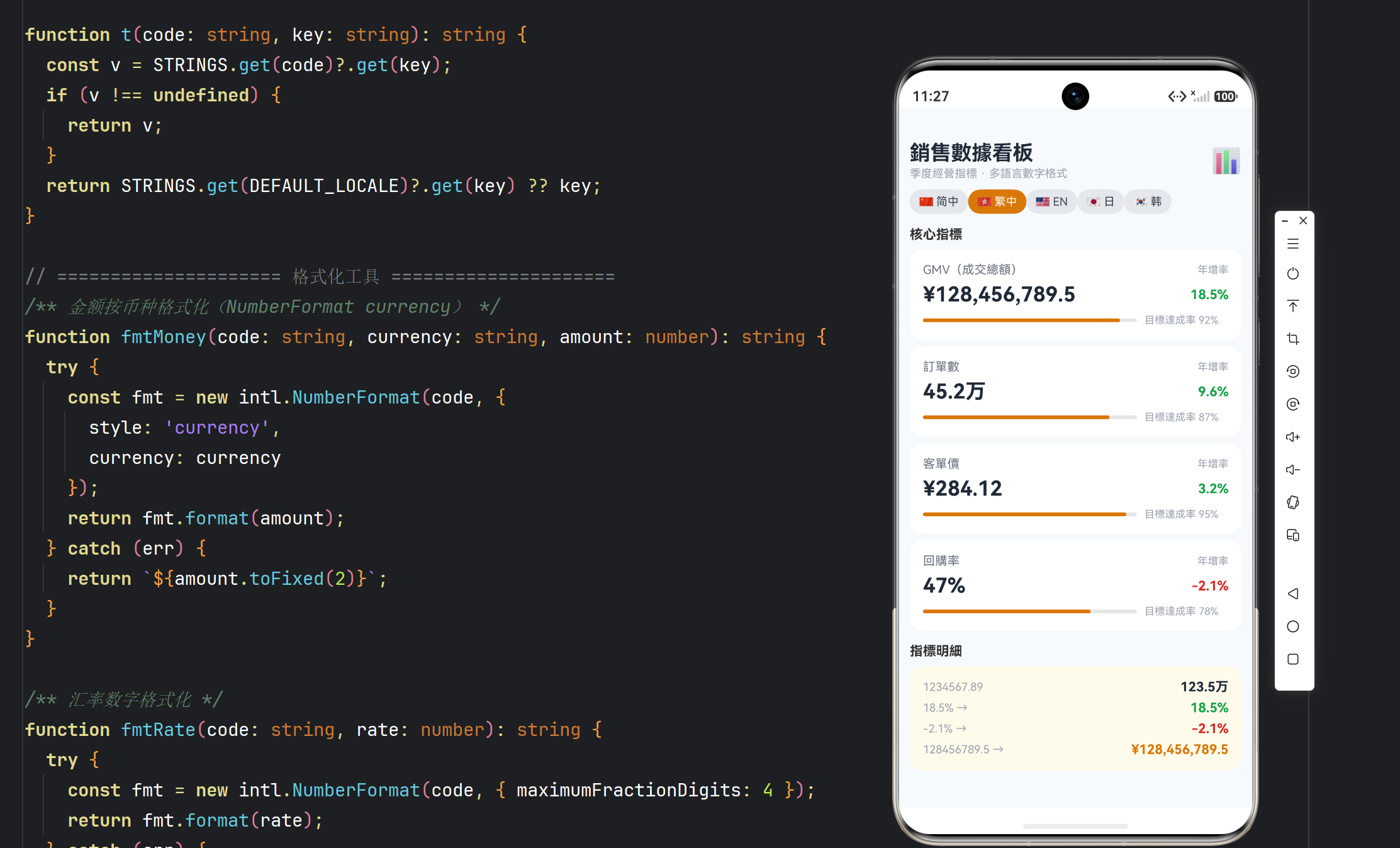
function fmtMoney(code: string, currency: string, amount: number): string {
  try {
    const fmt = new intl.NumberFormat(code, {
      style: 'currency',
      currency: currency      // ISO-4217 代码
    });
    return fmt.format(amount);
  } catch (err) {
    return `${amount.toFixed(2)}`;
  }
}
style: 'currency' 自动处理所有细节:
| 币种 | locale=zh_CN | locale=en_US | locale=ja_JP |
|---|---|---|---|
| USD | US$1,299.00 | $1,299.00 | $1,299.00 |
| JPY | JP¥1,299 | ¥1,299 | ¥1,299 |
| EUR | €1,299.00 | €1,299.00 | €1,299.00 |
要点:
- 货币符号随 locale 变:中文界面看美元是
US$(区分加元/澳元),英文界面是$; - 小数位随币种变:JPY 默认 0 位(日元无角分),CNY/USD/EUR 默认 2 位——不需要手动判断;
- 千分位随 locale 变:德语的
1.299,00与英文的1,299.00由 locale 决定。
3.2 汇率换算
function toCny(bill: Bill): number {
  const cur = CURRENCIES.find((c: Currency) => c.code === bill.currency);
  const rate = cur !== undefined ? cur.rateToCny : 1;
  return bill.amount * rate;
}
- 汇率是参考值(演示用固定值),真实产品应从服务端拉实时汇率并缓存;
- 折算结果不落库——展示时算,汇率更新后历史数据自动重算。
3.3 货币样式对比(currencyDisplay)
function fmtMoneyDisp(code: string, display: string): string {
  const fmt = new intl.NumberFormat(code, {
    style: 'currency', currency: 'USD',
    currencyDisplay: display as 'symbol'
  });
  return fmt.format(1234.5);
}
// symbol: $1,234.50
// code:   USD 1,234.50
// name:   1,234.50 US dollars
三种形态对应不同场景:symbol 界面展示、code 严谨对账、name 语音播报/无障碍。
3.4 旅行汇总
private totalCny(): number {
  let sum = 0;
  BILLS.forEach((b: Bill) => { sum += toCny(b); });
  return sum;
}

private fmtTotal(): string {
  return fmtMoney(this.currentLocale, HOME_CURRENCY, this.totalCny());
}
6 笔不同币种的消费合并成一个人民币总额,用 fmtMoney(locale, 'CNY', total) 格式化。
四、文案与降级
同系列标准方案:STRINGS 文案表 + t() 三级降级,5 种语言。换算器的金额步进按钮(−100/+100)与 convertAmount 状态联动,实时重算展示:
Button('−100').fontSize(12).backgroundColor('#E5E7EB').fontColor('#1F2937')
  .onClick(() => { this.convertAmount = Math.max(1, this.convertAmount - 100); })
Text(`${this.convertAmount}`).fontSize(18).fontWeight(FontWeight.Bold).width('60').textAlign(TextAlign.Center)
Button('+100').fontSize(12).backgroundColor('#E5E7EB').fontColor('#1F2937')
  .onClick(() => { this.convertAmount += 100; })
五、ArkTS 兼容要点
currencyDisplay的取值('symbol' | 'code' | 'name')传入时用as 'symbol'断言适配 SDK 类型;- UI 分支内不声明
const——换算器的当前币种对象抽成convertCur()方法; ForEachkey:账单b.id,币种c.code;- 所有
intl调用 try/catch 兜底; - 汇率表
CURRENCIES的rateToCny用 number,金额运算注意浮点——本应用金额是展示数据(非金融计算),可直接乘;金融场景必须用整数分(见应用 13)。
六、性能与扩展
- 每次
fmtMoney()新建NumberFormat:账单 6 条 + 换算器 2 处 ≈ 8 次/渲染,可接受;长列表应缓存locale+currency → fmt; - 真实产品扩展:实时汇率 API + 缓存过期策略、历史汇率快照(发票追溯)、多币种钱包、汇率波动提醒。

作为“人工智能6S店”的官方数字引擎,为AI开发者与企业提供一个覆盖软硬件全栈、一站式门户。
更多推荐


 7
7 0
0- 0


 已为社区贡献74条内容

所有评论(0)