
鸿蒙开发中@Prop与@State的数据流陷阱
踩坑记录11:@Prop 与 @State 的数据流陷阱 是 HarmonyOS 开发中的核心知识点之一。理解它不仅能让你的代码更健壮,还能帮助你建立正确的架构思维。本文基于真实项目的实践经验,提供了一套经过验证的最佳实践方案。
·
踩坑记录11:@Prop与@State的数据流陷阱
阅读时长:10分钟 | 难度等级:中级 | 适用版本:HarmonyOS NEXT (API 12+)
关键词:@Prop、@State、数据流、单向/双向绑定
声明:本文基于真实项目开发经历编写,所有代码片段均来自实际踩坑场景。
欢迎加入开源鸿蒙PC社区:https://harmonypc.csdn.net/
项目 Git 仓库:https://atomgit.com/Dgr111-space/HarmonyOS
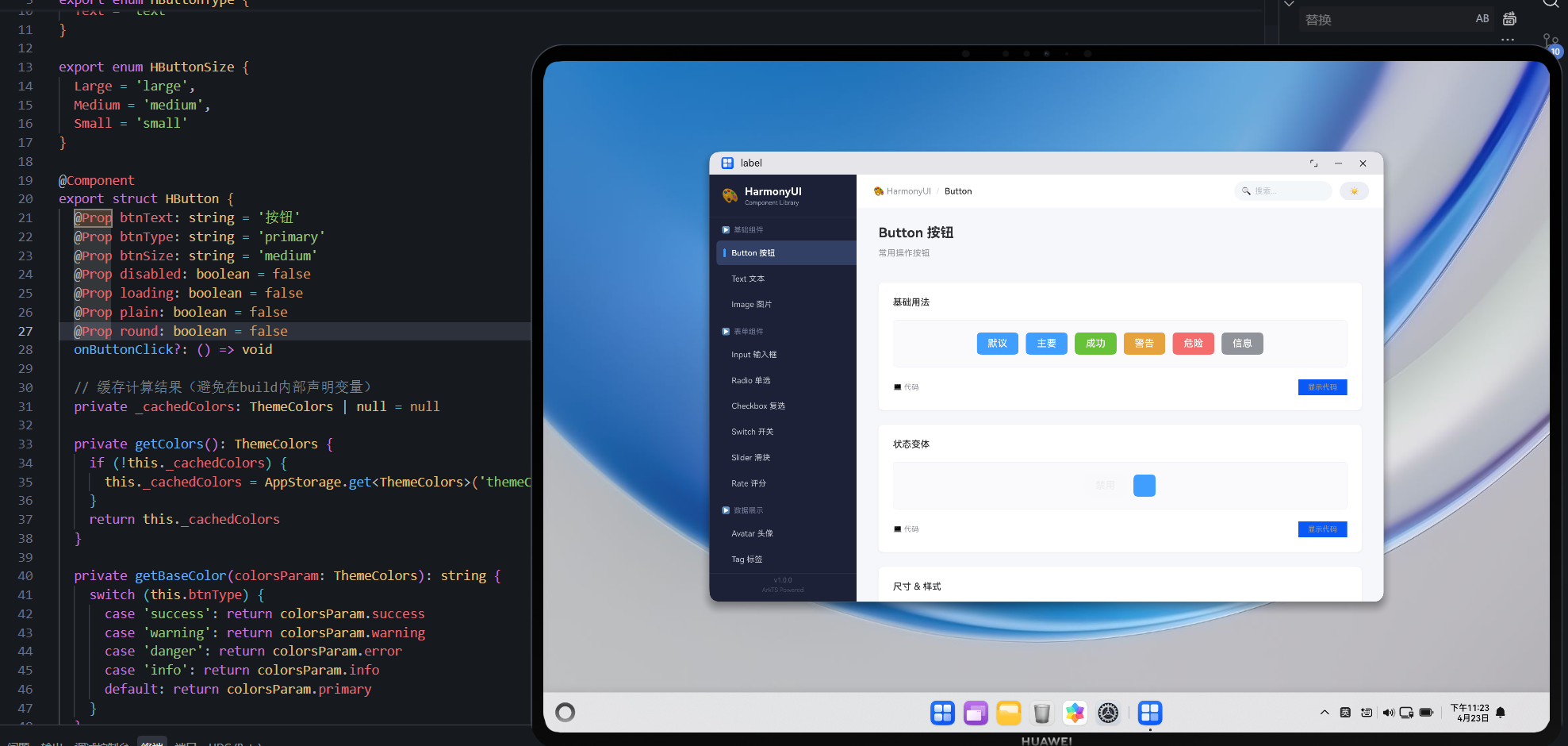
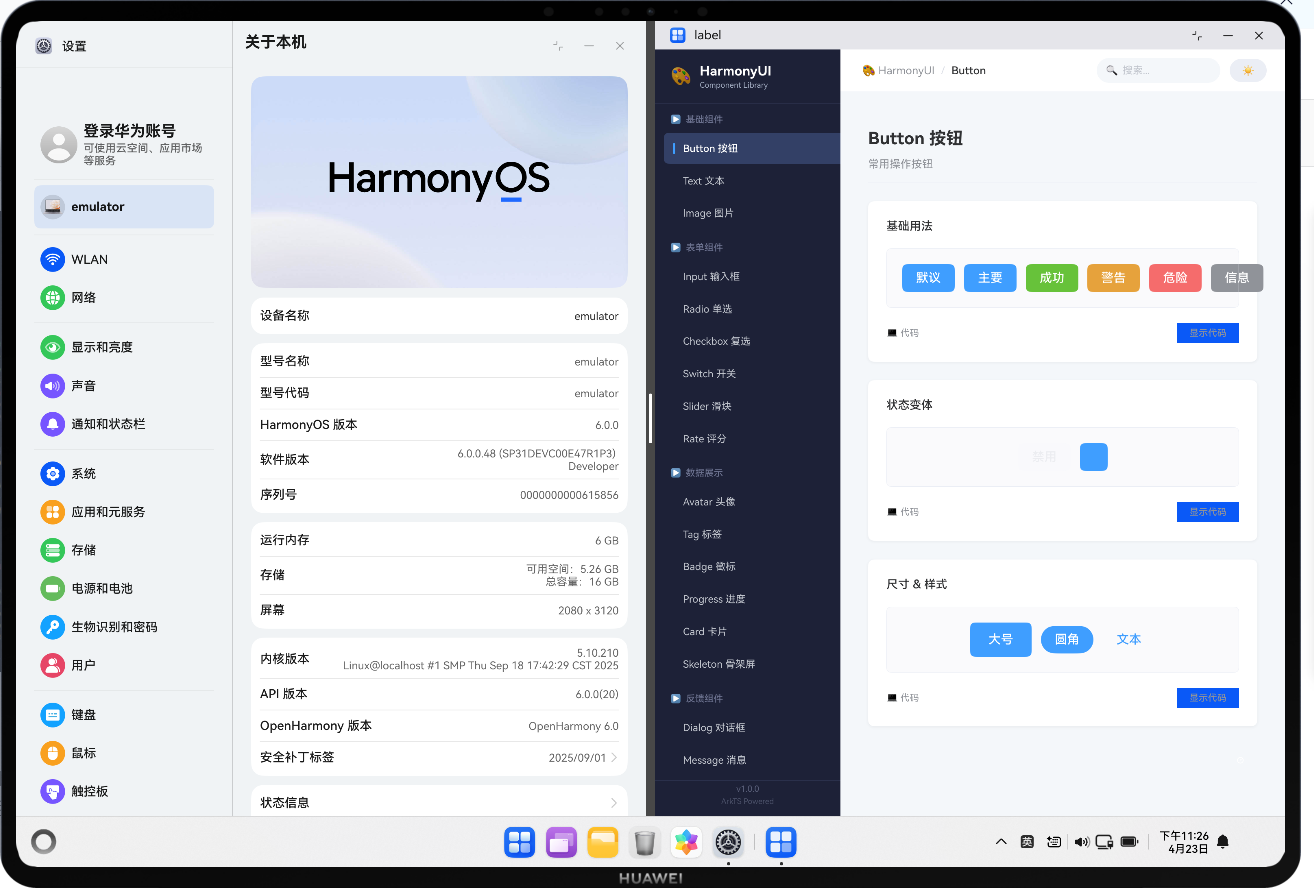
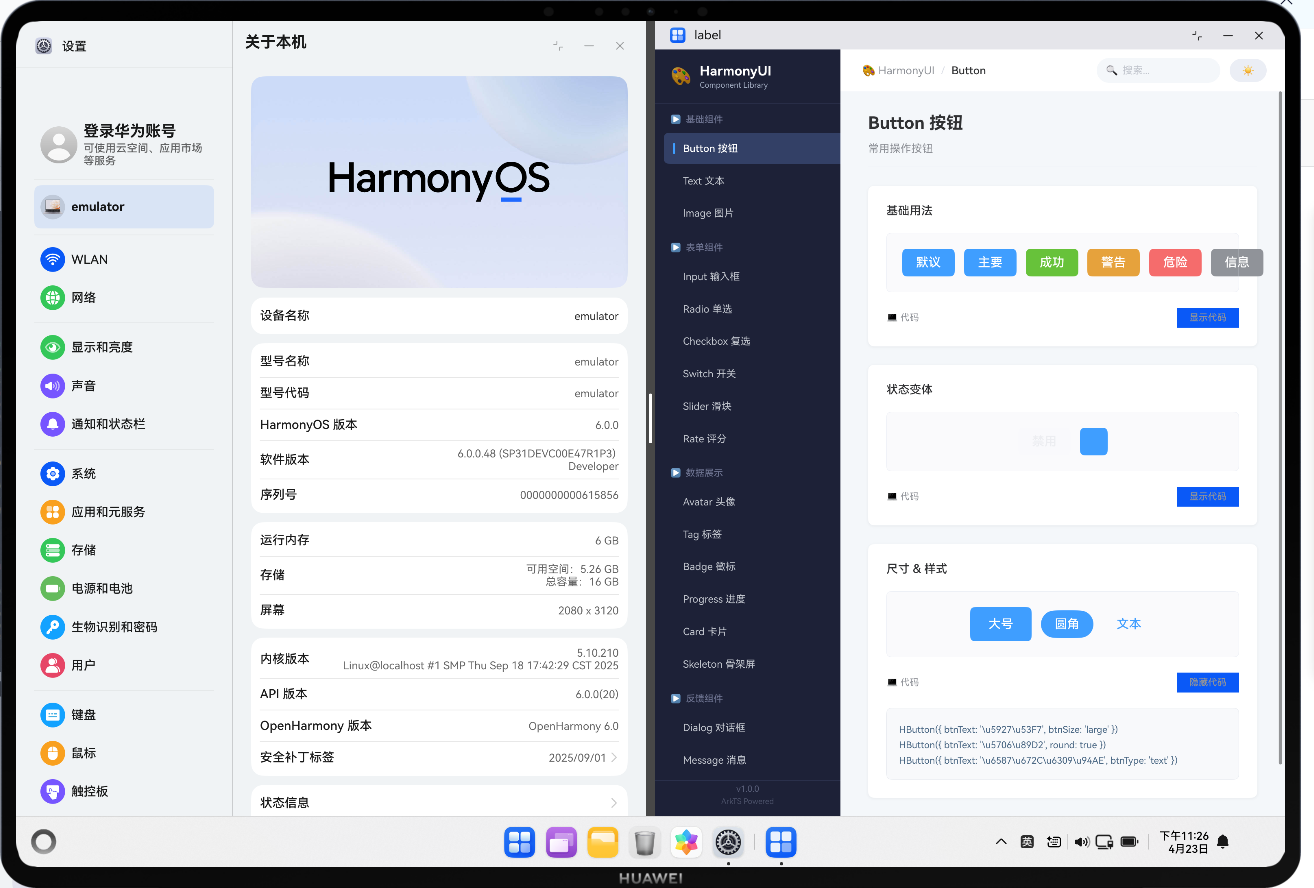
📖 前言导读
踩坑记录11:@Prop 与 @State 的数据流陷阱 是 HarmonyOS 开发中的核心知识点之一。理解它不仅能让你的代码更健壮,还能帮助你建立正确的架构思维。本文基于真实项目的实践经验,提供了一套经过验证的最佳实践方案。
踩坑记录11:@Prop 与 @State 的数据流陷阱
严重程度:⭐⭐⭐ | 发生频率:高
涉及模块:ArkTS 状态管理、父子组件通信
一、问题现象
父组件修改了 @Prop 传递的值,子组件的 UI 没有更新;或者子组件修改后父组件没有收到通知。
二、常见错误模式
// ❌ 错误:试图在子组件中直接修改 @Prop
@Component
struct ChildComponent {
  @Prop count: number = 0

  increment() {
    this.count++  // ⚠️ 编译通过但行为异常
  }
}

// ❌ 错误:@Prop 是单向数据流,修改不会回传父组件
@Entry
struct Parent {
  @State count: number = 0

  build() {
    Column() {
      ChildComponent({ count: this.count })
      Button('父组件打印')
        .onClick(() => { console.log(`${this.count}`) })  // 永远是初始值
    }
  }
}
三、根因分析
| 装饰器 | 方向 | 修改权限 | 适用场景 |
|---|---|---|---|
@State |
内部状态 | 可读写 | 组件自身状态 |
@Prop |
父 → 子(单向) | 子组件可改本地副本 | 纯展示/受控组件 |
@Link |
父 ↔ 子(双向) | 任一方修改同步 | 表单控件 |
@Provide/@Consume |
跨层级注入 | 消费者只读或读写 | 全局主题等 |
四、正确用法
场景一:纯展示组件用 @Prop
@Component
export struct HText {
  @Prop textContent: string = ''
  @Prop fontSizeNum: number = 14
  @Prop fontColorVal: string = '#333333'

  build() {
    Text(this.textContent)
      .fontSize(this.fontSizeNum)
      .fontColor(this.fontColorVal)
  }
}

// 使用
HText({ textContent: '标题', fontSizeNum: 18, fontColorVal: '#000' })
场景二:需要双向绑定时用 @Link
@Component
export struct HInput {
  @Link inputValue: string   // 双向绑定
  placeholderText: string = ''

  build() {
    TextInput({ text: this.inputValue, placeholder: this.placeholderText })
      .onChange((value) => {
        this.inputValue = value  // ✅ 自动同步到父组件
      })
  }
}

// 使用
@State searchText: string = ''
HInput({ inputValue: $searchText })  // $ 表示传递引用
场景三:跨层级的主题共享
// 顶层提供者
@Entry
@Provide('themeColors') themeColors: ThemeColors = new ThemeColors()

// 任意深层消费者
@Component
struct DeepChild {
  @Consume('themeColors') colors: ThemeColors

  build() {
    Text(' themed text').fontColor(this.colors.primary)
  }
}
五、本项目中的实际案例
// HSlider 组件 - 使用 @Prop 接收值,回调通知变化
@Component
export struct HSlider {
  @Prop sliderValue: number = 0       // 单向接收当前值
  onSliderChange?: (value: number) => void  // 回调函数通知父组件

  build() {
    Slider({ value: this.sliderValue, ... })
      .onChange((value) => {
        if (this.onSliderChange) {
          this.onSliderChange(value)  // 通过回调通知,而非直接修改 Prop
        }
      })
  }
}

// 父组件使用
@State volume: number = 50
HSlider({ sliderValue: this.volume, onSliderChange: (v) => { this.volume = v } })
六、决策流程图
参考资源与延伸阅读
官方文档
> 系列导航:本文是「HarmonyOS 开发踩坑记录」系列的第 11 篇。该系列共 30 篇,涵盖 ArkTS 语法、组件开发、状态管理、网络请求、数据库、多端适配等全方位实战经验。
工具与资源### 工具与资源
- DevEco Studio 官方下载 — HarmonyOS 官方IDE
- HarmonyOS 开发者社区 — 技术问答与经验分享
👇 如果这篇对你有帮助,欢迎点赞、收藏、评论!
你的支持是我持续输出高质量技术内容的动力 💪

作为“人工智能6S店”的官方数字引擎,为AI开发者与企业提供一个覆盖软硬件全栈、一站式门户。
更多推荐
 0
0 0
0- 0



 已为社区贡献16条内容

所有评论(0)