
从入门小白到精通,玩转React Native鸿蒙跨平台开发:VirtualizedList虚拟化有限的渲染窗口(针对大数据列表)
摘要 React Native中的VirtualizedList是FlatList和SectionList的底层实现,通过虚拟化技术优化长列表性能,仅渲染可见区域元素。View组件是基础布局容器,支持Flexbox样式,用于构建UI结构。示例代码展示了如何结合使用VirtualizedList和View组件:创建虚拟化列表、定义列表项组件、添加样式和交互功能。VirtualizedList通过ge
VirtualizedList
FlatList和SectionList的底层实现,这两个组件使用起来更方便,同时也有相对更详细的文档。一般来说,仅当你需要比 FlatList 更高的灵活性(比如说在使用 immutable data 而不是普通数组)的时候,你才应该考虑使用 VirtualizedList。
虚拟化通过维护一个有限的渲染窗口(其中包含可见的元素),并将渲染窗口之外的元素全部用合适的定长空白空间代替的方式,极大的改善了内存消耗以及在有大量数据情况下的使用性能。这个渲染窗口能响应滚动行为。当一个元素离可视区太远时,它就有一个较低优先级;否则就获得一个较高的优先级。渲染窗口通过这种方式逐步渲染其中的元素(在进行了任何交互之后),以尽量减少出现空白区域的可能性。
注意事项:
-
当内容滚动出渲染窗口外时,内部状态不会被保留。请确保你的所有数据都在项目数据或外部存储(如 Flux、Redux 或 Relay)中捕获。
这是一个 PureComponent,这意味着如果 props 在浅比较中相等,它就不会重新渲染。请确保你的 renderItem 函数依赖的所有内容都作为在更新后不为 === 的 prop(例如 extraData)传递,否则你的 UI 可能不会在更改时更新。这包括 data prop 和父组件状态。 -
为了限制内存并实现流畅滚动,内容会在屏幕外异步渲染。这意味着可能滚动得比填充速度更快,并短暂地看到空白内容。这是一个可以调整以适应每个应用需求的权衡,我们正在幕后努力改进它。
-
默认情况下,列表会在每个项目上查找 key prop 并将其用作 React key。或者,你可以提供一个自定义的 keyExtractor prop。
在React Native中,View组件是一个非常基础且强大的组件,用于创建布局和容器。它类似于Web开发中的div元素,但它是专门为移动应用设计的。View组件本身并不渲染任何内容,它主要用于组织子组件的布局。下面是一些关于React Native中View组件的详细信息:
- 基础用法
首先,让我们看一个简单的View组件示例:
import React from 'react';
import { View, Text } from 'react-native';

const App = () => {
  return (
    <View>
      <Text>Hello, world!</Text>
    </View>
  );
};

export default App;
在这个例子中,View组件用来包裹Text组件,形成一个简单的布局。
- 样式
View组件支持多种样式属性,这些样式可以直接在组件上使用,也可以通过样式对象传递。例如:
<View style={{ flex: 1, justifyContent: 'center', alignItems: 'center' }}>
  <Text>Hello, world!</Text>
</View>
- 布局属性
React Native的布局依赖于Flexbox。以下是一些常用的布局属性:
flex: 控制子组件如何分配剩余空间。justifyContent: 定义子组件在主轴上的对齐方式(如flex-start,center,flex-end,space-between,space-around,space-evenly)。alignItems: 定义子组件在交叉轴上的对齐方式(如flex-start,center,flex-end,stretch)。alignSelf: 允许单个项目有与其他项目不同的对齐方式(覆盖alignItems)。flexDirection: 定义主轴的方向(如row,column)。flexWrap: 控制子组件是否换行(如wrap,nowrap)。margin,padding: 控制元素外部和内部的空间。width,height: 控制元素的宽度和高度。
- 嵌套和组合
你可以将多个View组件嵌套在一起以创建更复杂的布局:
<View style={{ flex: 1 }}>
  <View style={{ flexDirection: 'row', justifyContent: 'space-around' }}>
    <Text>Left</Text>
    <Text>Center</Text>
    <Text>Right</Text>
  </View>
</View>
- 其他注意事项
- 性能优化:虽然React Native的渲染性能通常很好,但过多的嵌套和复杂的布局可能会导致性能问题。尽量保持布局简单和扁平。
- 响应式设计:尽管React Native主要针对移动设备,但你可以通过媒体查询或动态样式来适应不同的屏幕尺寸和方向。
- 第三方库:对于更复杂的布局需求,可以考虑使用如
react-native-reanimated,react-native-gesture-handler, 或react-native-svg等第三方库来增强功能。
通过以上介绍,你应该对如何在React Native中使用View组件有了一个基本的了解。记住,实践是学习React Native布局的最佳方式,所以多尝试不同的布局和样式组合会很有帮助。
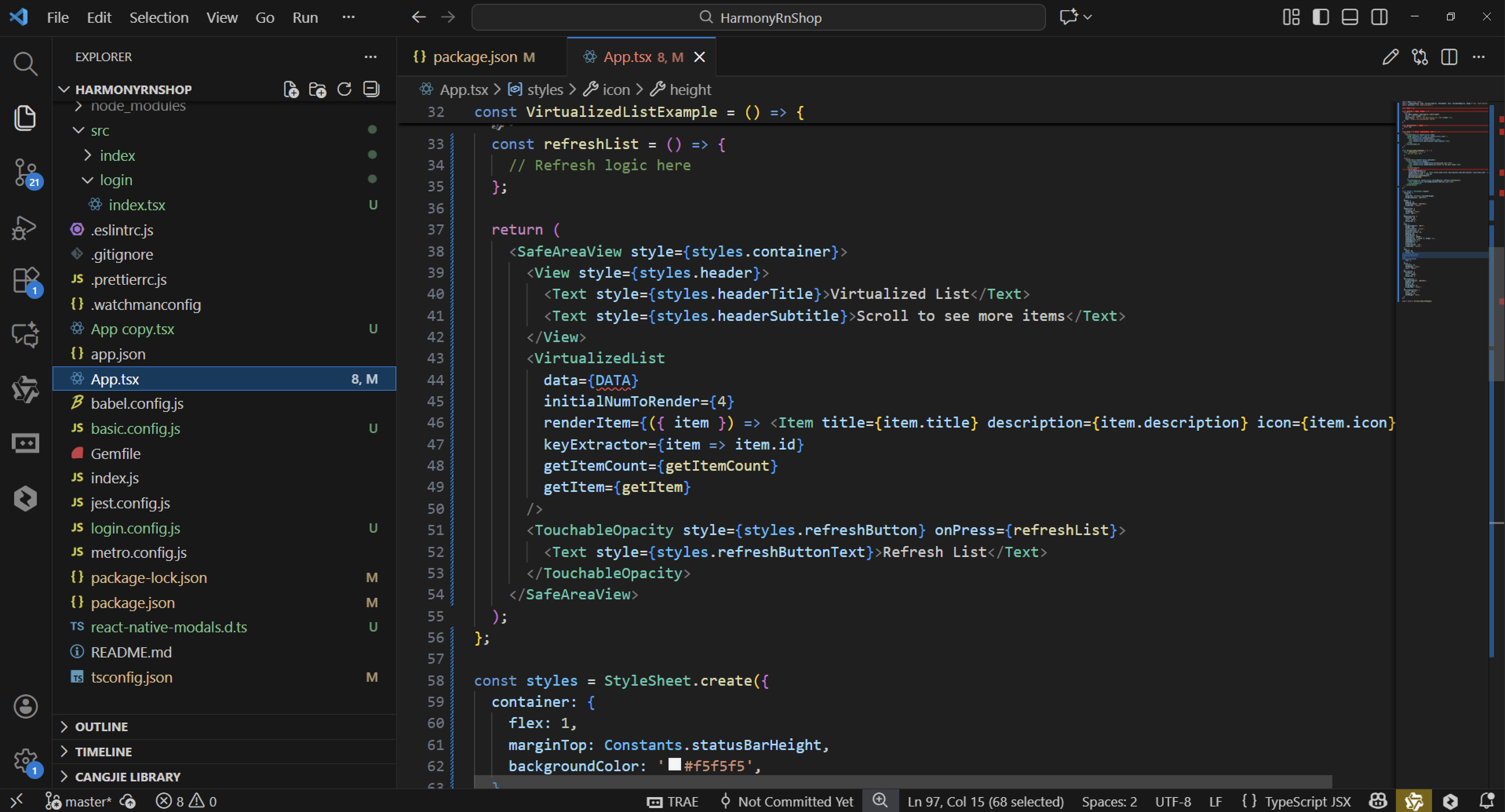
import React from 'react';
import { SafeAreaView, View, VirtualizedList, StyleSheet, Text, TouchableOpacity, Image } from 'react-native';
import Constants from 'expo-constants';

const DATA = [];

const getItem = (data, index) => {
  return {
    id: Math.random().toString(12).substring(0),
    title: `Item ${index + 1}`,
    description: `This is the description for item ${index + 1}`,
    icon: 'https://via.placeholder.com/50'
  };
};

const getItemCount = (data) => {
  return 50;
};

const Item = ({ title, description, icon }) => {
  return (
    <TouchableOpacity style={styles.item}>
      <Image source={{ uri: icon }} style={styles.icon} />
      <View style={styles.textContainer}>
        <Text style={styles.title}>{title}</Text>
        <Text style={styles.description}>{description}</Text>
      </View>
    </TouchableOpacity>
  );
};

const VirtualizedListExample = () => {
  const refreshList = () => {
    // Refresh logic here
  };

  return (
    <SafeAreaView style={styles.container}>
      <View style={styles.header}>
        <Text style={styles.headerTitle}>Virtualized List</Text>
        <Text style={styles.headerSubtitle}>Scroll to see more items</Text>
      </View>
      <VirtualizedList
        data={DATA}
        initialNumToRender={4}
        renderItem={({ item }) => <Item title={item.title} description={item.description} icon={item.icon} />}
        keyExtractor={item => item.id}
        getItemCount={getItemCount}
        getItem={getItem}
      />
      <TouchableOpacity style={styles.refreshButton} onPress={refreshList}>
        <Text style={styles.refreshButtonText}>Refresh List</Text>
      </TouchableOpacity>
    </SafeAreaView>
  );
};

const styles = StyleSheet.create({
  container: {
    flex: 1,
    marginTop: Constants.statusBarHeight,
    backgroundColor: '#f5f5f5',
  },
  header: {
    padding: 20,
    backgroundColor: '#6200ee',
    alignItems: 'center',
  },
  headerTitle: {
    fontSize: 24,
    fontWeight: 'bold',
    color: '#fff',
  },
  headerSubtitle: {
    fontSize: 16,
    color: '#fff',
    marginTop: 8,
  },
  item: {
    backgroundColor: '#fff',
    height: 100,
    justifyContent: 'center',
    marginVertical: 8,
    marginHorizontal: 16,
    padding: 20,
    borderRadius: 8,
    shadowColor: '#000',
    shadowOffset: { width: 0, height: 2 },
    shadowOpacity: 0.1,
    shadowRadius: 4,
    elevation: 2,
    flexDirection: 'row',
    alignItems: 'center',
  },
  icon: {
    width: 50,
    height: 50,
    borderRadius: 25,
    marginRight: 16,
  },
  textContainer: {
    flex: 1,
  },
  title: {
    fontSize: 18,
    fontWeight: 'bold',
    color: '#333',
  },
  description: {
    fontSize: 14,
    color: '#666',
    marginTop: 4,
  },
  refreshButton: {
    backgroundColor: '#6200ee',
    padding: 15,
    margin: 20,
    borderRadius: 8,
    alignItems: 'center',
  },
  refreshButtonText: {
    color: '#fff',
    fontSize: 16,
    fontWeight: 'bold',
  },
});

export default VirtualizedListExample;
VirtualizedList实现原理
VirtualizedList通过惰性渲染机制优化列表性能,仅渲染可视区域内的条目。其核心原理包括:
- 窗口化渲染:通过initialNumToRender和getItemCount动态计算可见项范围,避免一次性渲染全部元素
- 复用机制:滚出屏幕的Item会进入回收池,新进入的Item复用其视图实例
- 增量更新:通过keyExtractor标识变化项,仅更新差异部分
性能优化策略
- 数据分块:getItem按需生成数据,降低内存占用
- 渲染控制:renderItem中避免复杂计算,纯函数式组件确保高效渲染
- 缓存机制:内部维护视图缓存,减少重复创建开销
跨平台适配
- 统一API:通过react-native抽象层适配iOS的UICollectionView和Android的RecyclerView
- 样式隔离:StyleSheet自动转换为平台特定的样式属性
- 事件桥接:触摸事件通过原生线程传递,确保流畅交互
扩展应用场景
- 无限滚动:结合onEndReached实现分页加载
- 自定义布局:通过renderItem支持复杂网格或瀑布流
- 性能监控:使用getItemCount动态调整数据量级
打包
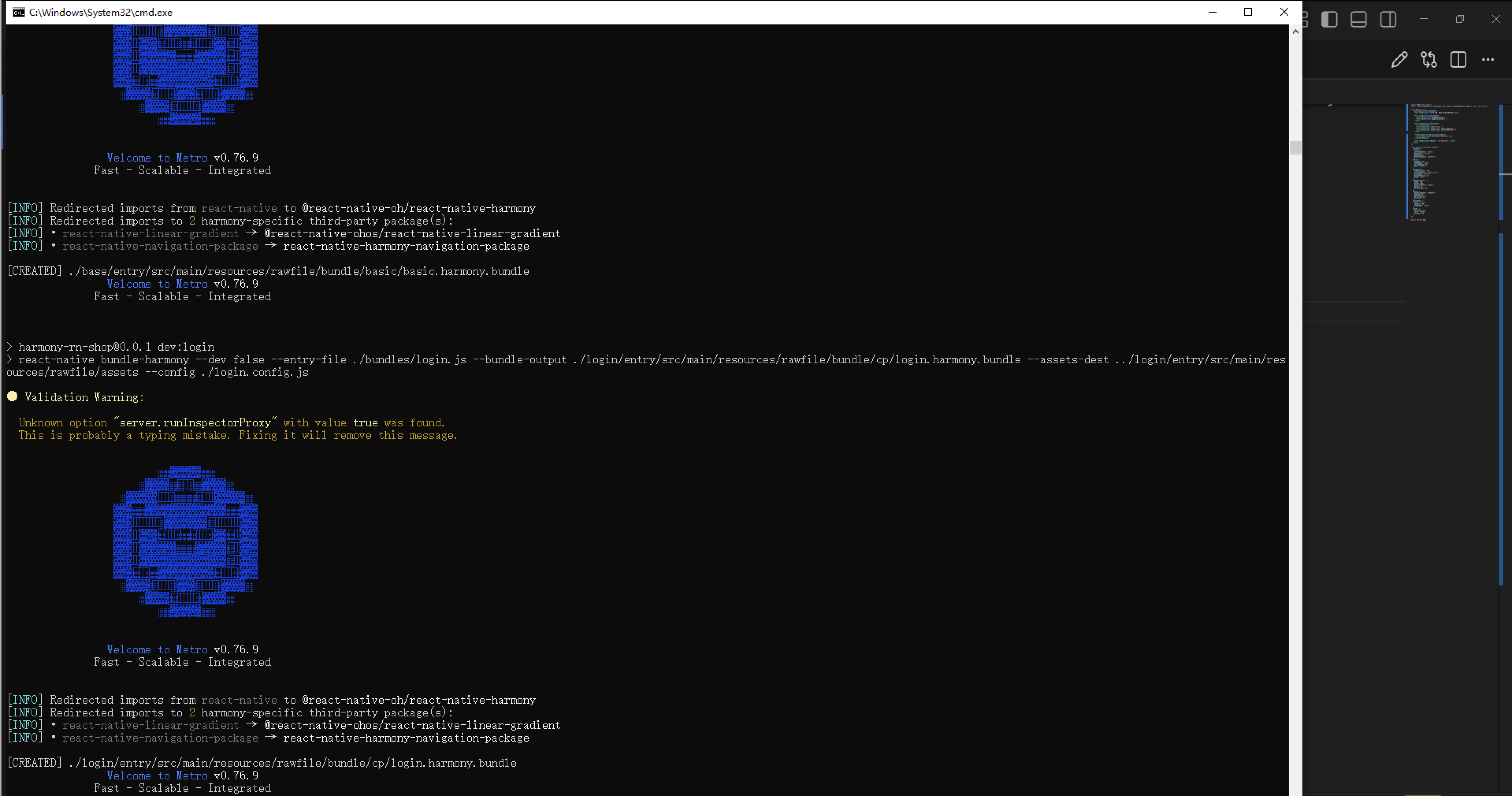
接下来通过打包命令npn run harmony将reactNative的代码打包成为bundle,这样可以进行在开源鸿蒙OpenHarmony中进行使用。
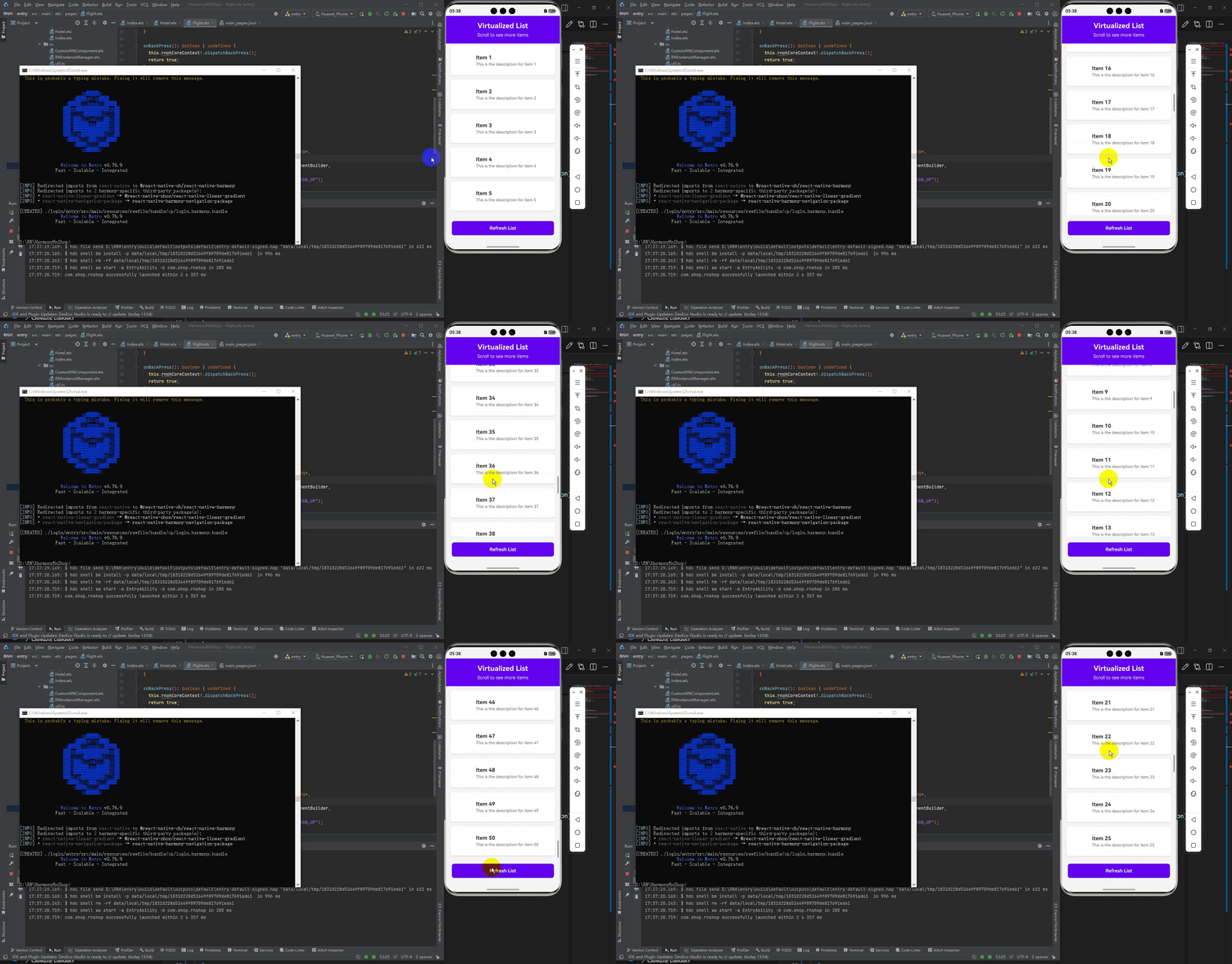
最后运行效果图如下显示:
欢迎大家加入开源鸿蒙跨平台开发者社区,一起共建开源鸿蒙跨平台生态。

作为“人工智能6S店”的官方数字引擎,为AI开发者与企业提供一个覆盖软硬件全栈、一站式门户。
更多推荐


 5
5 0
0- 0


 已为社区贡献31条内容

所有评论(0)