
鸿蒙6.1 arkui.UIContext UI上下文坑:runScopedTask不是runScopedOnUiThread
本文是「鸿蒙 6.1 API 23 开发坑系列」第 4 篇(ArkUI 桶第 4 篇)。本篇讲
@ohos.arkui.UIContextnamespace(API 10+,鸿蒙 6.1 API 23 基座)——UI 上下文UIContextclass + 11 个子管理器 +runScopedTask+getFrameNodeById。鸿蒙坑根因:①runScopedTask(callback)是 UIContext 实例方法不是runScopedOnUiThread(ReactrunInNativeViewvs 鸿蒙runScopedTask,UI 操作必须在 UI 线程);②getUIContext()是组件方法不是全局函数(this.getUIContext()不是getUIContext());③UIContext有 11 个子管理器(getFont/getMediaQuery/getRouter/getPromptAction/getComponentUtils/getUIObserver/getOverlayManager/getDragController/getMeasureUtils/getFocusController/getAtomicServiceBar);④getFrameNodeById(id)返回FrameNode | null不是FrameNode;⑤getFilteredInspectorTree(filters?)返回string(JSON 字符串)不是 object。
一、开篇:鸿蒙 UIContext 不是 React useContext,是「11 个子管理器的 UI 上下文」
你写 React 时,UI 上下文用 useContext(返回 context value,无子管理器):
// React useContext:返回 context value(无子管理器)
const uiContext = useContext(UIContext)  // ❌ React useContext 返回 context value,无子管理器
const showToast = () => promptAction.showToast()  // ❌ React promptAction 是全局函数不是子管理器
你写鸿蒙 ArkTS 时,UI 上下文用 UIContext class(11 个子管理器 + runScopedTask):
// ArkTS UIContext:class 有 11 个子管理器 + runScopedTask(UI 线程跑 callback)
import { UIContext, Font, MediaQuery, Router, PromptAction } from '@ohos.arkui.UIContext'

const uiContext: UIContext = this.getUIContext()  // ✅ this.getUIContext() 组件方法取 UIContext 实例
// ✅ UIContext 有 11 个子管理器(getFont/getMediaQuery/getRouter/getPromptAction 等)
const fontManager: Font = uiContext.getFont()  // ✅ getFont() 取 Font 子管理器
const routerManager: Router = uiContext.getRouter()  // ✅ getRouter() 取 Router 子管理器
const promptAction: PromptAction = uiContext.getPromptAction()  // ✅ getPromptAction() 取 PromptAction 子管理器
// ✅ runScopedTask 在 UI 线程跑 callback(UI 操作必须在 UI 线程)
uiContext.runScopedTask(() => { /* UI 操作 */ })
// 鸿蒙坑根因:UIContext 有 11 个子管理器,runScopedTask 不是 runScopedOnUiThread
React useContext vs 鸿蒙 UIContext 的区别:React 把 UI 上下文当 context value(useContext 返回 value,无子管理器,promptAction 是全局函数),ArkTS 把 UI 上下文当 class 实例(UIContext class 有 11 个子管理器,getFont/getRouter/getPromptAction 等是 UIContext 实例方法不是全局函数,runScopedTask 在 UI 线程跑 callback)。根因不是 context value 是 class 实例——鸿蒙 UIContext 有 11 个子管理器,promptAction 是 UIContext 子管理器不是全局函数。
二、根因:鸿蒙 arkui.UIContext 的五个绑定机制
鸿蒙 @ohos.arkui.UIContext namespace(API 10+)核心导出 UIContext class + Font/MediaQuery/Router/PromptAction/ComponentUtils/UIObserver/OverlayManager/DragController/MeasureUtils/FocusController 等子管理器。
机制 1:runScopedTask 是 UIContext 实例方法——不是 runScopedOnUiThread
// ❌ 鸿蒙坑:runScopedOnUiThread 不存在(编译错 Property 'runScopedOnUiThread' does not exist)
const uiContext: UIContext = this.getUIContext()
// ❌ 编译错:Property 'runScopedOnUiThread' does not exist on type 'UIContext'
uiContext.runScopedOnUiThread(() => { /* UI 操作 */ })  // ❌ runScopedOnUiThread 不存在

// ✅ 正确用法:runScopedTask(callback) 是 UIContext 实例方法(UI 线程跑 callback)
uiContext.runScopedTask(() => {  // ✅ runScopedTask 在 UI 线程跑 callback
  // ✅ UI 操作必须在 UI 线程(runScopedTask 保证 UI 线程执行)
})
// 鸿蒙坑根因:runScopedTask 不是 runScopedOnUiThread——React runInNativeView vs 鸿蒙 runScopedTask
runScopedTask 坑根因:UIContext.runScopedTask(callback: () => void): void 是 UIContext 实例方法(在 UI 线程跑 callback),不是 runScopedOnUiThread(鸿蒙 SDK 无此方法名,触发 Property 'runScopedOnUiThread' does not exist on type 'UIContext' 编译错)。鸿蒙坑:React runInNativeView vs 鸿蒙 runScopedTask——鸿蒙 UI 线程跑 callback 用 runScopedTask。
机制 2:getUIContext 是组件方法不是全局函数——this.getUIContext() 不是 getUIContext()
// ❌ 鸿蒙坑:getUIContext() 全局函数调用编译错(Cannot find name 'getUIContext')
// ❌ 编译错:Cannot find name 'getUIContext'
const uiContext = getUIContext()  // ❌ getUIContext 不是全局函数

// ✅ 正确用法:this.getUIContext()——组件实例方法
@Entry
@Component
struct Index {
  demonstrate() {
    // ✅ this.getUIContext() 是组件方法(不是全局函数 getUIContext())
    const uiContext: UIContext = this.getUIContext()  // ✅ 组件方法获取 UIContext 实例
  }
}
// 鸿蒙坑根因:getUIContext 是组件方法不是全局函数,必须 this.getUIContext()
getUIContext 坑根因:getUIContext(): UIContext 是组件实例方法(在 ets/component/common.d.ts 的 Component 声明里),不是全局函数(getUIContext() 触发 Cannot find name 'getUIContext' 编译错)。另外 @ohos.window 的 window 实例也有 getUIContext(): UIContext 方法(window 实例方法,不是全局函数)。
机制 3:UIContext 有 11 个子管理器——getFont/getMediaQuery/getRouter/getPromptAction 等
// ✅ UIContext 的 11 个子管理器(每个是 UIContext 实例方法不是全局函数)
const uiContext: UIContext = this.getUIContext()

// ✅ 11 个子管理器(UIContext 实例方法,不是全局函数)
const fontManager: Font = uiContext.getFont()  // ✅ getFont() 取 Font 子管理器
const mediaQuery: MediaQuery = uiContext.getMediaQuery()  // ✅ getMediaQuery() 取 MediaQuery 子管理器
const routerManager: Router = uiContext.getRouter()  // ✅ getRouter() 取 Router 子管理器
const promptAction: PromptAction = uiContext.getPromptAction()  // ✅ getPromptAction() 取 PromptAction 子管理器
// ✅ 还有 7 个子管理器:getComponentUtils/getUIObserver/getOverlayManager/getDragController/getMeasureUtils/getFocusController/getAtomicServiceBar
// 鸿蒙坑根因:UIContext 有 11 个子管理器,每个是 UIContext 实例方法不是全局函数
11 个子管理器坑根因:UIContext class 有 11 个子管理器实例方法:getFont(): Font(API 10+,字体管理器)、getMediaQuery(): MediaQuery(API 10+,媒体查询)、getRouter(): Router(API 10+,路由管理器)、getPromptAction(): PromptAction(API 10+,弹窗管理器)、getComponentUtils(): ComponentUtils(API 10+,组件工具)、getUIObserver(): UIObserver(API 10+,UI 观察器)、getOverlayManager(): OverlayManager(API 11+,浮层管理器)、getDragController(): DragController(API 11+,拖拽管理器)、getMeasureUtils(): MeasureUtils(API 12+,测量工具)、getFocusController(): FocusController(API 12+,焦点管理器)、getAtomicServiceBar(): Nullable<AtomicServiceBar>(API 12+,原子化服务栏)。鸿蒙坑:每个子管理器是 UIContext 实例方法不是全局函数——React promptAction 是全局函数,鸿蒙 promptAction 是 UIContext 子管理器。
机制 4:getFrameNodeById 返回 FrameNode | null——不是 FrameNode
// ✅ getFrameNodeById(id): FrameNode | null——通过组件 id 取 FrameNode(返回 | null)
const uiContext: UIContext = this.getUIContext()
// ✅ getFrameNodeById 返回 FrameNode | null(不是 FrameNode,找不到返回 null)
const frameNode: FrameNode | null = uiContext.getFrameNodeById('snapshotTarget')  // ✅ 返回 FrameNode | null
// ✅ 找不到组件 id 返回 null(不是 throw 错,不是 undefined)
if (frameNode !== null) {
  // ✅ frameNode 是 FrameNode 实例(getFrameNodeById 找到组件 id)
}
// 鸿蒙坑根因:getFrameNodeById 返回 FrameNode | null,找不到返回 null 不是 undefined
getFrameNodeById 坑根因:UIContext.getFrameNodeById(id: string): FrameNode | null(API 11+)通过组件 id 取 FrameNode,返回 FrameNode | null(不是 FrameNode,找不到组件 id 返回 null 不是 undefined,不是 throw 错)。鸿蒙坑:getFrameNodeById 返回 FrameNode | null,赋给 FrameNode 会触发 Type 'FrameNode | null' is not assignable to type 'FrameNode' 编译错——必须用 FrameNode | null 接收 + null 检查。
机制 5:getFilteredInspectorTree 返回 string(JSON)——不是 object
// ✅ getFilteredInspectorTree(filters?): string——取组件树 JSON string 不是 object
const uiContext: UIContext = this.getUIContext()
// ✅ getFilteredInspectorTree 返回 string(JSON 字符串,不是 object)
const inspectorTree: string = uiContext.getFilteredInspectorTree()  // ✅ 返回 string 不是 object
// ✅ 要用 JSON.parse(inspectorTree) 转 object(getFilteredInspectorTree 直接返回 JSON 字符串)
const treeObject: object = JSON.parse(inspectorTree)  // ✅ JSON.parse 转 object
// 鸿蒙坑根因:getFilteredInspectorTree 返回 string(JSON 字符串),不是 object
getFilteredInspectorTree 坑根因:UIContext.getFilteredInspectorTree(filters?: Array<string>): string(API 12+)取组件树 JSON 字符串,返回 string(不是 object)。鸿蒙坑:getFilteredInspectorTree 直接返回 JSON 字符串(不是 object),要用 JSON.parse(inspectorTree) 转 object——React DevTools 组件树是 object,鸿蒙 getFilteredInspectorTree 是 JSON 字符串。
三、真机配图:鸿蒙 arkui.UIContext UI 上下文坑——runScopedTask + 11 个子管理器
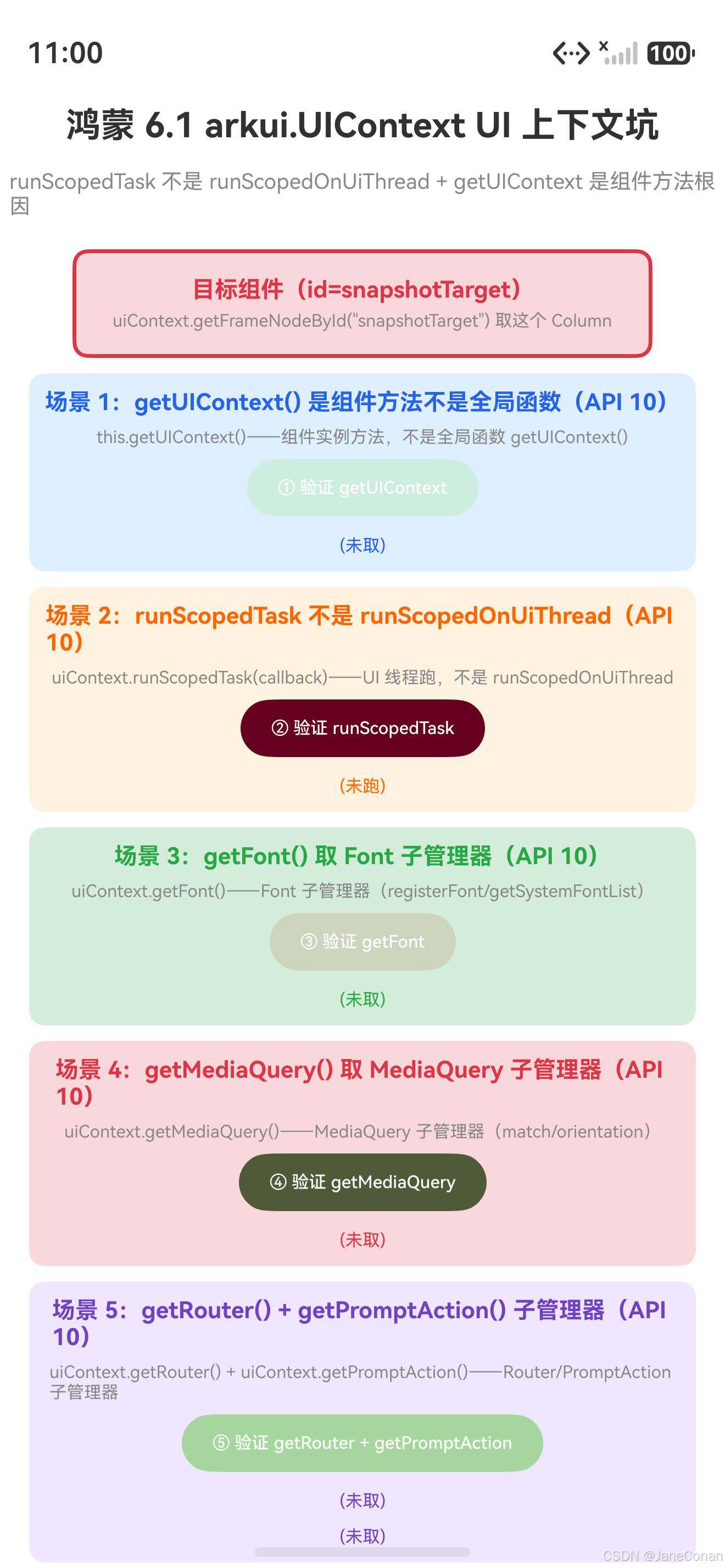
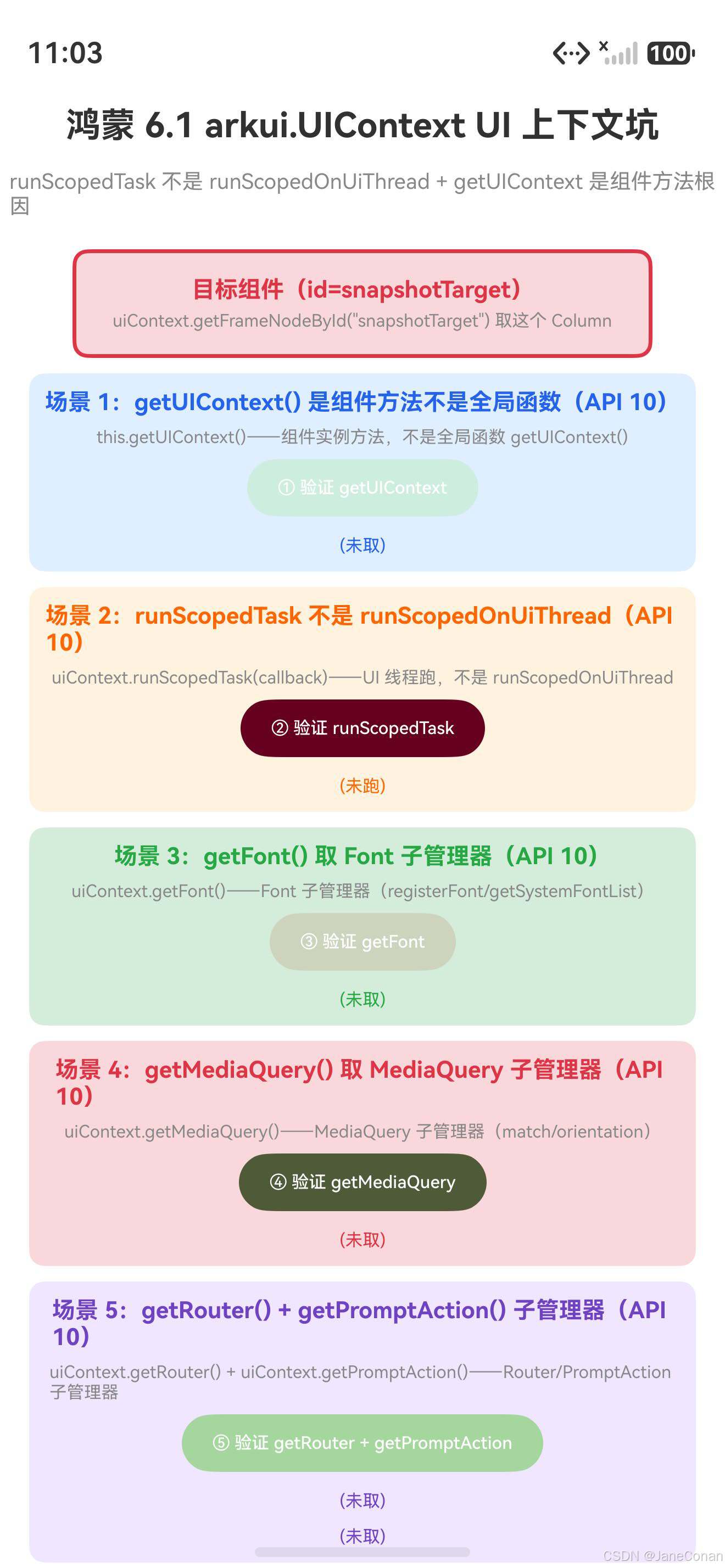
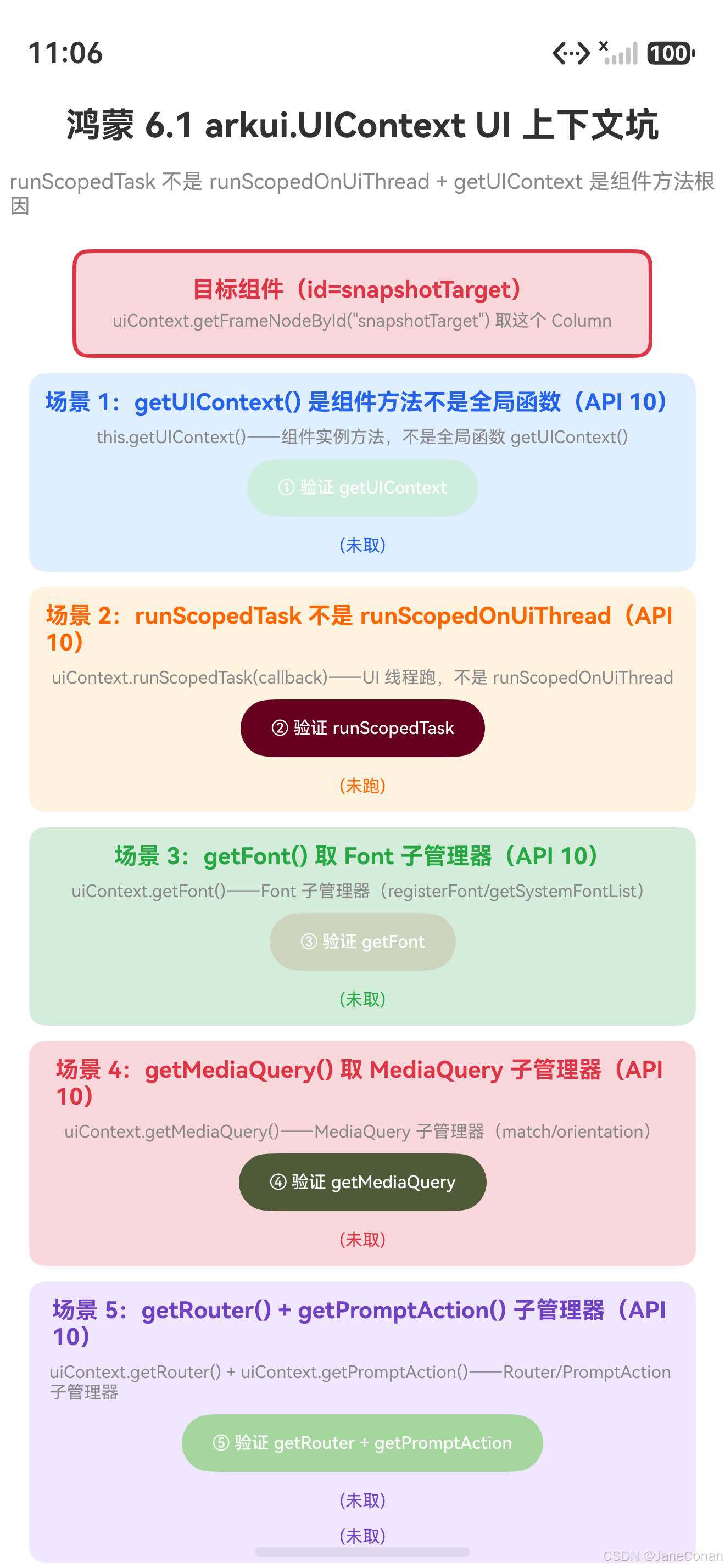
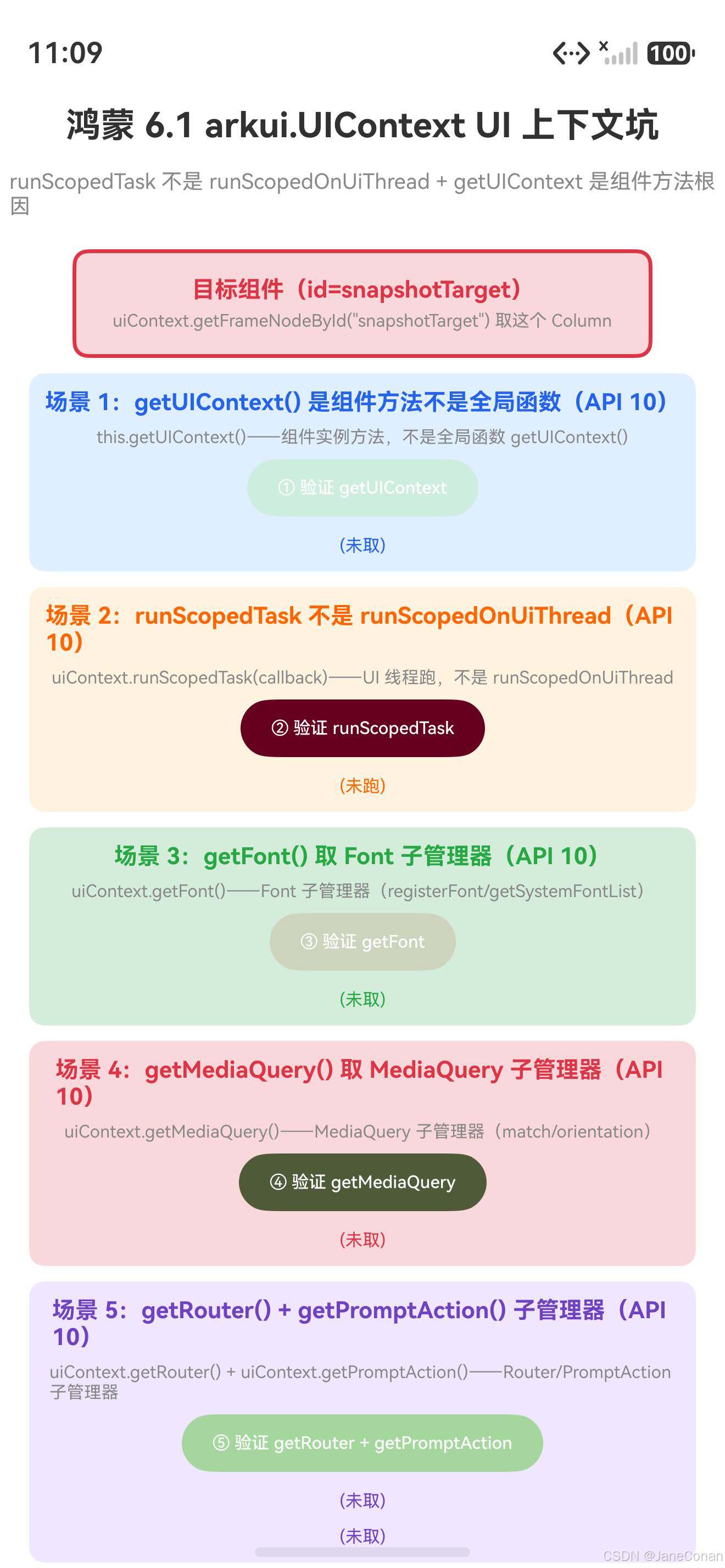
真机配图展示:
- 初始态:鸿蒙 6.1 arkui.UIContext UI 上下文坑标题,目标组件(红框 id=snapshotTarget),场景1~7 卡片,要点说明
- getUIContext 验证态:点击「① 验证 getUIContext」按钮,显示「✅ getUIContext() 是组件方法不是全局函数」
- runScopedTask 验证态:点击「② 验证 runScopedTask」按钮,显示「✅ runScopedTask 在 UI 线程跑 callback 验证成功」
- 11 个子管理器验证态:点击「③ 验证 getFont」+「④ 验证 getMediaQuery」+「⑤ 验证 getRouter + getPromptAction」按钮,显示「✅ getFont/getMediaQuery/getRouter/getPromptAction 子管理器验证成功」
- getFrameNodeById + getFilteredInspectorTree 态:点击「⑦ 验证 getFrameNodeById」+「⑧ 验证 getFilteredInspectorTree」按钮,显示「✅ getFrameNodeById(“id”) 取 FrameNode | null 验证成功」+「✅ getFilteredInspectorTree() 取组件树 JSON 验证成功」
四、真解法:鸿蒙 arkui.UIContext 的四个场景
场景 1:getUIContext + runScopedTask——90% 场景首选
import { UIContext } from '@ohos.arkui.UIContext'

@Entry
@Component
struct Index {
  demonstrateScopedTask() {
    // ✅ this.getUIContext() 组件方法取 UIContext 实例(不是全局函数 getUIContext())
    const uiContext: UIContext = this.getUIContext()  // ✅ 组件方法
    // ✅ runScopedTask 在 UI 线程跑 callback(UI 操作必须在 UI 线程)
    uiContext.runScopedTask(() => {  // ✅ runScopedTask 不是 runScopedOnUiThread
      // ✅ UI 操作(Text/Button 等组件操作必须在 UI 线程)
    })
  }
  build() { Column({ space: 8 }) { Text('demo') } }
}
// getUIContext + runScopedTask:90% 场景首选,this.getUIContext() 组件方法 + runScopedTask UI 线程跑
鸿蒙 arkui.UIContext API 真名坑:import { UIContext, Font, MediaQuery, Router, PromptAction } from '@ohos.arkui.UIContext'(named import);UIContext 是 export declare class(API 10+);getUIContext(): UIContext 是组件方法(this.getUIContext());runScopedTask(callback: () => void): void 是 UIContext 实例方法(不是 runScopedOnUiThread);SysCap SystemCapability.ArkUI.ArkUI.Full;@crossplatform @atomicservice。
场景 2:11 个子管理器——getFont/getMediaQuery/getRouter/getPromptAction
import { UIContext, Font, MediaQuery, Router, PromptAction } from '@ohos.arkui.UIContext'

const uiContext: UIContext = this.getUIContext()

// ✅ 11 个子管理器(UIContext 实例方法,不是全局函数)
const fontManager: Font = uiContext.getFont()  // API 10+ Font(registerFont/getSystemFontList)
const mediaQuery: MediaQuery = uiContext.getMediaQuery()  // API 10+ MediaQuery(match/orientation)
const routerManager: Router = uiContext.getRouter()  // API 10+ Router(push/replace/back)
const promptAction: PromptAction = uiContext.getPromptAction()  // API 10+ PromptAction(showToast/showDialog)
// ✅ 还有 7 个子管理器:
// uiContext.getComponentUtils(): ComponentUtils  // API 10+ 组件工具
// uiContext.getUIObserver(): UIObserver  // API 10+ UI 观察器
// uiContext.getOverlayManager(): OverlayManager  // API 11+ 浮层管理器
// uiContext.getDragController(): DragController  // API 11+ 拖拽管理器
// uiContext.getMeasureUtils(): MeasureUtils  // API 12+ 测量工具
// uiContext.getFocusController(): FocusController  // API 12+ 焦点管理器
// uiContext.getAtomicServiceBar(): Nullable<AtomicServiceBar>  // API 12+ 原子化服务栏
// 11 个子管理器:每个是 UIContext 实例方法不是全局函数
鸿蒙 11 个子管理器 API 真名坑:getFont(): Font(API 10+,registerFont/getSystemFontList/getFontByName);getMediaQuery(): MediaQuery(API 10+,match/on('change'));getRouter(): Router(API 10+,push/replace/back/getState);getPromptAction(): PromptAction(API 10+,showToast/showDialog/showActionMenu);getComponentUtils(): ComponentUtils(API 10+,getRectangleById);getUIObserver(): UIObserver(API 10+,on('scroll')/on('willScroll'));getOverlayManager(): OverlayManager(API 11+);getDragController(): DragController(API 11+);getMeasureUtils(): MeasureUtils(API 12+);getFocusController(): FocusController(API 12+);getAtomicServiceBar(): Nullable<AtomicServiceBar>(API 12+,返回 Nullable 可能 null);鸿蒙坑:每个子管理器是 UIContext 实例方法不是全局函数——React promptAction 是全局函数,鸿蒙 promptAction 是 UIContext 子管理器 uiContext.getPromptAction()。
场景 3:getFrameNodeById——通过组件 id 取 FrameNode
import { UIContext } from '@ohos.arkui.UIContext'
import { FrameNode } from '@ohos.arkui.node'

const uiContext: UIContext = this.getUIContext()
// ✅ getFrameNodeById(id): FrameNode | null——通过组件 id 取 FrameNode(返回 | null)
const frameNode: FrameNode | null = uiContext.getFrameNodeById('snapshotTarget')  // ✅ 返回 FrameNode | null
// ✅ 找不到组件 id 返回 null(不是 throw 错,不是 undefined)
if (frameNode !== null) {  // ✅ 必须用 FrameNode | null 接收 + null 检查
  // ✅ frameNode 是 FrameNode 实例(可操作 RenderNode/getRenderNode 等)
}
// getFrameNodeById:返回 FrameNode | null,找不到返回 null 不是 undefined
鸿蒙 getFrameNodeById API 真名坑:getFrameNodeById(id: string): FrameNode | null(API 11+);返回 FrameNode | null(不是 FrameNode,找不到返回 null 不是 undefined,不是 throw 错);鸿蒙坑:赋给 FrameNode 会触发 Type 'FrameNode | null' is not assignable to type 'FrameNode' 编译错——必须用 FrameNode | null 接收 + null 检查。
场景 4:getFilteredInspectorTree——取组件树 JSON 字符串
import { UIContext } from '@ohos.arkui.UIContext'

const uiContext: UIContext = this.getUIContext()
// ✅ getFilteredInspectorTree(filters?): string——取组件树 JSON 字符串(返回 string 不是 object)
const inspectorTree: string = uiContext.getFilteredInspectorTree()  // ✅ 返回 string 不是 object
// ✅ 要用 JSON.parse(inspectorTree) 转 object(getFilteredInspectorTree 直接返回 JSON 字符串)
const treeObject: object = JSON.parse(inspectorTree)  // ✅ JSON.parse 转 object

// ✅ getFilteredInspectorTreeById(id, depth, filters?): string——按 id + depth 取子树 JSON
const subTree: string = uiContext.getFilteredInspectorTreeById('snapshotTarget', 3)  // ✅ 按 id + depth=3 取子树
// getFilteredInspectorTree:返回 string(JSON 字符串),不是 object
鸿蒙 getFilteredInspectorTree API 真名坑:getFilteredInspectorTree(filters?: Array<string>): string(API 12+)取组件树 JSON 字符串,返回 string(不是 object);getFilteredInspectorTreeById(id: string, depth: number, filters?: Array<string>): string(API 12+)按 id + depth 取子树 JSON 字符串;鸿蒙坑:直接返回 JSON 字符串(不是 object),要用 JSON.parse(inspectorTree) 转 object——React DevTools 组件树是 object,鸿蒙 getFilteredInspectorTree 是 JSON 字符串。
五、一句话哲学
写鸿蒙 ArkUI 记住:UIContext 不是 React useContext 是「11 个子管理器的 UI 上下文」——鸿蒙 6.1 API 23
@ohos.arkui.UIContextnamespace(API 10+,鸿蒙 6.1 API 23 基座,UIContextclass + 11 个子管理器,SysCap SystemCapability.ArkUI.ArkUI.Full,@crossplatform @atomicservice)。根因不是 context value 是 class 实例——runScopedTask(callback: () => void): void是 UIContext 实例方法(❌ 不是runScopedOnUiThread,✅ UI 线程跑 callback,ReactrunInNativeViewvs 鸿蒙runScopedTask),getUIContext(): UIContext是组件方法(✅this.getUIContext()不是全局函数getUIContext(),❌getUIContext()触发Cannot find name 'getUIContext'),UIContext有 11 个子管理器(✅getFont/getMediaQuery/getRouter/getPromptAction/getComponentUtils/getUIObserver/getOverlayManager/getDragController/getMeasureUtils/getFocusController/getAtomicServiceBar,每个是 UIContext 实例方法不是全局函数,React promptAction 是全局函数鸿蒙 promptAction 是 UIContext 子管理器),getFrameNodeById(id: string): FrameNode | null(✅ 返回FrameNode | null不是FrameNode,找不到返回null不是undefined),getFilteredInspectorTree(filters?: Array<string>): string(✅ 返回stringJSON 字符串不是object,要用JSON.parse转 object)。runScopedTask 不是 runScopedOnUiThread + getUIContext 是组件方法不是全局函数 + 11 个子管理器是鸿蒙 6.1 arkui.UIContext UI 上下文坑核心!
能力系列回链
- 鸿蒙 7.0 新特性篇 1~17(沉浸式毛玻璃/Component3D/智能体框架/方舟引擎/星盾安全/星河互联/空间音频/可变字体/游戏快启/分布式数据盾/LTPO 可变帧率/AI 文档识别/多形态服务窗口/AI 反诈/机密计算/空间计算/小艺全面进化)
- 鸿蒙 6.1 API 23 开发坑系列篇 1「ArkUI.modifier 装饰器坑」——attributeModifier + AttributeModifier
- 鸿蒙 6.1 API 23 开发坑系列篇 2「arkui.componentSnapshot 组件截图坑」——get/getSync/createFromBuilder 返回 image.PixelMap
- 鸿蒙 6.1 API 23 开发坑系列篇 3「arkui.node 节点坑」——NodeController abstract class makeNode override + BuilderNode WrappedBuilder
- 鸿蒙 6.1 API 23 开发坑系列篇 4「arkui.UIContext UI 上下文坑」——runScopedTask 不是 runScopedOnUiThread + 11 个子管理器(本文)

作为“人工智能6S店”的官方数字引擎,为AI开发者与企业提供一个覆盖软硬件全栈、一站式门户。
更多推荐
 17
17 0
0- 0


 已为社区贡献87条内容

所有评论(0)