
鸿蒙轻松背单词应用开发实战(八)-应用发布与运维
·
鸿蒙轻松背单词应用开发实战(八)-应用发布与运维
前言
应用发布和运维是应用生命周期的最后环节,也是持续改进的起点。本文详细介绍轻松背单词应用的发布流程和运维实践。
为什么需要规范的发布流程?
- 质量保证:确保发布版本的质量
- 版本管理:清晰管理版本迭代
- 用户反馈:及时收集和处理用户反馈
- 持续改进:基于数据持续优化应用
一、版本管理
1.1 版本号规范
export class VersionManager {
  // 版本号格式:主版本.次版本.修订版本
  // 主版本:重大功能变更或架构调整
  // 次版本:新增功能或较大改进
  // 修订版本:Bug修复或小优化

  static parseVersion(version: string): VersionInfo {
    const parts = version.split('.').map(Number);
    return {
      major: parts[0] || 0,
      minor: parts[1] || 0,
      patch: parts[2] || 0
    };
  }

  static compareVersions(v1: string, v2: string): number {
    const info1 = this.parseVersion(v1);
    const info2 = this.parseVersion(v2);

    if (info1.major !== info2.major) {
      return info1.major - info2.major;
    }

    if (info1.minor !== info2.minor) {
      return info1.minor - info2.minor;
    }

    return info1.patch - info2.patch;
  }

  static isUpdateNeeded(current: string, latest: string): boolean {
    return this.compareVersions(current, latest) < 0;
  }
}

interface VersionInfo {
  major: number;
  minor: number;
  patch: number;
}
1.2 版本更新日志
export class ChangelogManager {
  private changelogs: Map<string, Changelog> = new Map();

  addChangelog(version: string, changes: Change[]): void {
    this.changelogs.set(version, {
      version,
      date: new Date().toISOString(),
      changes
    });
  }

  getChangelog(version: string): Changelog | undefined {
    return this.changelogs.get(version);
  }

  getAllChangelogs(): Changelog[] {
    return Array.from(this.changelogs.values())
      .sort((a, b) => VersionManager.compareVersions(b.version, a.version));
  }
}

interface Changelog {
  version: string;
  date: string;
  changes: Change[];
}

interface Change {
  type: 'feature' | 'fix' | 'improvement' | 'breaking';
  description: string;
}
二、构建打包
2.1 构建配置
export class BuildConfig {
  // 应用信息
  appName: string = '轻松背单词';
  packageName: string = 'com.example.wordstudy';
  versionCode: number = 1;
  versionName: string = '1.0.0';

  // 构建类型
  buildType: 'debug' | 'release' = 'release';

  // 签名配置
  signing: SigningConfig = {
    storeFile: 'wordstudy.p12',
    storePassword: 'password',
    keyAlias: 'wordstudy',
    keyPassword: 'password'
  };

  // 混淆配置
  obfuscation: ObfuscationConfig = {
    enable: true,
    rules: [
      '-keep class com.example.wordstudy.data.** { *; }',
      '-keep class com.example.wordstudy.model.** { *; }'
    ]
  };
}

interface SigningConfig {
  storeFile: string;
  storePassword: string;
  keyAlias: string;
  keyPassword: string;
}

interface ObfuscationConfig {
  enable: boolean;
  rules: string[];
}
2.2 构建流程
export class BuildManager {
  private config: BuildConfig;

  constructor(config: BuildConfig) {
    this.config = config;
  }

  async build(): Promise<BuildResult> {
    console.log('开始构建应用...');

    // 1. 清理构建目录
    await this.cleanBuildDir();

    // 2. 编译源代码
    await this.compileSource();

    // 3. 打包资源文件
    await this.packageResources();

    // 4. 代码混淆
    if (this.config.obfuscation.enable) {
      await this.obfuscate();
    }

    // 5. 签名打包
    await this.signAndPackage();

    // 6. 生成构建报告
    const report = await this.generateReport();

    return {
      success: true,
      output: `wordstudy-${this.config.versionName}.hap`,
      report
    };
  }

  private async cleanBuildDir(): Promise<void> {
    console.log('清理构建目录...');
    // 清理实现
  }

  private async compileSource(): Promise<void> {
    console.log('编译源代码...');
    // 编译实现
  }
}
2.3 构建流程图
三、发布流程
3.1 发布检查
export class ReleaseChecker {
  async checkReadiness(): Promise<CheckResult> {
    const checks: CheckItem[] = [];

    // 检查版本号
    checks.push(await this.checkVersion());

    // 检查签名配置
    checks.push(await this.checkSigning());

    // 检查权限配置
    checks.push(await this.checkPermissions());

    // 检查资源完整性
    checks.push(await this.checkResources());

    // 检查测试覆盖率
    checks.push(await this.checkTestCoverage());

    return {
      passed: checks.every(c => c.passed),
      items: checks
    };
  }

  private async checkVersion(): Promise<CheckItem> {
    const version = await this.getCurrentVersion();
    const isValid = /^\d+\.\d+\.\d+$/.test(version);

    return {
      name: '版本号检查',
      passed: isValid,
      message: isValid ? '版本号格式正确' : '版本号格式错误'
    };
  }

  private async checkSigning(): Promise<CheckItem> {
    const hasSigning = await this.hasValidSigning();

    return {
      name: '签名配置检查',
      passed: hasSigning,
      message: hasSigning ? '签名配置有效' : '签名配置无效'
    };
  }
}
3.2 发布管理
export class ReleaseManager {
  private checker: ReleaseChecker = new ReleaseChecker();

  async release(): Promise<ReleaseResult> {
    // 1. 发布前检查
    const checkResult = await this.checker.checkReadiness();
    if (!checkResult.passed) {
      return {
        success: false,
        message: '发布检查未通过',
        details: checkResult.items.filter(c => !c.passed)
      };
    }

    // 2. 构建应用
    const buildResult = await this.buildApp();
    if (!buildResult.success) {
      return {
        success: false,
        message: '构建失败',
        details: buildResult.errors
      };
    }

    // 3. 提交审核
    const submitResult = await this.submitToStore(buildResult.output);
    if (!submitResult.success) {
      return {
        success: false,
        message: '提交审核失败',
        details: submitResult.message
      };
    }

    // 4. 发布通知
    await this.notifyRelease();

    return {
      success: true,
      message: '发布成功'
    };
  }
}
图 1 APP发布展示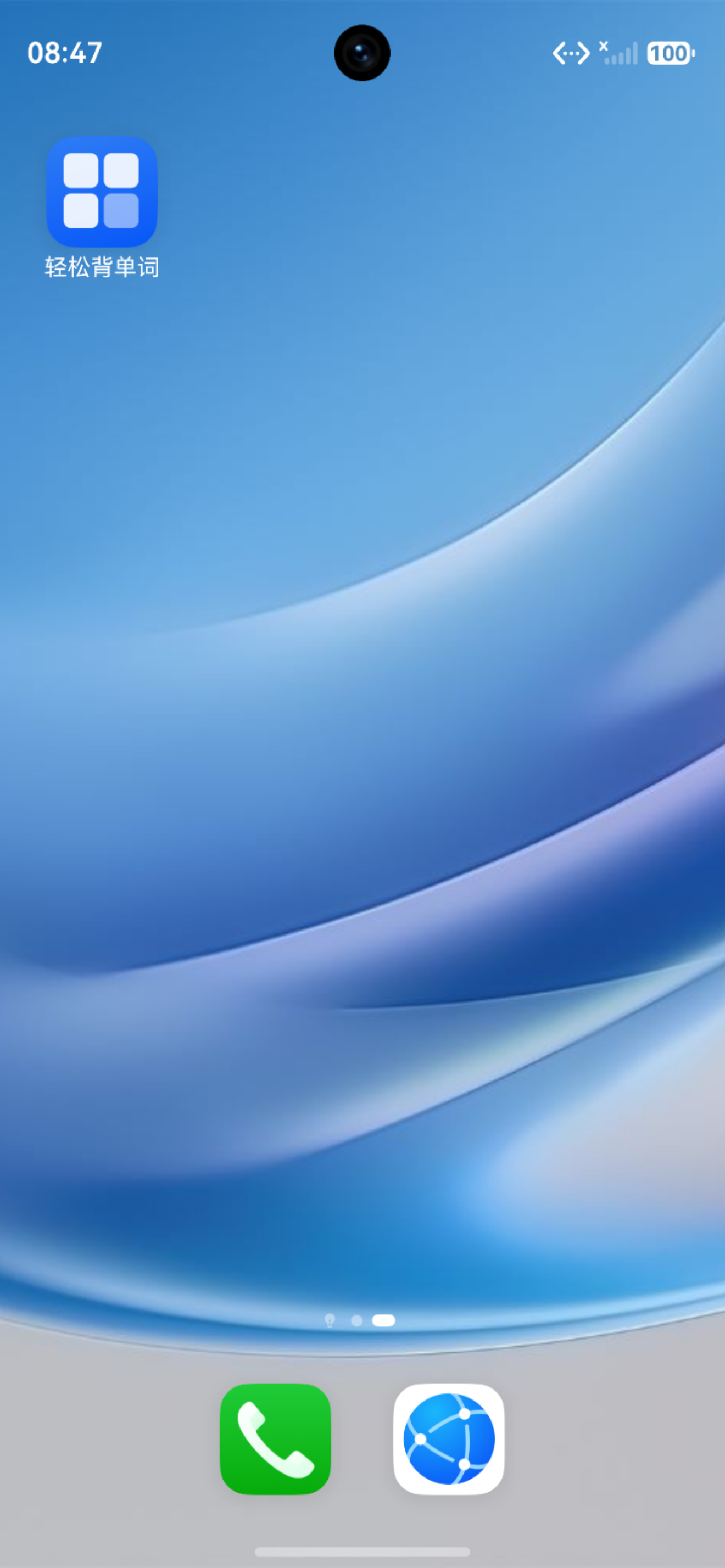
四、应用更新
4.1 更新检测
export class UpdateManager {
  private static instance: UpdateManager;

  static getInstance(): UpdateManager {
    if (!UpdateManager.instance) {
      UpdateManager.instance = new UpdateManager();
    }
    return UpdateManager.instance;
  }

  async checkUpdate(): Promise<UpdateInfo> {
    try {
      // 获取当前版本
      const currentVersion = await this.getCurrentVersion();

      // 获取最新版本
      const latestVersion = await this.getLatestVersion();

      // 判断是否需要更新
      const needUpdate = VersionManager.isUpdateNeeded(currentVersion, latestVersion.version);

      return {
        needUpdate,
        currentVersion,
        latestVersion: latestVersion.version,
        changelog: latestVersion.changelog,
        forceUpdate: latestVersion.forceUpdate
      };
    } catch (error) {
      console.error('检查更新失败:', error);
      return {
        needUpdate: false,
        currentVersion: '',
        latestVersion: ''
      };
    }
  }

  async downloadUpdate(url: string, onProgress: (progress: number) => void): Promise<string> {
    // 下载更新包
    const filePath = await this.downloadFile(url, onProgress);

    // 验证文件完整性
    const isValid = await this.verifyFile(filePath);
    if (!isValid) {
      throw new Error('更新包验证失败');
    }

    return filePath;
  }
}
4.2 更新流程
五、运维监控
5.1 应用监控
export class AppMonitor {
  private static instance: AppMonitor;
  private metrics: Map<string, MetricData> = new Map();

  static getInstance(): AppMonitor {
    if (!AppMonitor.instance) {
      AppMonitor.instance = new AppMonitor();
    }
    return AppMonitor.instance;
  }

  // 记录启动时间
  recordStartup(duration: number): void {
    this.recordMetric('startup_time', duration);
  }

  // 记录崩溃信息
  recordCrash(error: Error, context: any): void {
    const crashReport = {
      timestamp: Date.now(),
      error: {
        name: error.name,
        message: error.message,
        stack: error.stack
      },
      context,
      device: this.getDeviceInfo()
    };

    this.uploadCrashReport(crashReport);
  }

  // 记录用户行为
  recordUserAction(action: string, params: any): void {
    const event = {
      timestamp: Date.now(),
      action,
      params,
      sessionId: this.getSessionId()
    };

    this.uploadUserEvent(event);
  }

  // 性能监控
  startPerformanceTrace(name: string): PerformanceTrace {
    return new PerformanceTrace(name);
  }
}
5.2 性能追踪
export class PerformanceTrace {
  private name: string;
  private startTime: number;
  private marks: Map<string, number> = new Map();

  constructor(name: string) {
    this.name = name;
    this.startTime = Date.now();
  }

  mark(name: string): void {
    this.marks.set(name, Date.now() - this.startTime);
  }

  finish(): TraceResult {
    const duration = Date.now() - this.startTime;

    const result: TraceResult = {
      name: this.name,
      duration,
      marks: Object.fromEntries(this.marks)
    };

    AppMonitor.getInstance().uploadTrace(result);

    return result;
  }
}
5.3 监控数据流
六、用户反馈
6.1 反馈收集
export class FeedbackManager {
  private static instance: FeedbackManager;

  static getInstance(): FeedbackManager {
    if (!FeedbackManager.instance) {
      FeedbackManager.instance = new FeedbackManager();
    }
    return FeedbackManager.instance;
  }

  async submitFeedback(feedback: UserFeedback): Promise<boolean> {
    try {
      // 添加设备信息
      feedback.device = this.getDeviceInfo();
      feedback.appVersion = await this.getAppVersion();
      feedback.timestamp = Date.now();

      // 上传反馈
      await this.uploadFeedback(feedback);

      return true;
    } catch (error) {
      console.error('提交反馈失败:', error);
      return false;
    }
  }

  // 收集用户评分
  async collectRating(rating: number, comment?: string): Promise<void> {
    const feedback: UserFeedback = {
      type: 'rating',
      rating,
      comment,
      timestamp: Date.now()
    };

    await this.submitFeedback(feedback);
  }
}

interface UserFeedback {
  type: 'bug' | 'suggestion' | 'rating' | 'other';
  rating?: number;
  comment?: string;
  screenshot?: string;
  device?: DeviceInfo;
  appVersion?: string;
  timestamp: number;
}
6.2 崩溃报告
export class CrashReporter {
  private static instance: CrashReporter;

  static getInstance(): CrashReporter {
    if (!CrashReporter.instance) {
      CrashReporter.instance = new CrashReporter();
    }
    return CrashReporter.instance;
  }

  async reportCrash(error: Error, context?: any): Promise<void> {
    const crashReport: CrashReport = {
      timestamp: Date.now(),
      error: {
        name: error.name,
        message: error.message,
        stack: error.stack
      },
      context,
      device: this.getDeviceInfo(),
      appVersion: await this.getAppVersion(),
      memory: this.getMemoryInfo(),
      storage: this.getStorageInfo()
    };

    // 保存到本地
    await this.saveCrashReport(crashReport);

    // 上传到服务器
    await this.uploadCrashReport(crashReport);
  }
}
七、总结
本文详细介绍了应用发布与运维的实践。通过规范的版本管理、构建打包、发布流程和运维监控,确保了应用的质量和稳定性。
核心要点:
- 版本管理:规范的版本号和更新日志
- 构建打包:自动化构建流程
- 发布流程:严格的发布检查和审核
- 运维监控:实时监控和问题处理
系列文章导航:
下期预告: 鸿蒙轻松背单词应用开发实战(九)-应用安全与权限管理

作为“人工智能6S店”的官方数字引擎,为AI开发者与企业提供一个覆盖软硬件全栈、一站式门户。
更多推荐

 4
4 0
0- 0


 已为社区贡献47条内容

所有评论(0)