
鸿蒙三方库 | harmony-utils之CharUtil字符类型判断详解
·
前言
字符类型判断在输入校验、数据解析等场景中经常使用,如判断字符是否为数字、字母、中文等。@pura/harmony-utils 的 CharUtil 封装了字符类型判断方法。本文将从API说明、代码实战、进阶用法、常见问题等多个维度进行全面讲解,帮助开发者快速掌握并应用到实际项目中。
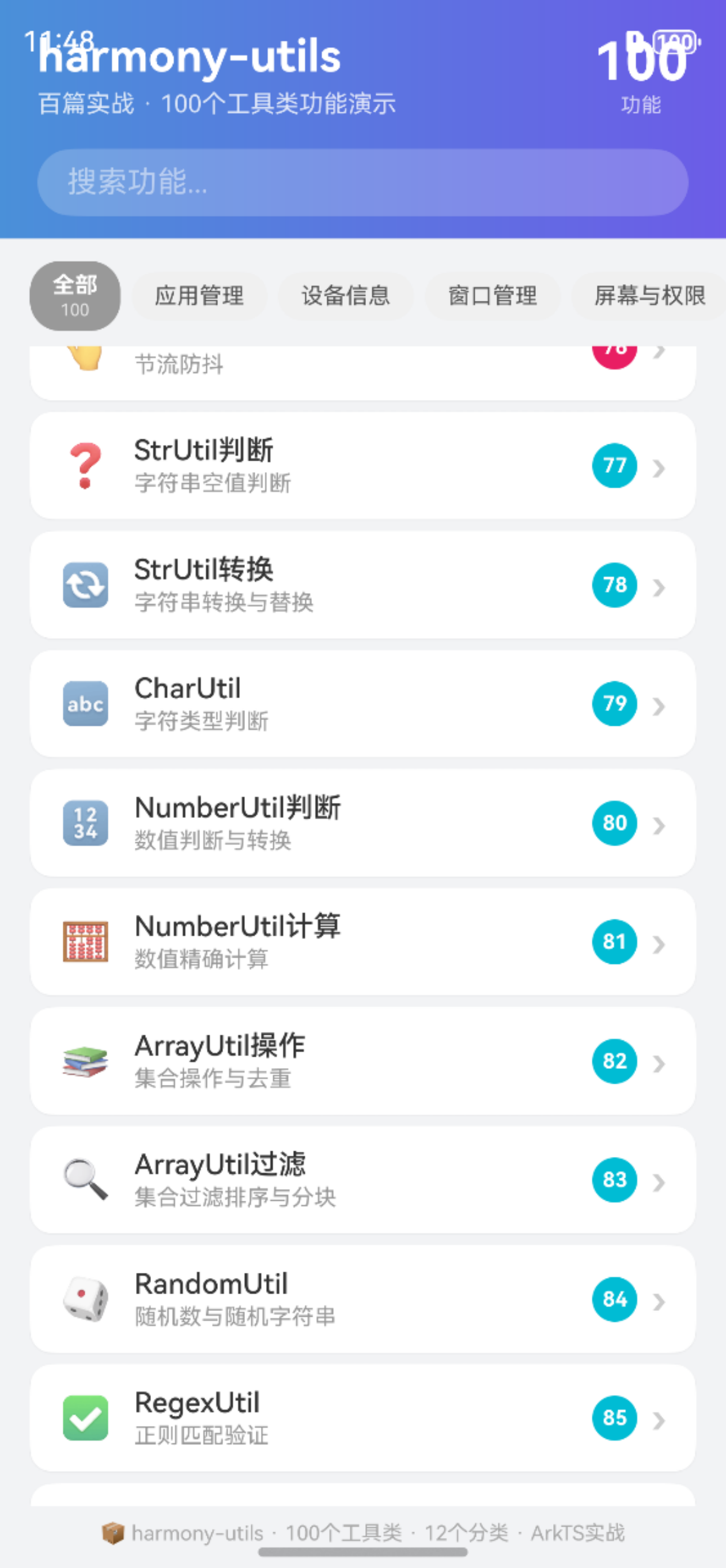
一、CharUtil核心API
CharUtil 提供了以下字符类型判断方法:
| 方法 | 说明 | 返回类型 | 使用场景 |
|---|---|---|---|
isLetter(char) |
是否字母 | boolean | 字母校验 |
isDigit(char) |
是否数字 | boolean | 数字校验 |
isLetterOrDigit(char) |
是否字母或数字 | boolean | 字母数字校验 |
isUpperCase(char) |
是否大写字母 | boolean | 大写检查 |
isLowerCase(char) |
是否小写字母 | boolean | 小写检查 |
isChinese(char) |
是否中文字符 | boolean | 中文检查 |
isWhitespace(char) |
是否空白字符 | boolean | 空白检查 |
1.1 核心特性
- 简洁易用:封装复杂逻辑为一行调用,降低使用门槛
- 类型安全:完整的TypeScript类型定义,编译期即可发现错误
- 异常处理:内置异常捕获机制,避免运行时崩溃
- 全面覆盖:覆盖字母、数字、中文、空白等常见字符类型
1.2 字符类型分类
| 类型 | 示例 | 判断方法 |
|---|---|---|
| 大写字母 | A-Z | isUpperCase |
| 小写字母 | a-z | isLowerCase |
| 数字 | 0-9 | isDigit |
| 中文 | 一-龥 | isChinese |
| 空白 | 空格/制表 | isWhitespace |
二、完整使用步骤
2.1 安装依赖
ohpm install @pura/harmony-utils
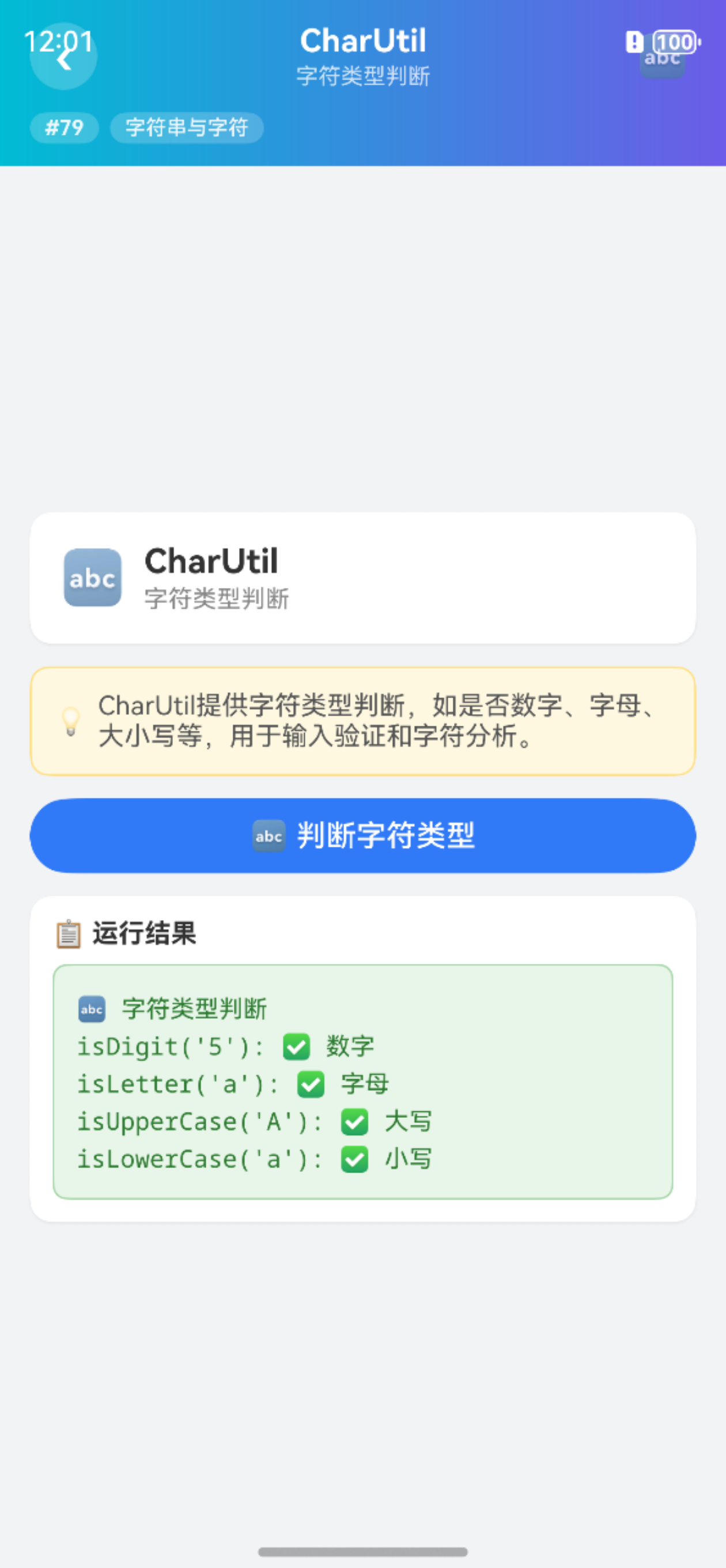
2.2 字符类型判断
import { CharUtil } from '@pura/harmony-utils';

Button('字符类型判断')
  .width('100%')
  .onClick(() => {
    try {
      let isLetter = CharUtil.isLetter('A');
      let isDigit = CharUtil.isDigit('5');
      let isChinese = CharUtil.isChinese('中');
      this.result = `isLetter('A'): ${isLetter}\nisDigit('5'): ${isDigit}\nisChinese('中'): ${isChinese}`;
    } catch (e) {
      this.result = '异常: ' + e;
    }
  })
2.3 大小写判断
Button('大小写判断')
  .width('100%')
  .onClick(() => {
    try {
      let upper = CharUtil.isUpperCase('A');
      let lower = CharUtil.isLowerCase('a');
      this.result = `isUpperCase('A'): ${upper}\nisLowerCase('a'): ${lower}`;
    } catch (e) {
      this.result = '异常: ' + e;
    }
  })
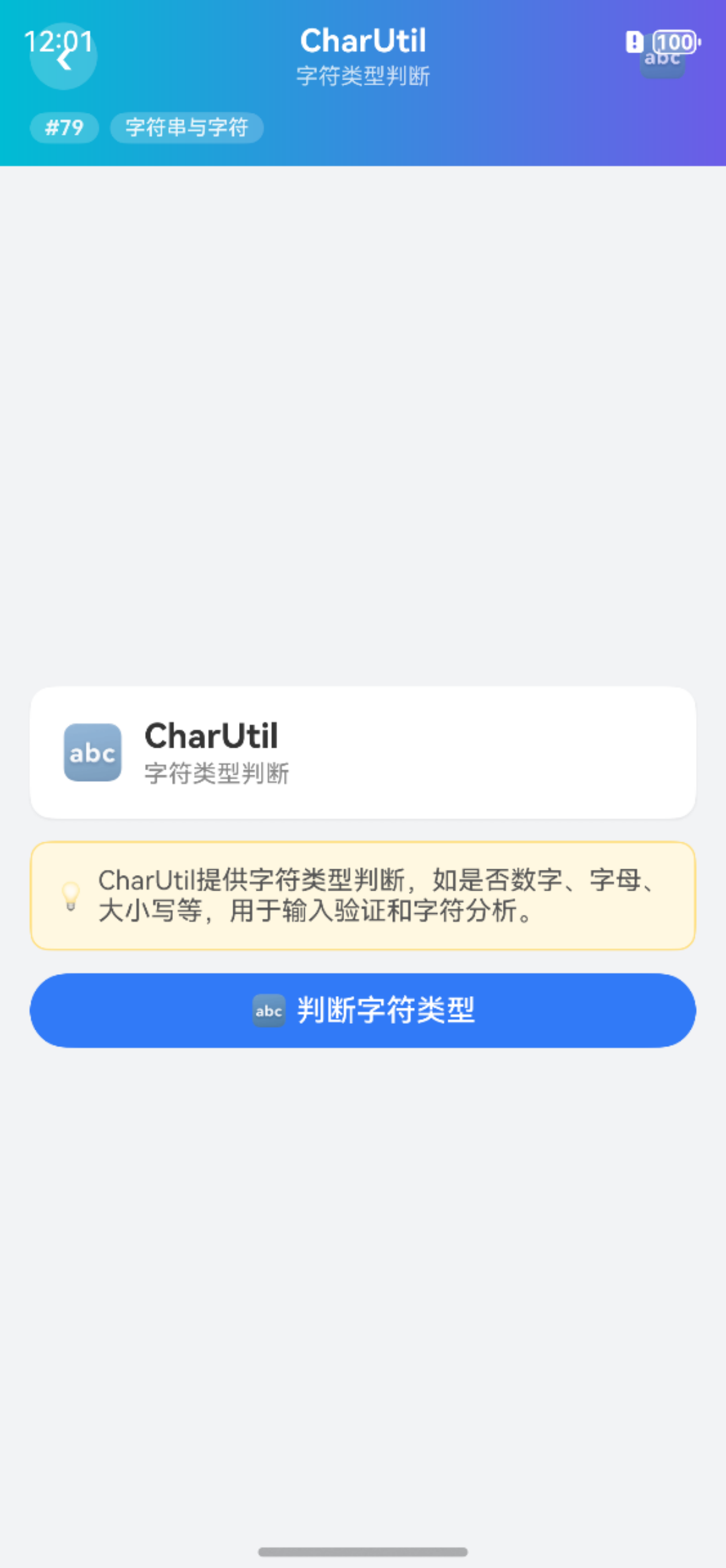
三、完整页面示例
import { CharUtil } from '@pura/harmony-utils';

@Entry
@Component
struct CharDemo {
  @State result: string = '';

  build() {
    Column({ space: 12 }) {
      Button('字符类型').width('100%').onClick(() => {
        this.result = `字母: ${CharUtil.isLetter('A')}\n数字: ${CharUtil.isDigit('5')}\n中文: ${CharUtil.isChinese('中')}`;
      });
      Button('大小写').width('100%').onClick(() => {
        this.result = `大写: ${CharUtil.isUpperCase('A')}\n小写: ${CharUtil.isLowerCase('a')}`;
      });
      Text(this.result).fontSize(14).fontColor('#333333')
    }
    .padding(16)
  }
}
四、进阶用法
4.1 输入限制
import { CharUtil } from '@pura/harmony-utils';

function isAlphaNumeric(char: string): boolean {
  return CharUtil.isLetterOrDigit(char);
}

TextInput()
  .onChange((value) => {
    let lastChar = value.charAt(value.length - 1);
    if (!isAlphaNumeric(lastChar)) {
      this.inputText = value.substring(0, value.length - 1);
    }
  })
4.2 密码强度检测
function checkPasswordStrength(password: string): string {
  let hasUpper = false, hasLower = false, hasDigit = false;
  for (let ch of password) {
    if (CharUtil.isUpperCase(ch)) hasUpper = true;
    if (CharUtil.isLowerCase(ch)) hasLower = true;
    if (CharUtil.isDigit(ch)) hasDigit = true;
  }
  if (hasUpper && hasLower && hasDigit) return '强';
  if ((hasUpper || hasLower) && hasDigit) return '中';
  return '弱';
}
五、注意事项
- 单字符:CharUtil方法针对单个字符,传入字符串只判断第一个
- 中文范围:isChinese基于常用中文Unicode范围判断
- null安全:传入null或空字符串会安全返回false
- 初始化依赖:使用前需确保
AppUtil.init()已调用 - 特殊字符:标点符号、emoji等不属于以上任何类型
六、常见问题
Q1: isLetter对中文返回true吗?
不会,isLetter只判断英文字母,中文请使用isChinese。
Q2: 如何判断一个字符串全是数字?
请使用RegexUtil.isNumber()方法,更方便。
Q3: isWhitespace包含哪些字符?
包含空格、制表符、换行符等常见空白字符。
Q4: 传入空字符串会怎样?
安全返回false,不会抛出异常。
总结
CharUtil 的字符类型判断方法为输入校验提供了便捷支持。本文详细介绍了核心API、使用步骤、完整示例、进阶用法以及常见问题的解决方案。开发者可以利用这些方法实现输入限制、密码强度检测等功能。
本文基于
@pura/harmony-utils工具库,更多功能请参考官方文档与后续系列文章。

作为“人工智能6S店”的官方数字引擎,为AI开发者与企业提供一个覆盖软硬件全栈、一站式门户。
更多推荐
 0
0 0
0- 0


 已为社区贡献37条内容

所有评论(0)