
鸿蒙三方库 | harmony-utils之NotificationUtil图片通知与模板通知详解
·
前言
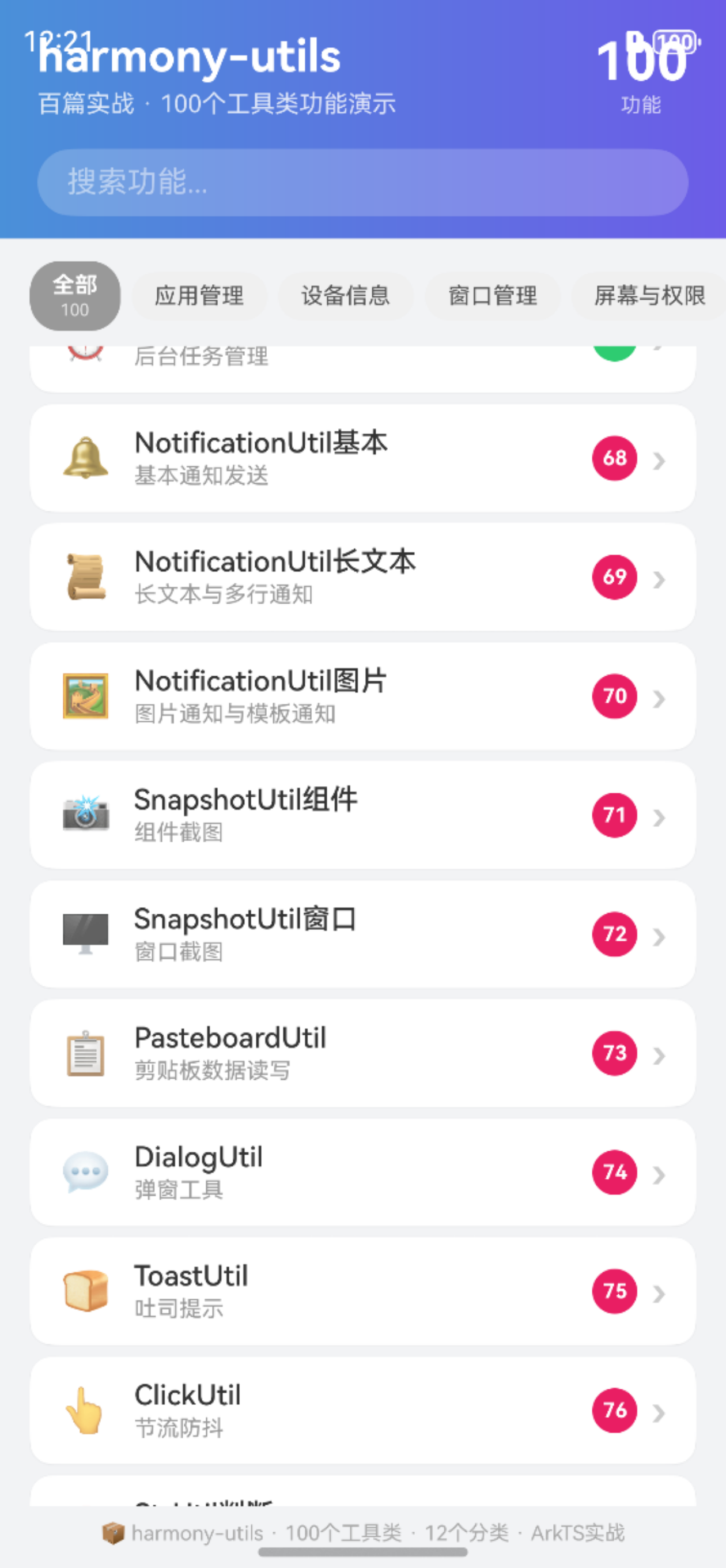
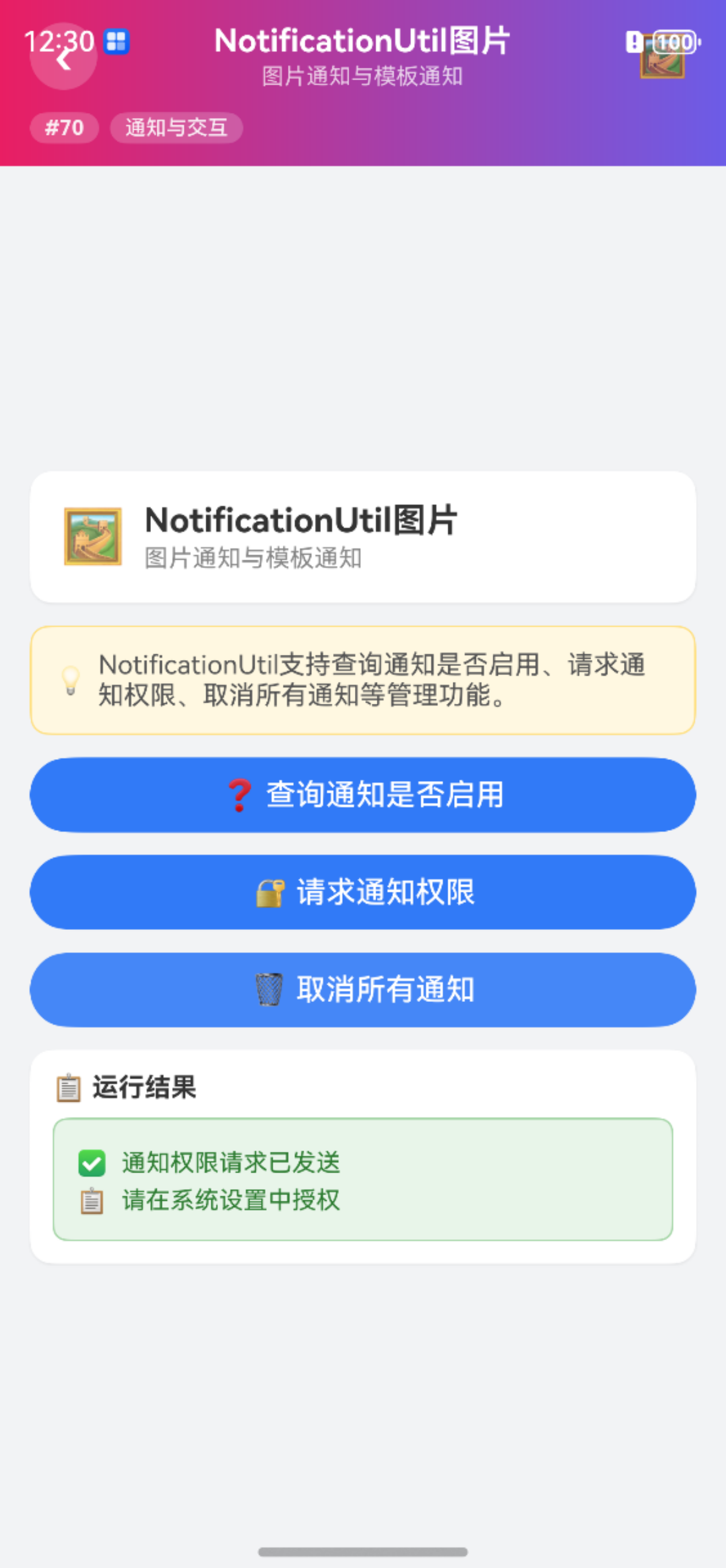
图片通知可以在通知中展示图片缩略图,适用于聊天图片、商品推荐等场景。模板通知则提供了更多自定义布局选项。@pura/harmony-utils 的 NotificationUtil 封装了图片通知发送方法。本文将从API说明、代码实战、进阶用法、常见问题等多个维度进行全面讲解,帮助开发者快速掌握并应用到实际项目中。
一、NotificationUtil图片核心API
NotificationUtil 提供了以下图片通知方法:
| 方法 | 说明 | 参数 | 使用场景 |
|---|---|---|---|
publishWithImage(title, text, pixelMap) |
发送图片通知 | title, text, pixelMap | 图片消息 |
publishTemplate(title, text, template) |
发送模板通知 | title, text, template | 自定义布局 |
1.1 核心特性
- 简洁易用:封装复杂API为一行调用,降低使用门槛
- 类型安全:完整的TypeScript类型定义,编译期即可发现错误
- 异常处理:内置异常捕获机制,避免运行时崩溃
- 图片支持:支持在通知中展示图片缩略图
1.2 通知样式对照
| 样式 | 方法 | 展示内容 | 适用场景 |
|---|---|---|---|
| 基本通知 | publish | 文本 | 简短消息 |
| 图片通知 | publishWithImage | 文本+图片 | 图片消息 |
| 模板通知 | publishTemplate | 自定义布局 | 下载进度 |
二、完整使用步骤
2.1 安装依赖
ohpm install @pura/harmony-utils
2.2 发送图片通知
import { NotificationUtil } from '@pura/harmony-utils';

Button('发送图片通知')
  .width('100%')
  .onClick(async () => {
    try {
      let pixelMap = await this.loadPixelMap();
      NotificationUtil.publishWithImage('图片消息', '收到一张图片', pixelMap);
      this.result = '图片通知已发送 🖼️';
    } catch (e) {
      this.result = '异常: ' + e;
    }
  })
2.3 发送模板通知
Button('发送模板通知')
  .width('100%')
  .onClick(() => {
    try {
      NotificationUtil.publishTemplate('下载通知', '文件下载中', 'download');
      this.result = '模板通知已发送 📥';
    } catch (e) {
      this.result = '异常: ' + e;
    }
  })
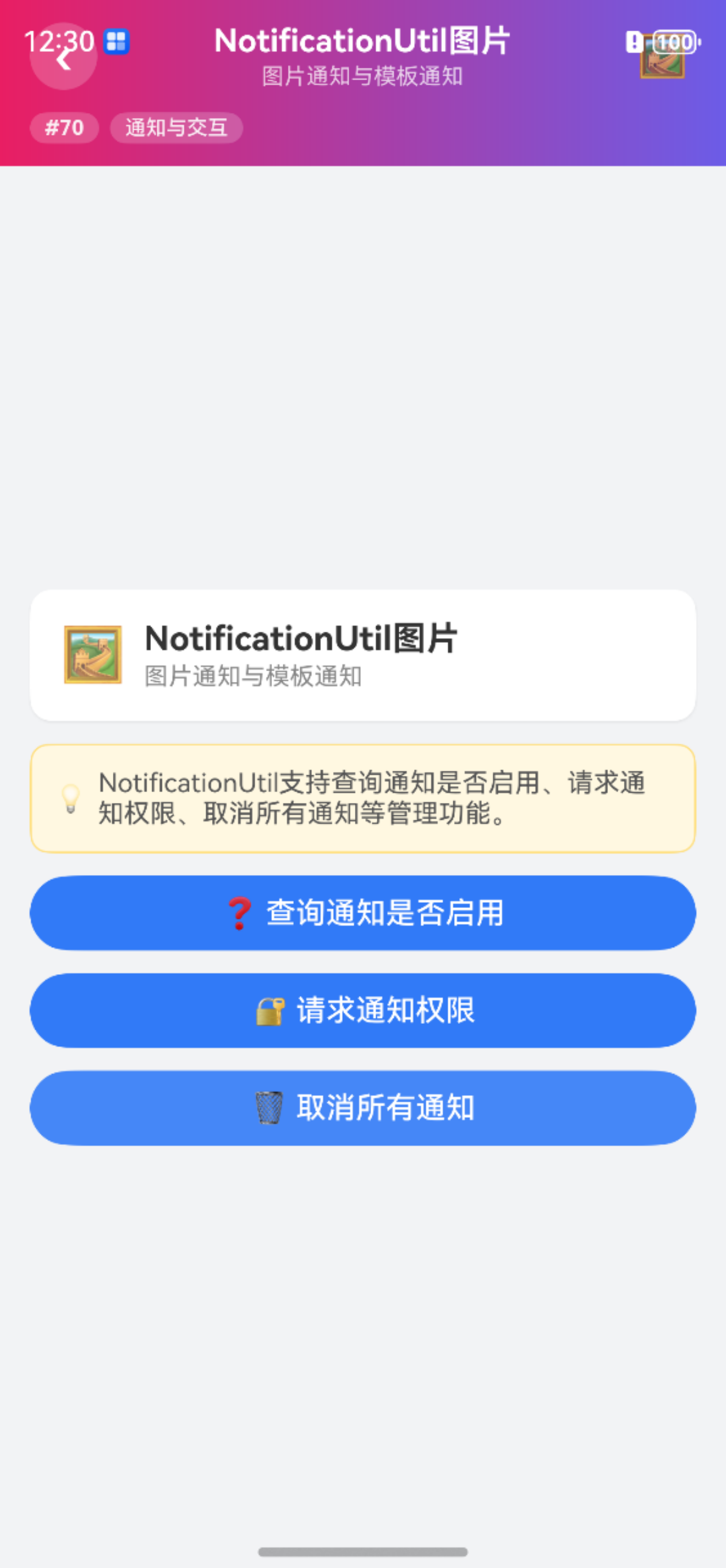
三、完整页面示例
import { NotificationUtil } from '@pura/harmony-utils';

@Entry
@Component
struct NotifImageDemo {
  @State result: string = '';

  build() {
    Column({ space: 12 }) {
      Button('图片通知').width('100%').onClick(async () => {
        try {
          NotificationUtil.publishWithImage('图片', '收到图片', this.pixelMap);
          this.result = '已发送';
        } catch (e) { this.result = '异常: ' + e; }
      });
      Text(this.result).fontSize(14).fontColor('#333333')
    }
    .padding(16)
  }
}
四、进阶用法
4.1 商品推荐通知
import { NotificationUtil } from '@pura/harmony-utils';

async function sendProductNotification(product: Product): Promise<void> {
  let pixelMap = await ImageUtil.base64ToPixelMap(product.imageBase64);
  NotificationUtil.publishWithImage(product.name, product.price, pixelMap);
}
4.2 下载进度通知
function updateDownloadNotification(progress: number): void {
  NotificationUtil.publishTemplate('下载中', `进度: ${progress}%`, 'download');
}
五、注意事项
- 图片大小:通知图片不宜过大,建议缩略图
- PixelMap:需要先创建PixelMap对象
- 权限要求:发送通知需要通知权限
- 初始化依赖:使用前需确保
AppUtil.init()已调用 - 模板类型:模板通知的具体样式取决于系统支持
六、常见问题
Q1: 图片通知显示不出图片?
检查PixelMap是否有效,图片是否过大。
Q2: 模板通知有哪些可用模板?
具体可用模板取决于系统版本,常见有下载进度、社交消息等。
Q3: 图片通知可以点击查看大图吗?
基本图片通知不支持点击查看大图,需要配置WantAgent实现。
Q4: 如何更新图片通知的内容?
使用publishWithId配合相同ID,可以更新通知内容和图片。
总结
NotificationUtil 的图片通知和模板通知方法为丰富通知展示提供了支持。本文详细介绍了核心API、使用步骤、完整示例、进阶用法以及常见问题的解决方案。开发者可以根据场景选择合适的通知样式。
本文基于
@pura/harmony-utils工具库,更多功能请参考官方文档与后续系列文章。

作为“人工智能6S店”的官方数字引擎,为AI开发者与企业提供一个覆盖软硬件全栈、一站式门户。
更多推荐
 1
1 0
0- 0


 已为社区贡献37条内容

所有评论(0)