
鸿蒙应用开发实战【98】— 版本迭代数据库升级实战案例
·
鸿蒙应用开发实战【98】— 版本迭代数据库升级实战案例
本文是「号码助手全栈开发系列」第 98 篇,持续更新中…
开源社区:https://openharmonycrossplatform.csdn.net
前言
应用上线后,数据库结构几乎必然需要随着功能迭代而变更——新增表、新增字段、修改约束。HarmonyOS relationalStore 通过版本号 store.version 驱动升级流程。本篇以号码助手数据库从 v1 升级到 v2 的过程为例,讲解完整的版本升级策略。
本篇涵盖:upgrade 方法设计、版本号比较逻辑、ALTER TABLE 新增字段、数据迁移与兼容性、降级保护。
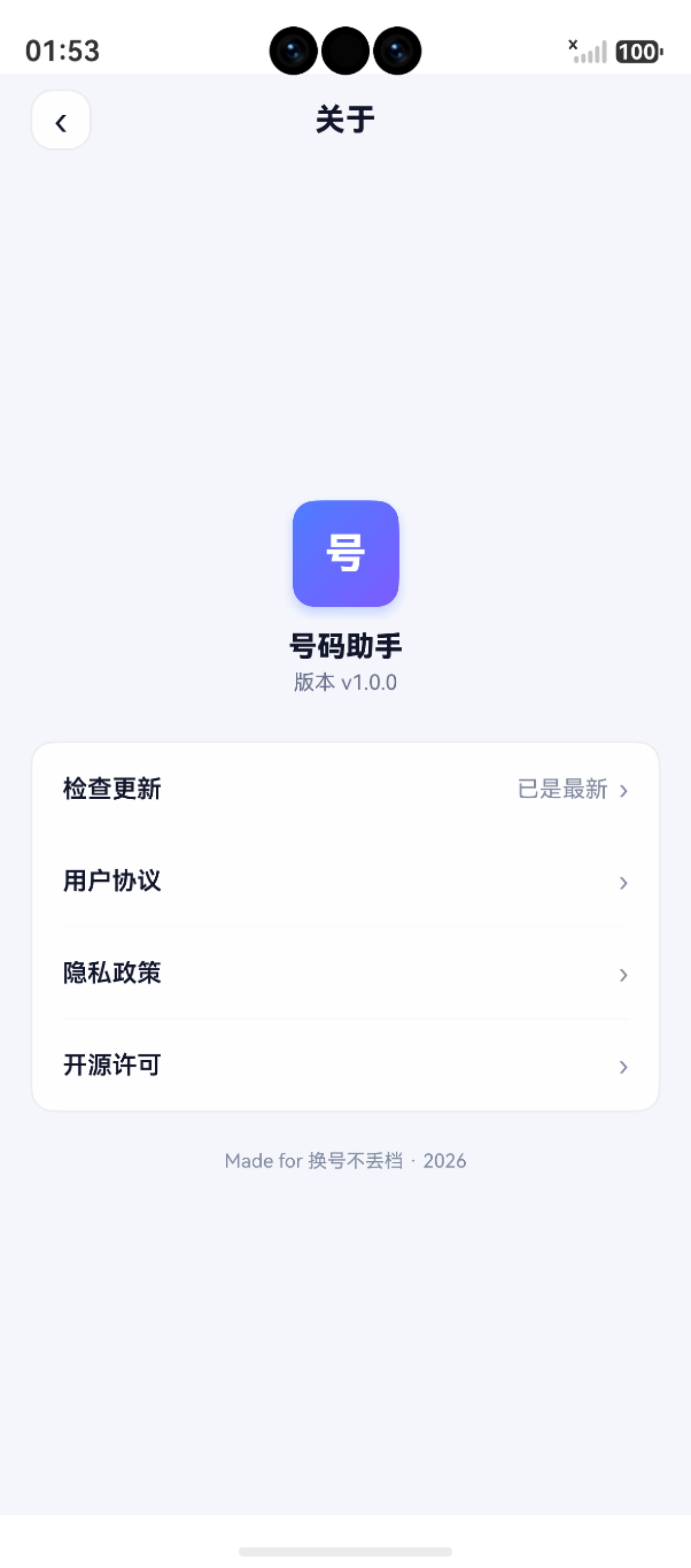
一、当前数据库版本
文件:features/data/DatabaseService.ets
const DB_CONFIG: relationalStore.StoreConfig = {
  name: 'number_assistant.db',
  securityLevel: relationalStore.SecurityLevel.S2
}

const DB_VERSION = 1  // 当前版本
二、upgrade 方法设计
private async upgrade(
  store: relationalStore.RdbStore,
  fromVersion: number,
  toVersion: number
): Promise<void> {
  if (fromVersion < 1) {
    // v1:初始建表(4 张表 + 索引)
    const ddls: string[] = [
      `CREATE TABLE IF NOT EXISTS cards (...)`,

      `CREATE TABLE IF NOT EXISTS app_bindings (...)`,

      `CREATE TABLE IF NOT EXISTS sms_candidates (...)`,

      `CREATE TABLE IF NOT EXISTS sync_meta (...)`,

      // 索引
      `CREATE INDEX IF NOT EXISTS idx_ab_card   ON app_bindings(card_id)`,
      `CREATE INDEX IF NOT EXISTS idx_ab_status ON app_bindings(status)`,
      `CREATE INDEX IF NOT EXISTS idx_ab_name   ON app_bindings(app_name)`
    ]
    for (const sql of ddls) {
      await store.executeSql(sql)
    }
    hilog.info(0x0000, TAG, '建表完成 → v1')
  }
  // 后续版本升级在这里追加
  // if (fromVersion < 2) { ... }
  // if (fromVersion < 3) { ... }
}
三、v1 → v2 升级实战
假设 v2 版本需要新增两个字段:
cards表增加email字段app_bindings表增加expire_at字段
3.1 升级代码
// DatabaseService.ets — upgrade 方法中追加
if (fromVersion < 2) {
  const alterStatements: string[] = [
    // 新增 email 字段(允许为空)
    `ALTER TABLE cards ADD COLUMN email TEXT NOT NULL DEFAULT ''`,

    // 新增过期时间字段
    `ALTER TABLE app_bindings ADD COLUMN expire_at INTEGER NOT NULL DEFAULT 0`
  ]
  for (const sql of alterStatements) {
    try {
      await store.executeSql(sql)
    } catch (e) {
      hilog.error(0x0000, TAG, 'v2 ALTER TABLE 失败: %{public}s', JSON.stringify(e))
      throw new Error('数据库升级 v2 失败: ' + JSON.stringify(e))
    }
  }
  hilog.info(0x0000, TAG, '升级完成 → v2')
}
3.2 更新常量
const DB_VERSION = 2  // 版本号更新到 2

// CardDao 中更新 COLS
const COLS: string[] = [
  'id', 'label', 'phone_number', 'carrier', 'remark',
  'color', 'sort_order', 'created_at', 'updated_at',
  'email'  // 新增
]

// 更新 CardEntity 接口
export interface CardEntity {
  // ...原有字段
  email?: string  // 可选,兼容旧数据
}
四、升级流程时序
应用启动
  ↓
getRdbStore(context, config)   ← 传入最新 DB_VERSION
  ↓
store.version != DB_VERSION?
  ├── 是 → upgrade(store, store.version, DB_VERSION)
  │         ├── fromVersion < 1 → 建表
  │         ├── fromVersion < 2 → ALTER TABLE
  │         ├── fromVersion < 3 → ...
  │         └── store.version = DB_VERSION
  │
  └── 否 → 直接使用
五、最佳实践
5.1 增量升级(非全量重建)
// ✅ 正确:每个版本增量变更
if (fromVersion < 2) { /* ALTER TABLE v1→v2 */ }
if (fromVersion < 3) { /* ALTER TABLE v2→v3 */ }

// ❌ 错误:每次重建(会丢失数据)
// await store.executeSql('DROP TABLE IF EXISTS cards')
// 重新建表...(不要这样做)
5.2 ALTER TABLE 支持的操作
| 操作 | SQL | 支持 | 风险等级 |
|---|---|---|---|
| 新增列 | ALTER TABLE t ADD COLUMN c TYPE |
✅ | 🟢 低 |
| 重命名列 | ALTER TABLE t RENAME COLUMN old TO new |
✅ (HarmonyOS 6.1+) | 🟡 中 |
| 删除列 | ALTER TABLE t DROP COLUMN c |
❌ 部分版本不支持 | 🔴 高 |
| 修改默认值 | 无法直接修改 | 需创建新表迁移 | 🔴 高 |
| 新增索引 | CREATE INDEX |
✅ | 🟢 低 |
5.3 数据迁移(复杂变更)
当需要合并/拆分列时,无法用简单 ALTER TABLE 完成:
if (fromVersion < 2) {
  // 1. 创建新表
  await store.executeSql(`
    CREATE TABLE cards_new (
      id INTEGER PRIMARY KEY AUTOINCREMENT,
      display_name TEXT NOT NULL DEFAULT ''
    )
  `)

  // 2. 迁移数据(将 label + phone_number 合并为 display_name)
  await store.executeSql(`
    INSERT INTO cards_new (id, display_name)
    SELECT id, label || ' - ' || phone_number FROM cards
  `)

  // 3. 删除旧表
  await store.executeSql('DROP TABLE cards')

  // 4. 重命名新表
  await store.executeSql('ALTER TABLE cards_new RENAME TO cards')
}
5.4 防御性检查
// 每次 ALTER TABLE 前检查列是否存在,避免重复执行
const hasColumn = await this.columnExists(store, 'cards', 'email')
if (!hasColumn) {
  await store.executeSql('ALTER TABLE cards ADD COLUMN email TEXT NOT NULL DEFAULT ""')
}

private async columnExists(
  store: relationalStore.RdbStore,
  table: string,
  columnName: string
): Promise<boolean> {
  try {
    const rs = await store.executeSql(`PRAGMA table_info(${table})`)
    // 遍历 ResultSet 检查 columnName
    while (rs.goToNextRow()) {
      if (rs.getString(1) === columnName) return true
    }
    return false
  } catch {
    return false
  }
}
六、降级保护
如果用户安装的是旧版本应用打开新版数据库:
private async upgrade(...) {
  // 降级保护:fromVersion 大于 toVersion
  if (fromVersion > toVersion) {
    hilog.warn(0x0000, TAG, '数据库版本 %{public}d > 应用版本 %{public}d,降级',
      fromVersion, toVersion)
    // 可以选择重新创建或报错
    throw new Error('数据库不兼容:请先升级应用')
  }
  // ...
}
七、版本升级检查清单
| 版本 | 变更内容 | SQL |
|---|---|---|
| v1 | 初始建表(4 表 + 3 索引) | CREATE TABLE |
| v2 | cards 新增 email、bindings 新增 expire_at | ALTER TABLE ADD COLUMN |
| v3 | 合并字段(示例) | 新建表 + INSERT + DROP + RENAME |
小结
| 概念 | 要点 |
|---|---|
| 版本驱动 | store.version 与 DB_VERSION 比较触发 upgrade |
| 增量升级 | 每个版本独立 if 块,不破坏旧版本 |
| ALTER TABLE | 主要用 ADD COLUMN,复杂变更用建新表 + 迁移 |
| 防御性 | 检查列是否存在、降级保护、事务包裹 |
| 兼容旧数据 | 新字段用 DEFAULT 值,新接口参数用可选 ? |
如果这篇文章对你有帮助,欢迎点赞👍、收藏⭐、关注🔔,你的支持是我持续创作的动力!
相关资源:
- 开源鸿蒙跨平台社区:https://openharmonycrossplatform.csdn.net
- HarmonyOS relationalStore 开发指南:https://developer.huawei.com/consumer/cn/doc/harmonyos-guides/data-persistence-by-rdb
- HarmonyOS 官方文档:https://developer.huawei.com/consumer/cn/doc/
- HarmonyOS hilog文档:https://developer.huawei.com/consumer/cn/doc/harmonyos-references/hilog
- HarmonyOS testing:https://developer.huawei.com/consumer/cn/doc/harmonyos-guides/unit-test
- HarmonyOS 安全与权限:https://developer.huawei.com/consumer/cn/doc/harmonyos-guides/permissions-overview

作为“人工智能6S店”的官方数字引擎,为AI开发者与企业提供一个覆盖软硬件全栈、一站式门户。
更多推荐
 8
8 0
0- 0


 已为社区贡献31条内容

所有评论(0)