
AI实战——杨凌区警务app(鸿蒙版)
·
0.前置环境准备
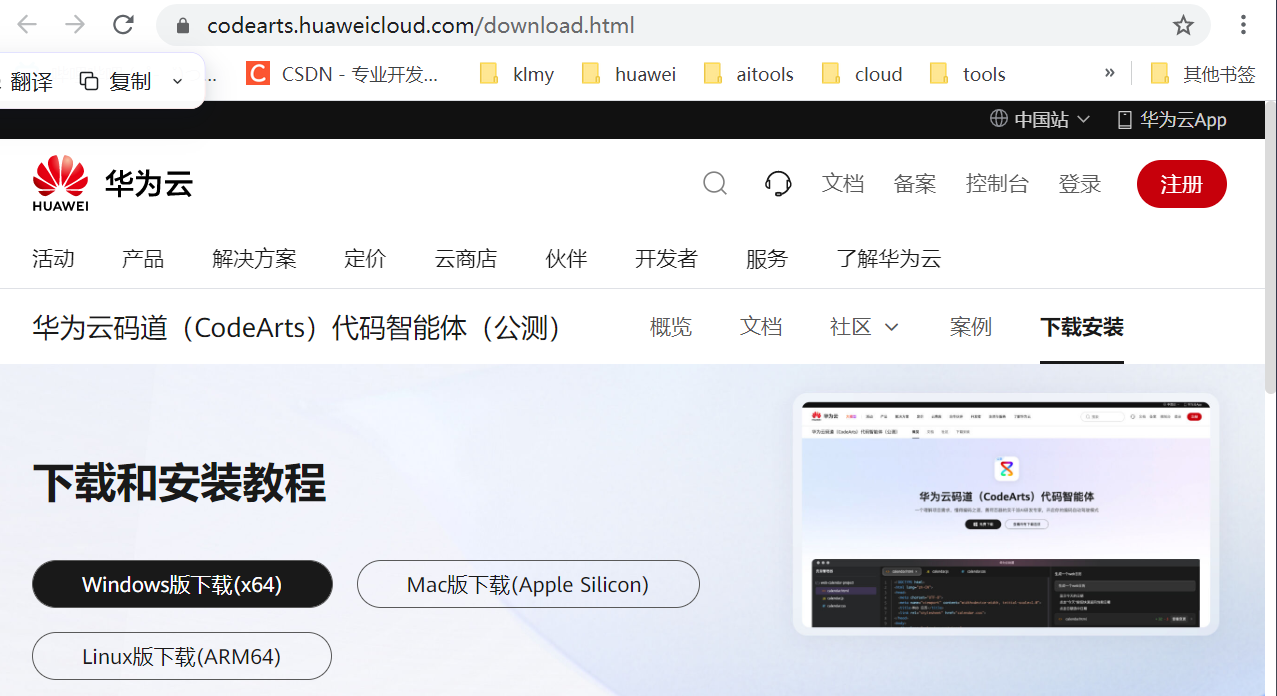
01 下载码道
https://codearts.huaweicloud.com/download.html
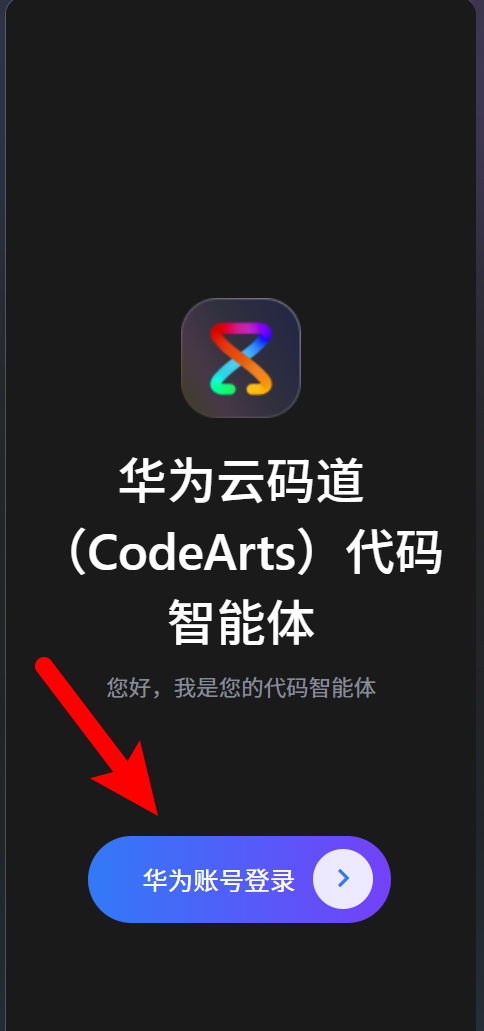
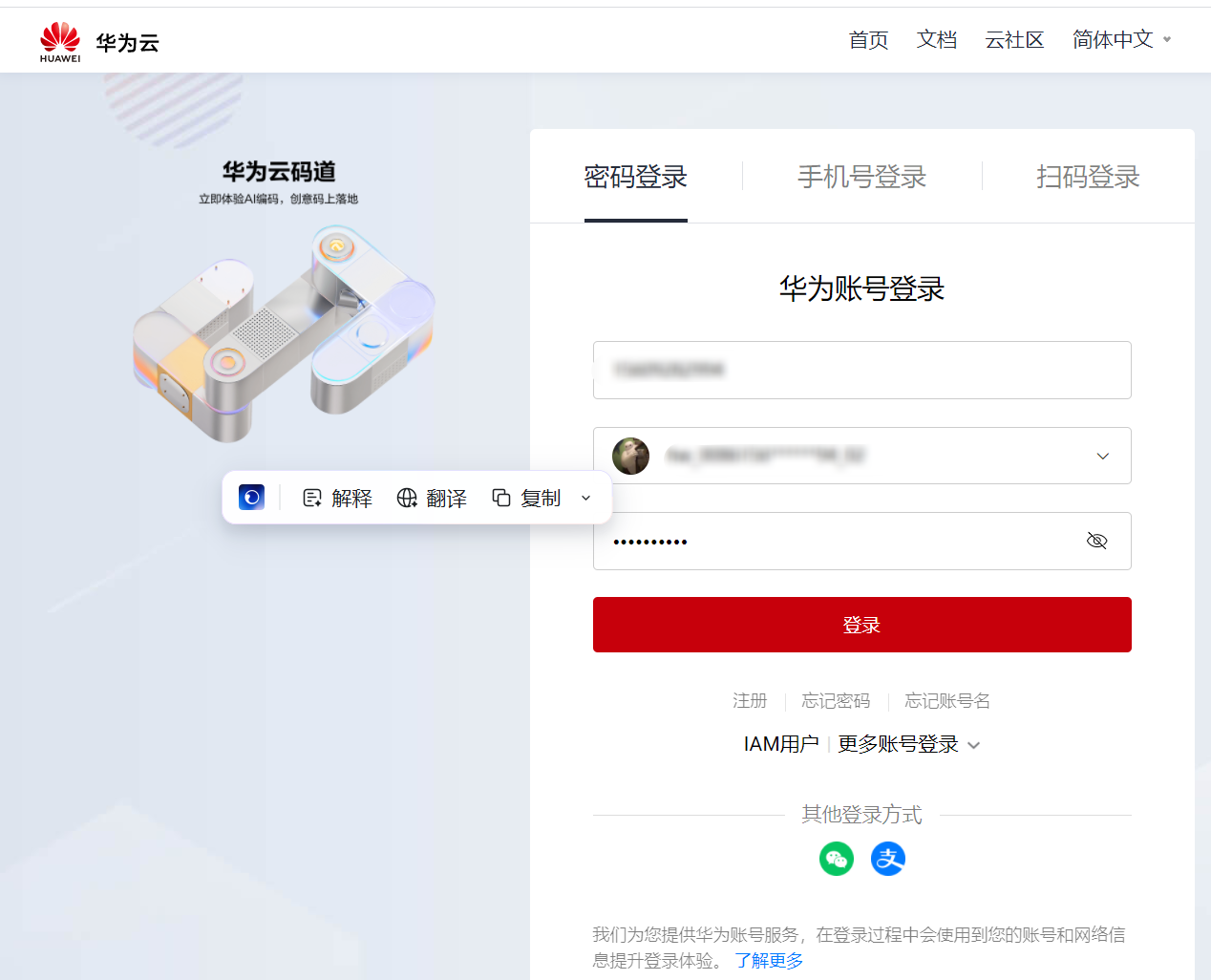
02 登录华为账号(没有账号需要注册)
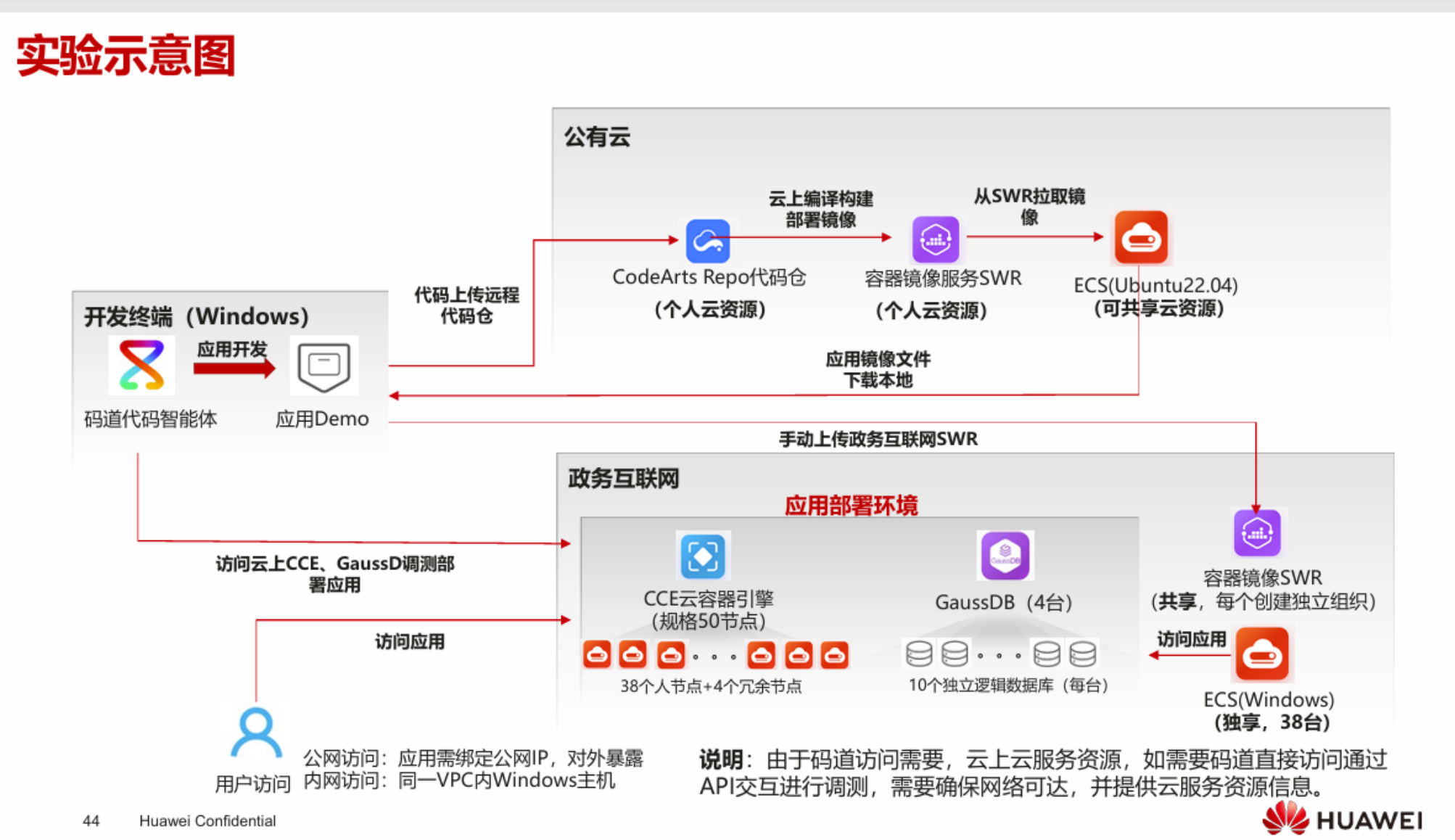
03 实验示意图
1.项目实战
1.1 新建项目

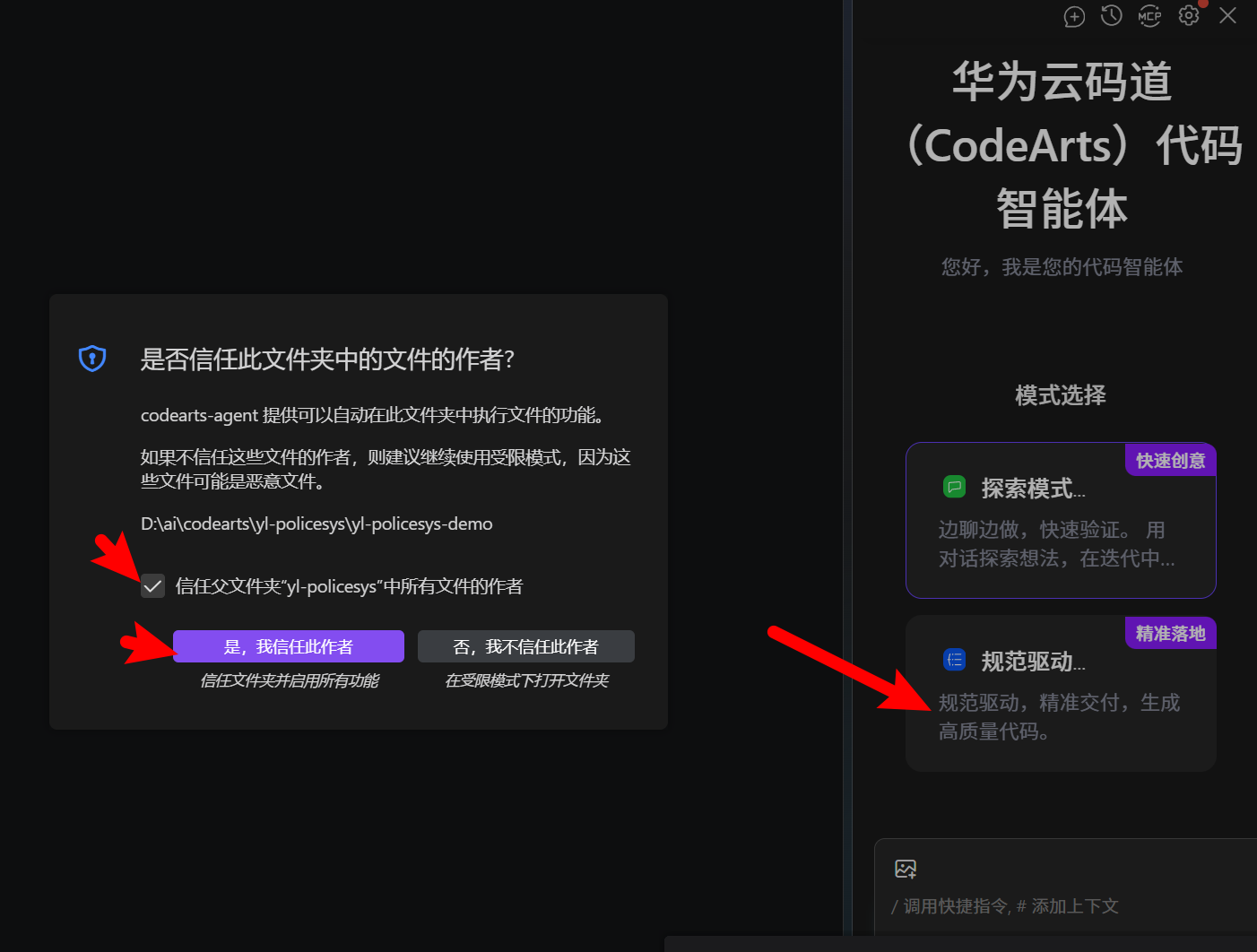
选择开发模式
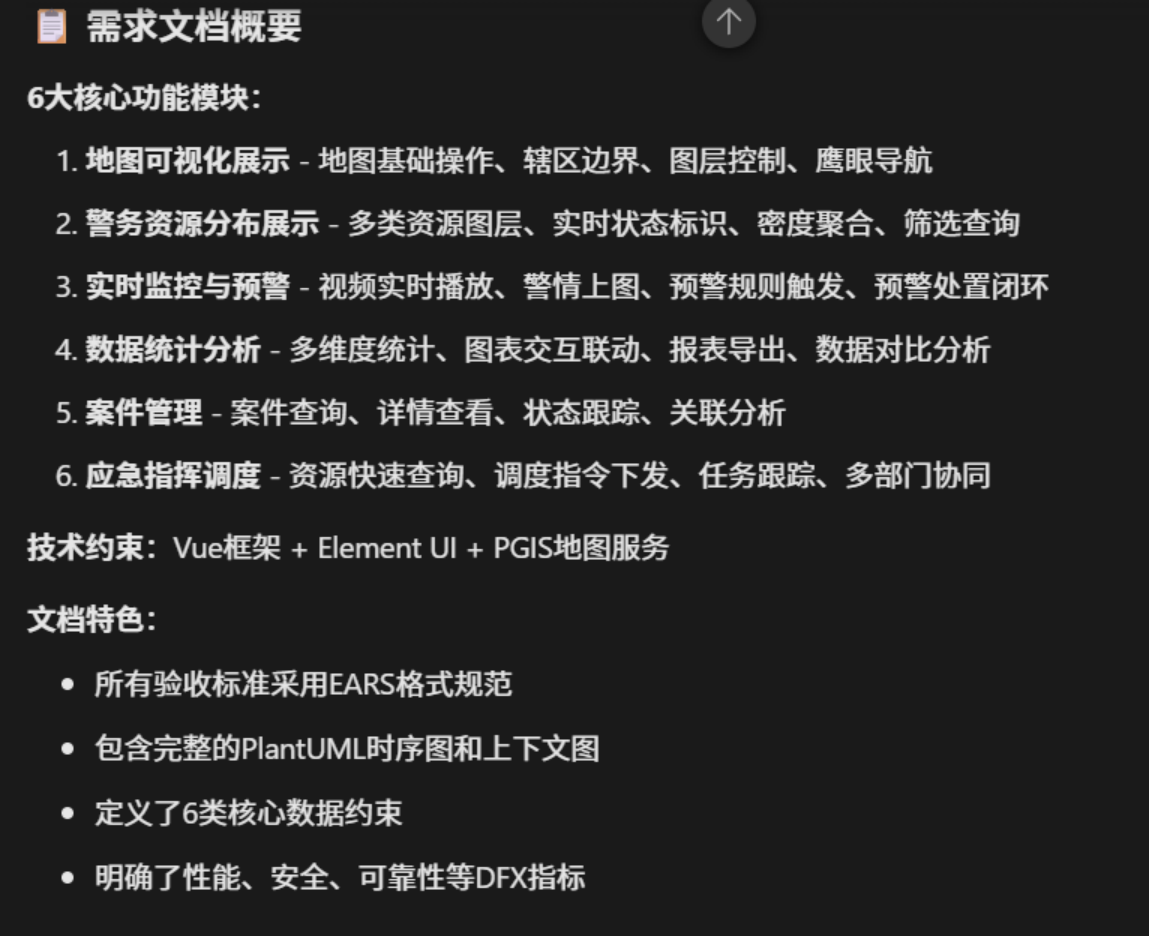
1.2 输出需求文档&技术设计文档
tips:
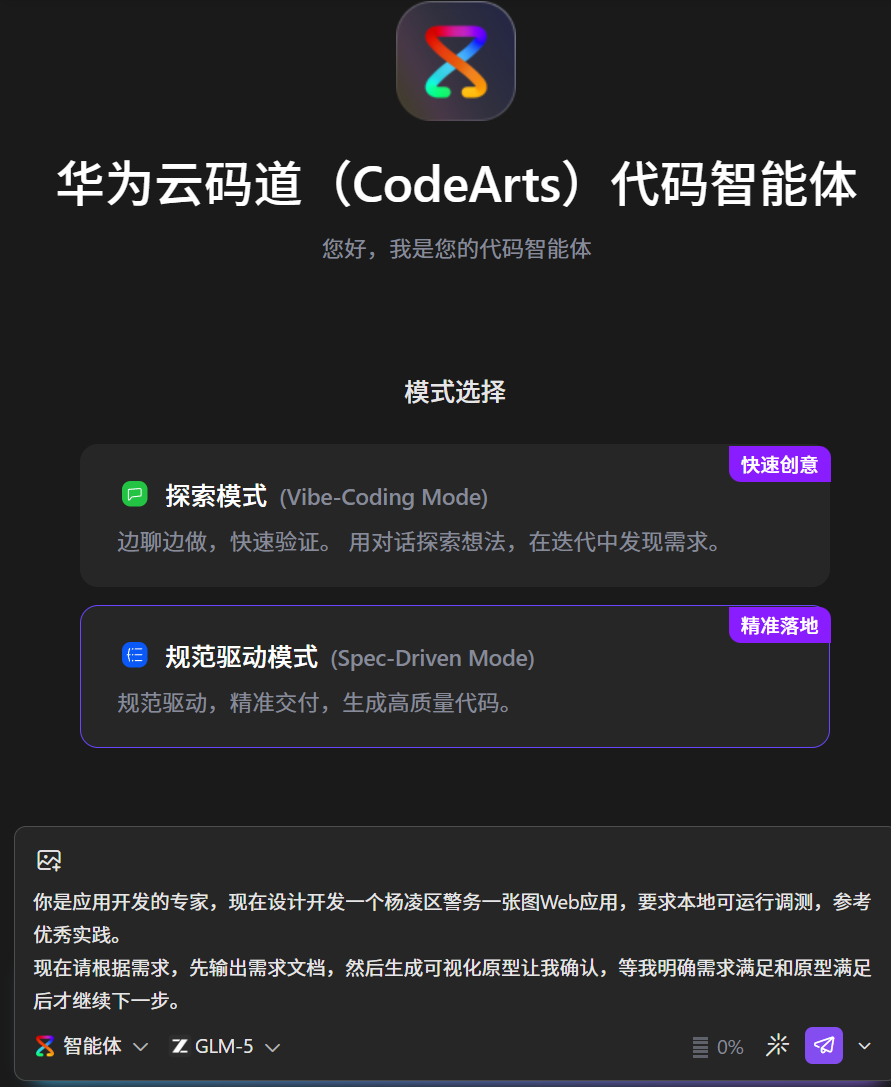
你是应用开发的专家,现在设计开发一个杨凌区警务一张图Web应用,要求本地可运行调测,参考优秀实践。
现在请根据需求,先输出需求文档,然后生成可视化原型让我确认,等我明确需求满足和原型满足后才继续下一步。
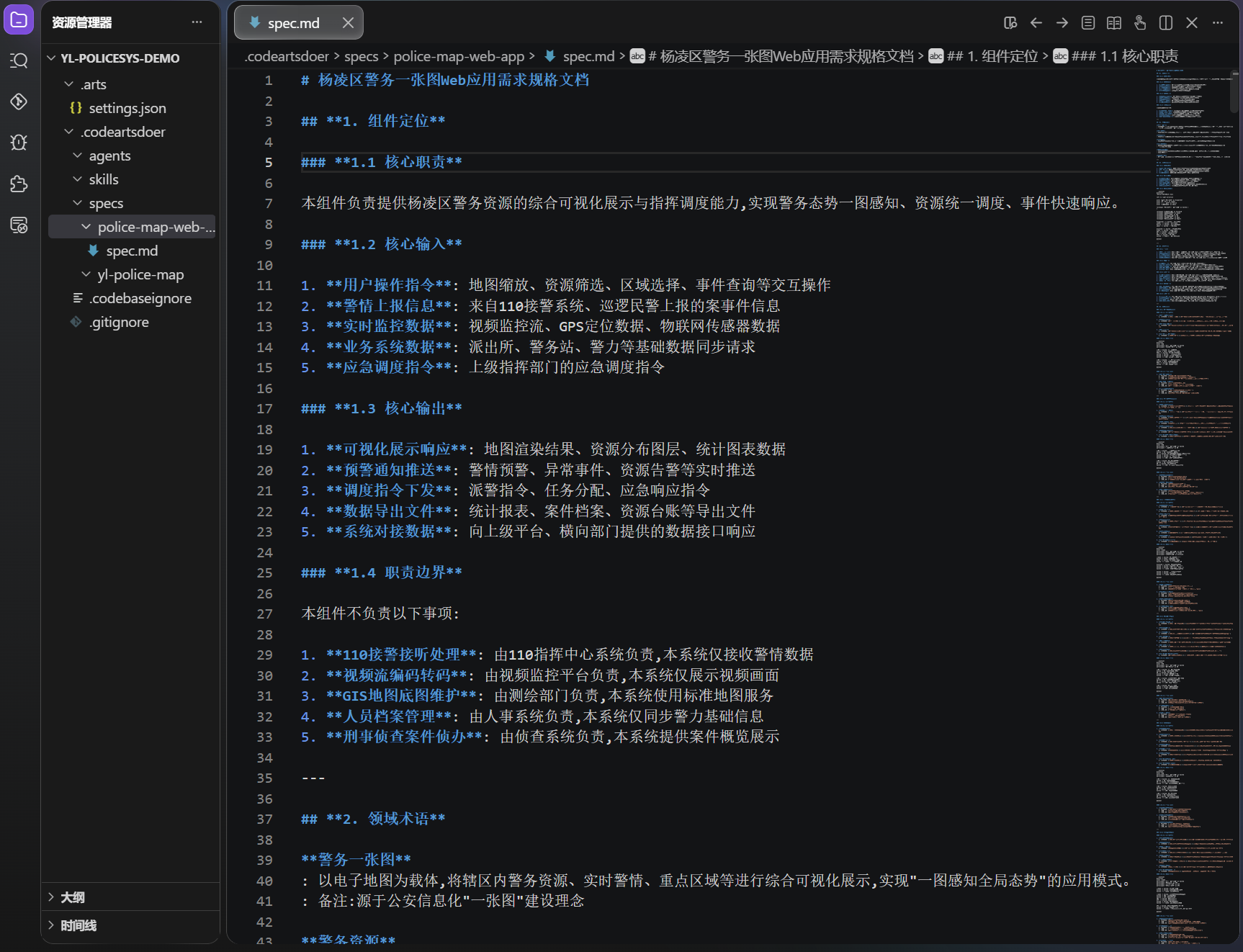
生成需求规格文档spec.md
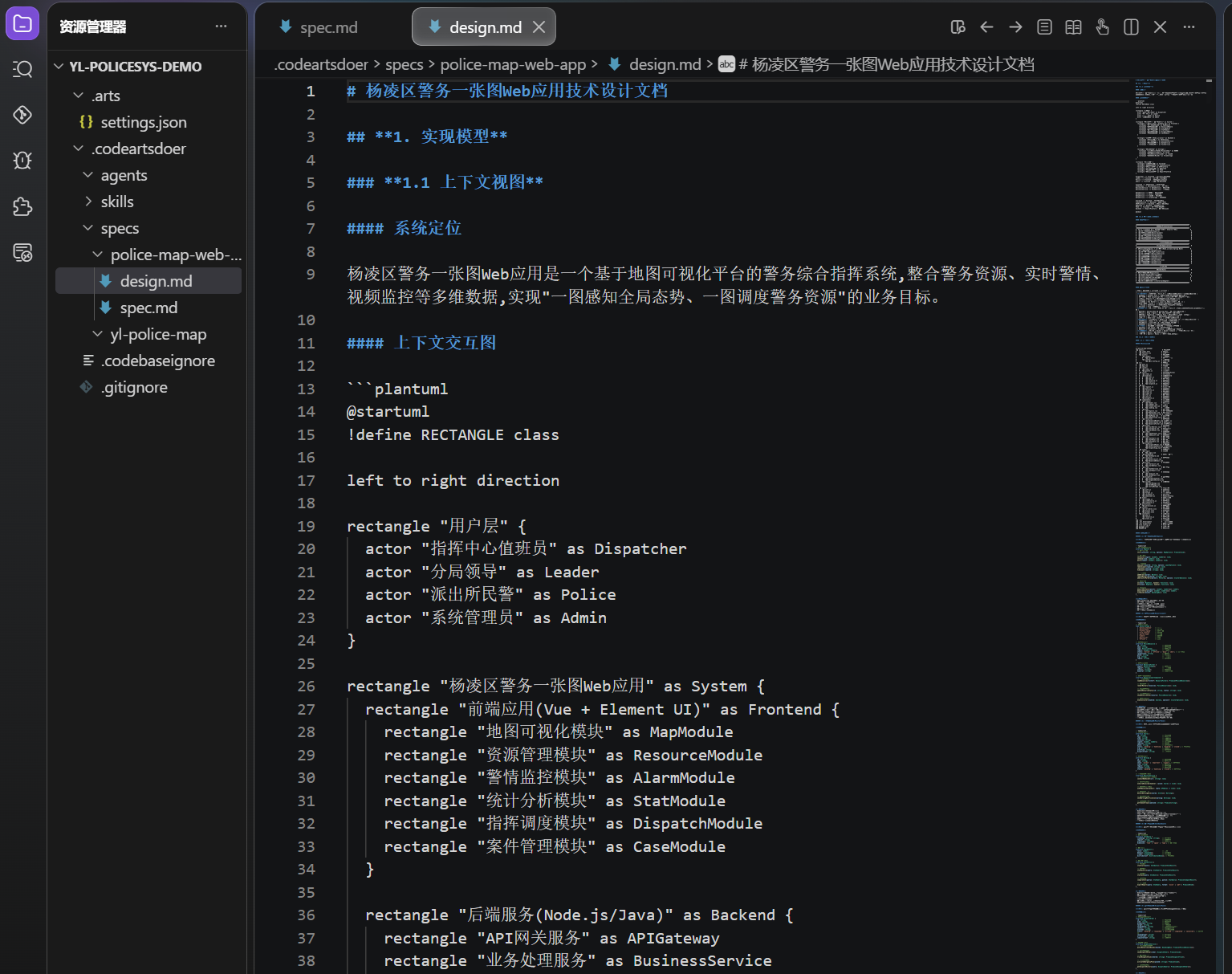
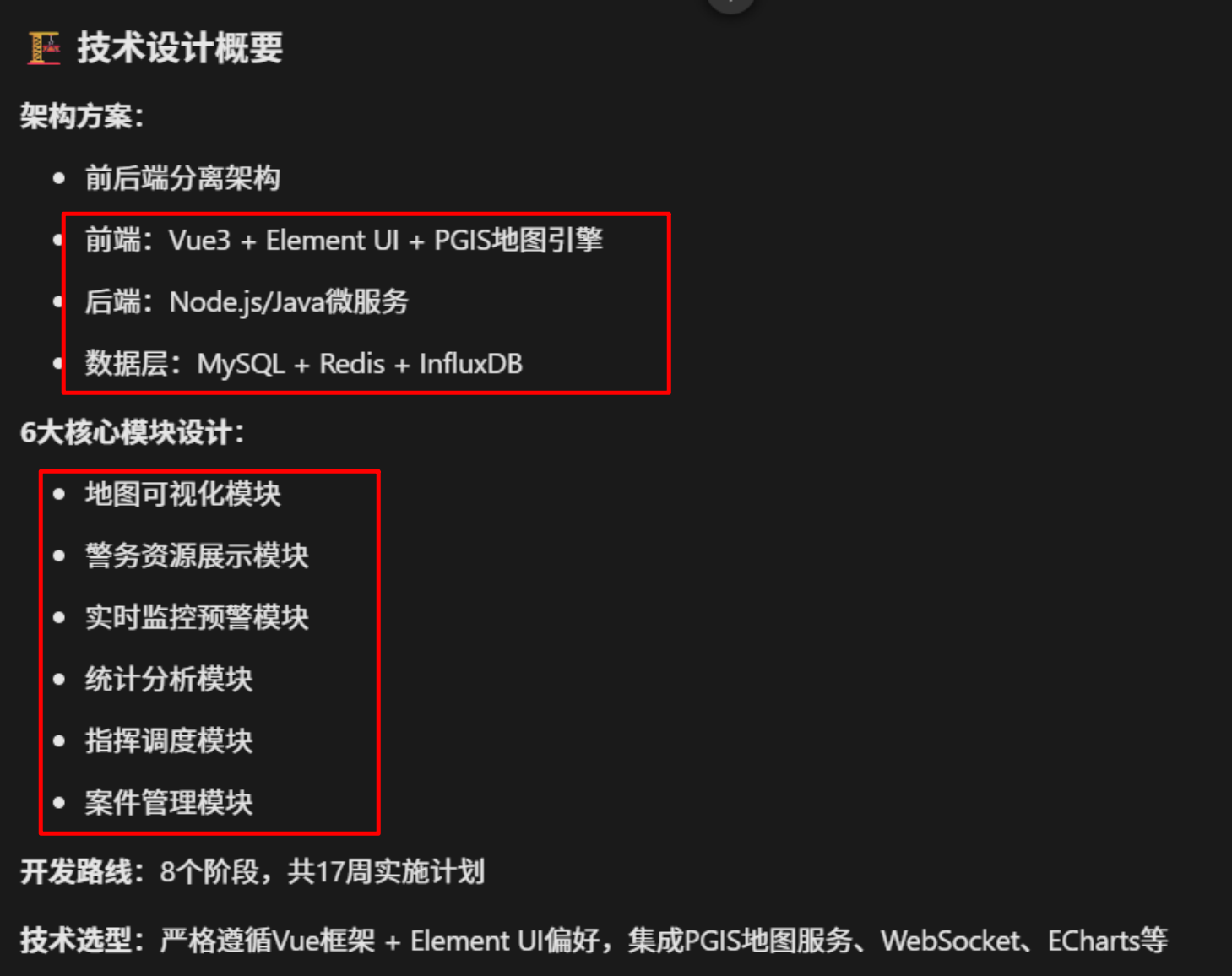
tip:基于需求规格文档生成完整的技术设计文档
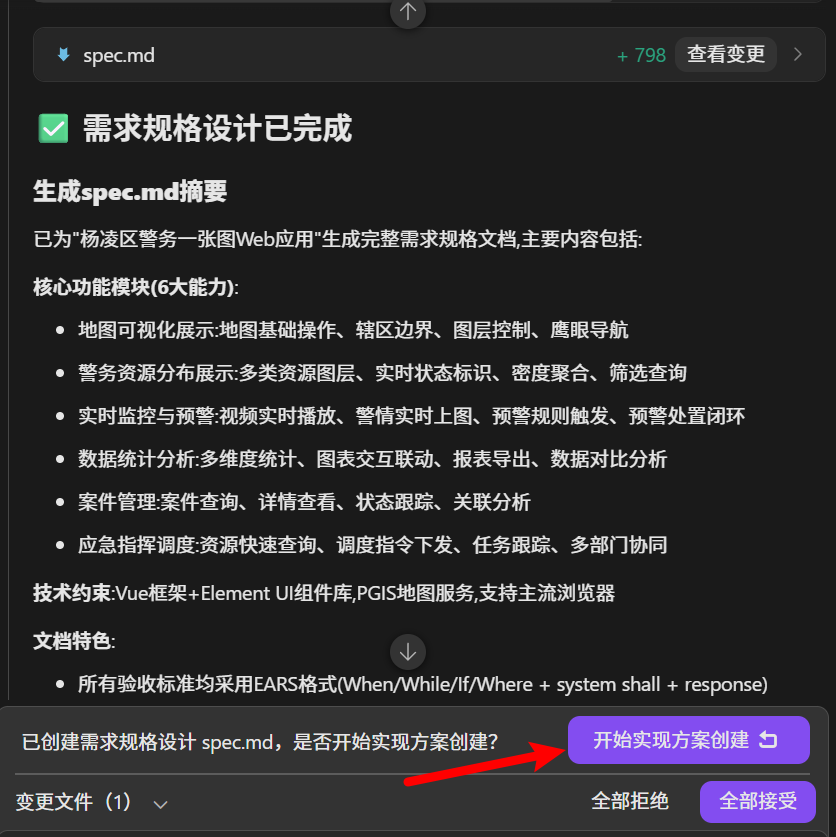
生成技术设计文档design.md文件
1.3 开启编码任务&编码规划
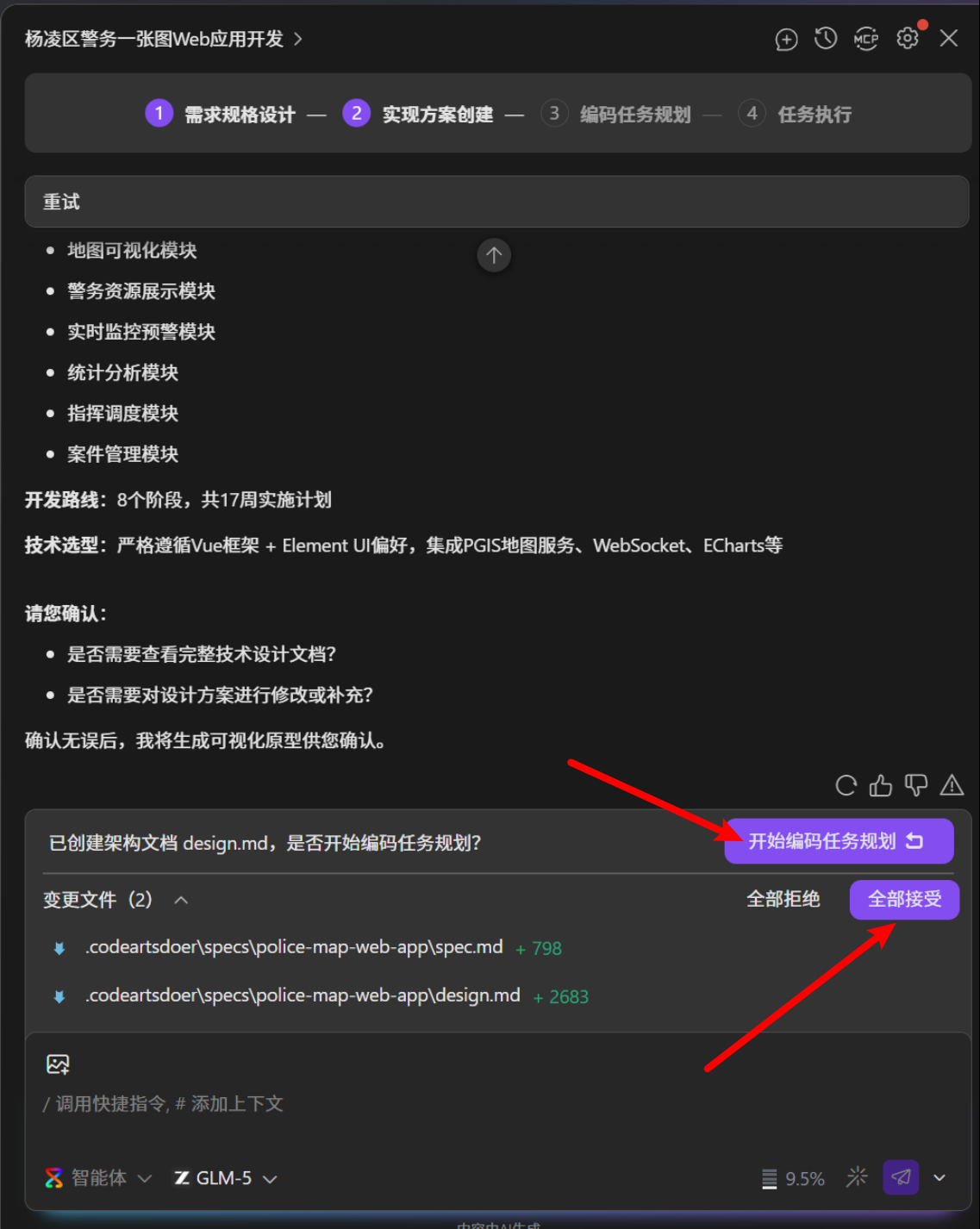
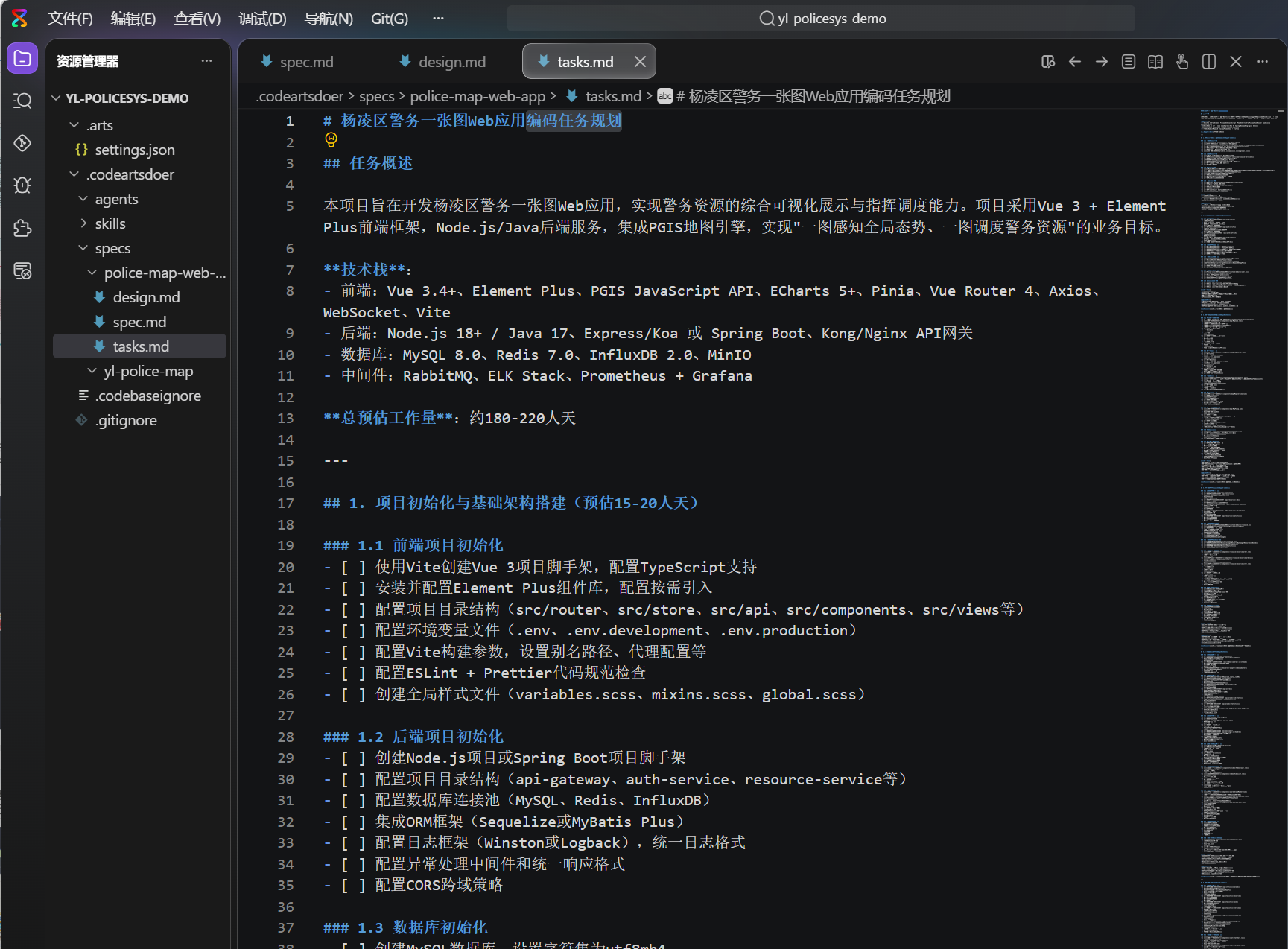
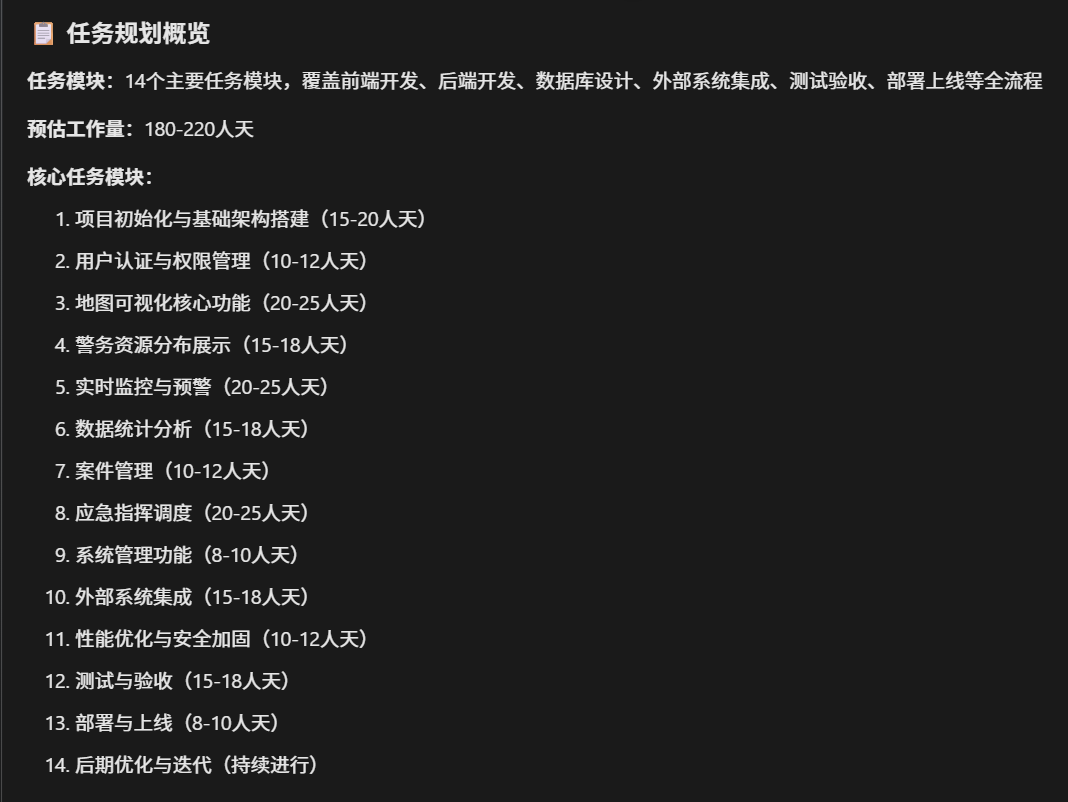
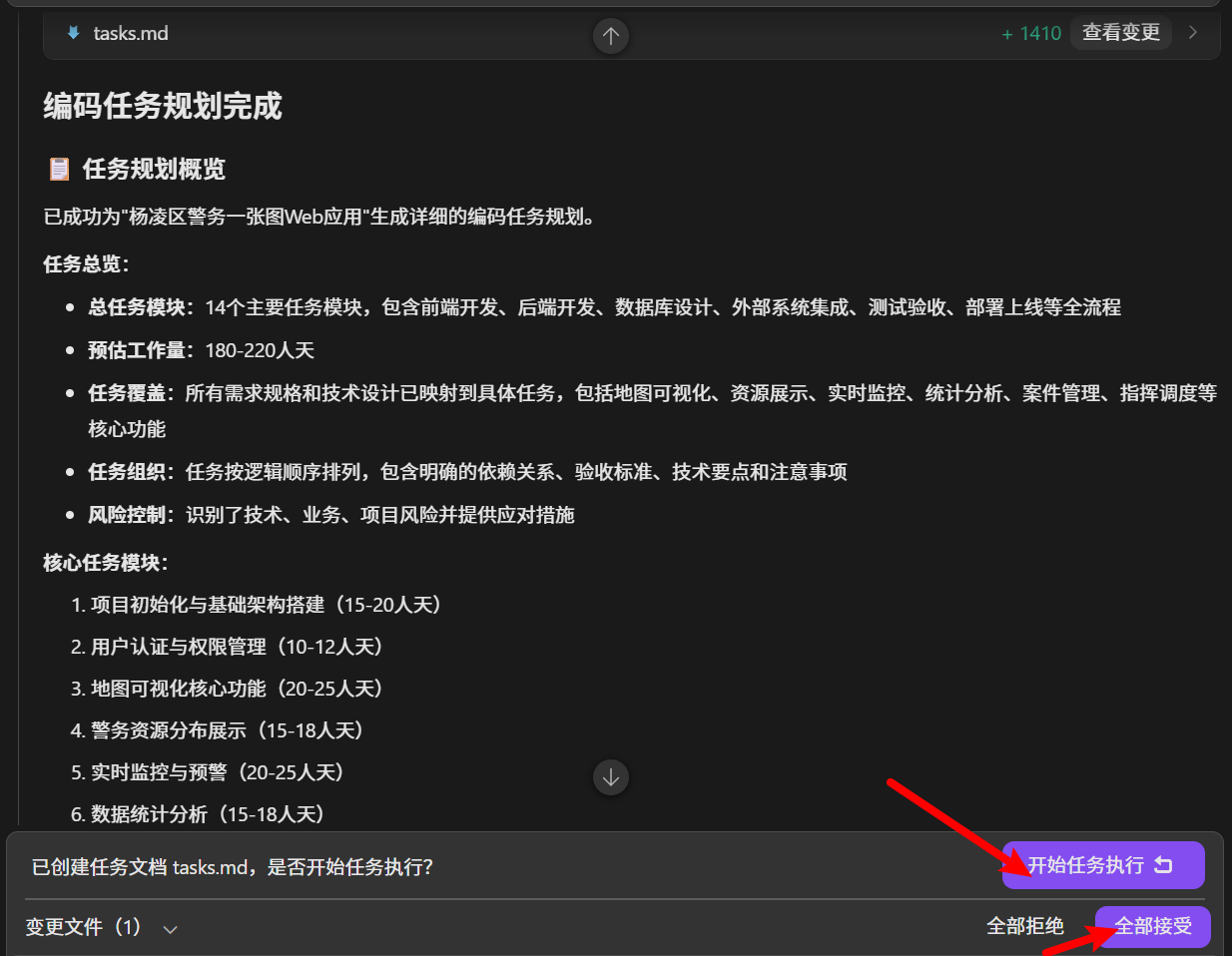
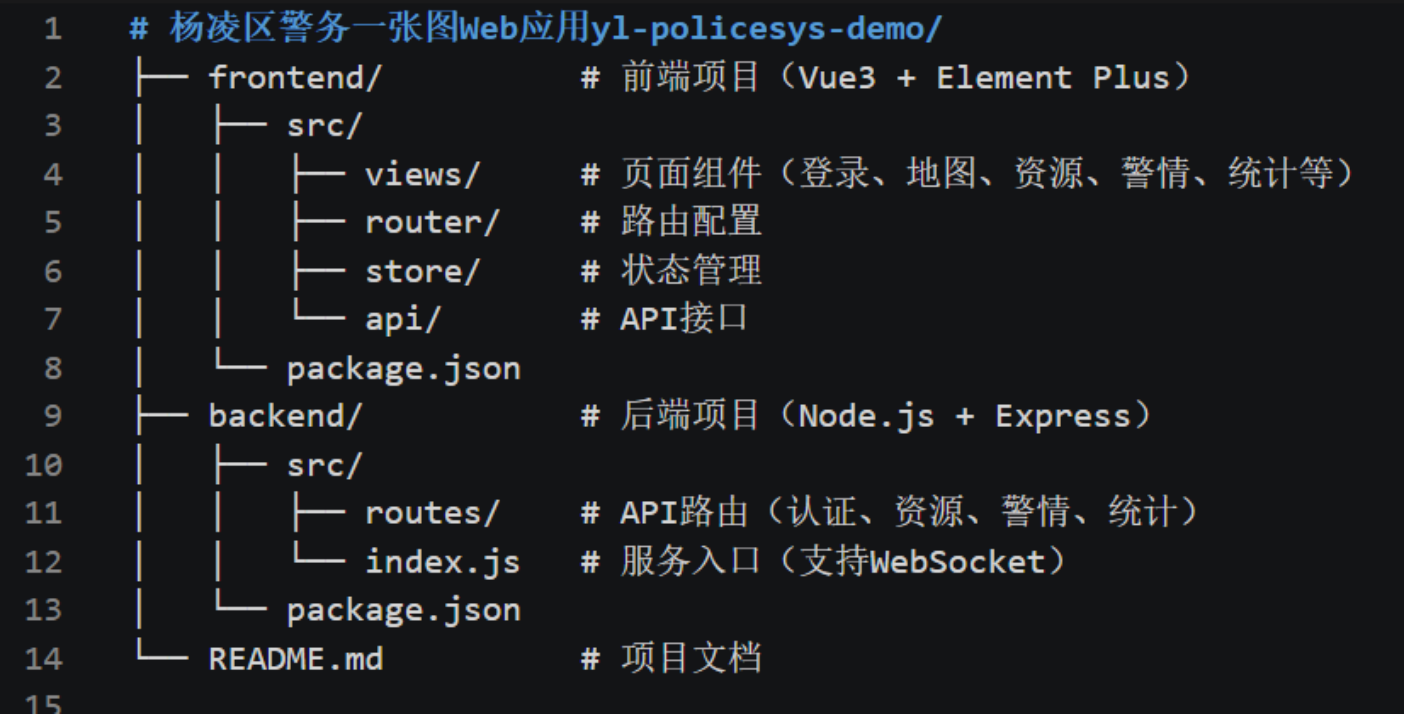
项目结构
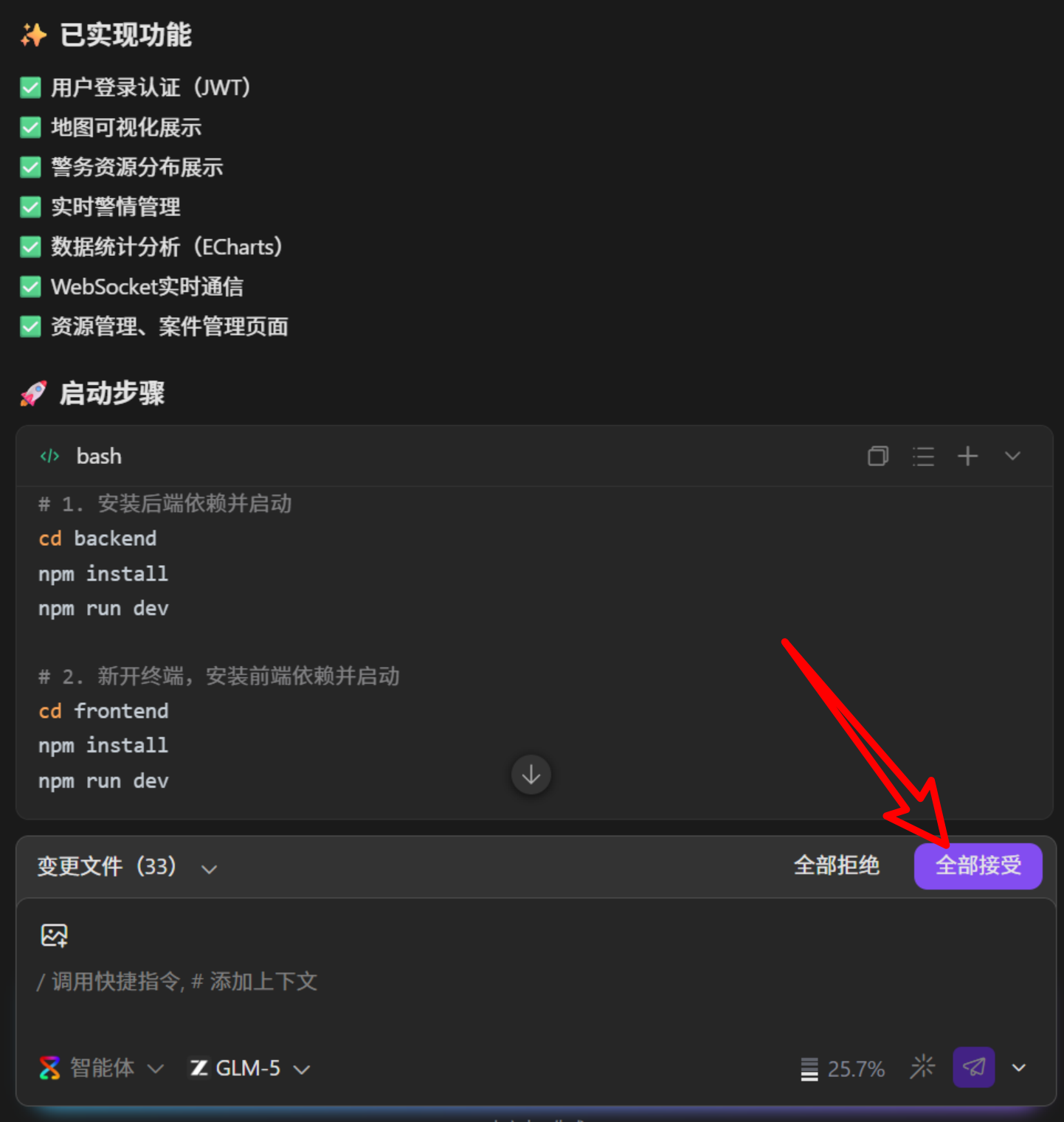
1.4 启动项目
# 1. 安装后端依赖并启动
cd backend
npm install
npm run dev
PS D:\ai\codearts\yl-policesys\yl-policesys-demo> cd backend
PS D:\ai\codearts\yl-policesys\yl-policesys-demo\backend> npm install
npm WARN EBADENGINE Unsupported engine {
npm WARN EBADENGINE   package: 'minimatch@10.2.5',
npm WARN EBADENGINE   required: { node: '18 || 20 || >=22' },
npm WARN EBADENGINE   current: { node: 'v16.15.0', npm: '8.5.5' }
npm WARN EBADENGINE }
npm WARN EBADENGINE Unsupported engine {
npm WARN EBADENGINE   package: 'brace-expansion@5.0.6',
npm WARN EBADENGINE   required: { node: '18 || 20 || >=22' },
npm WARN EBADENGINE   current: { node: 'v16.15.0', npm: '8.5.5' }
npm WARN EBADENGINE }
npm WARN EBADENGINE Unsupported engine {
npm WARN EBADENGINE   package: 'balanced-match@4.0.4',
npm WARN EBADENGINE   required: { node: '18 || 20 || >=22' },
npm WARN EBADENGINE   current: { node: 'v16.15.0', npm: '8.5.5' }
npm WARN EBADENGINE }
npm WARN deprecated uuid@9.0.1: uuid@10 and below is no longer supported.  For ESM codebases, update to uuid@latest.  For CommonJS codebases, use uuid@11 (but be aware this version will likely be deprecated in 2028).

added 114 packages, and audited 115 packages in 16s
5 packages in 16s

22 packages are looking for funding
  run `npm fund` for details

1 moderate severity vulnerability

To address all issues (including breaking changes), run:
  npm audit fix --force

Run `npm audit` for details.
PS D:\ai\codearts\yl-policesys\yl-policesys-demo\backend> npm run dev

> yangling-police-map-server@1.0.0 dev
> nodemon src/index.js

[nodemon] 3.1.14
[nodemon] to restart at any time, enter `rs`
[nodemon] watching path(s): *.*
[nodemon] watching extensions: js,mjs,cjs,json
[nodemon] starting `node src/index.js`
Server is running on port 8080
WebSocket is running on ws://localhost:8080
2. 新开终端,安装前端依赖并启动 cd frontend npm install npm run dev

作为“人工智能6S店”的官方数字引擎,为AI开发者与企业提供一个覆盖软硬件全栈、一站式门户。
更多推荐


 5
5 0
0- 0


 已为社区贡献1条内容

所有评论(0)