
RNOH 鸿蒙环境搭建排障附录:0.84.1 + HarmonyOS 6.1 示例记录
本文记录了在特定环境下(React Native 0.84.1 + HarmonyOS 6.1)解决RNOH项目运行问题的完整过程。主要包括四个关键问题:1) Metro因本地源码依赖导致的模块解析失败,通过配置watchFolders和nodeModulesPaths解决;2) hvigor构建时根节点不可用问题,需正确配置RNOH插件;3) 模拟器版本与SDK不匹配问题,需确保版本一致;4)
本文记录一次具体示例环境的排障过程。它不是所有 RNOH 版本的通用修复指南;正式项目请优先核对 RNOH 当前 release/tag、版本说明、SDK 配置和实际模板。
源码: https://atomgit.com/huqi/RNHarmonySkuAssistant
参考: https://atomgit.com/OpenHarmony-RN/ohos_react_native
RHOH 环境排障记录:0.84.1 + HarmonyOS 6.1
记录一次真实的从“跑不起来”到“页面正常显示”的排障过程。环境如下:
React Native: 0.84.1
RNOH: 0.84.1,本地源码 ../ohos_react_native
Metro: 0.83.7
HarmonyOS 模拟器: 6.1
targetSdkVersion: 6.1.1(24)
compatibleSdkVersion: 6.1.0(23)
1 Metro 找不到 react-native
最早执行:
npm run harmony
出现:
Unable to resolve module react-native from index.js
react-native could not be found within the project or in these directories:
  node_modules
原因是当前使用的是本地 RNOH 源码依赖,Metro 默认只看项目自身的 node_modules,不会自动把 ../ohos_react_native 纳入解析范围。
最终 metro.config.js 需要同时处理:
const path = require('path');
const {mergeConfig, getDefaultConfig} = require('@react-native/metro-config');
const {createHarmonyMetroConfig} = require('@react-native-oh/react-native-harmony/metro.config');

const projectRoot = __dirname;
const localRnohRoot = path.resolve(projectRoot, '../ohos_react_native');

const config = {
  watchFolders: [
    path.join(localRnohRoot, 'packages/react-native-harmony'),
    path.join(localRnohRoot, 'node_modules'),
  ],
  resolver: {
    nodeModulesPaths: [
      path.join(projectRoot, 'node_modules'),
      path.join(localRnohRoot, 'node_modules'),
    ],
  },
  transformer: {
    getTransformOptions: async () => ({
      transform: {
        experimentalImportSupport: false,
        inlineRequires: true,
      },
    }),
  },
};

module.exports = mergeConfig(getDefaultConfig(__dirname), createHarmonyMetroConfig({
  reactNativeHarmonyPackageName: '@react-native-oh/react-native-harmony',
  __reactNativeHarmonyPattern: `${path.sep}${path.join(
    'ohos_react_native',
    'packages',
    'react-native-harmony',
  )}${path.sep}`,
}), config);
2 hvigor root node 报错
DevEco 或命令行构建时如果出现:
The root node is not yet available for build.
At file: hvigorfile.ts or hvigorconfig.ts
通常是 harmony/hvigorfile.ts、harmony/entry/hvigorfile.ts 或 build-profile.json5 没按 RNOH 插件方式配置。当前项目中根工程使用:
import { appTasks } from '@ohos/hvigor-ohos-plugin';
import { createRNOHProjectPlugin } from '@react-native-oh/react-native-harmony/hvigor-plugin';

export default {
  system: appTasks,
  plugins: [createRNOHProjectPlugin()],
};
entry 模块使用:
import { hapTasks } from '@ohos/hvigor-ohos-plugin';
import { createRNOHModulePlugin } from '@react-native-oh/react-native-harmony/hvigor-plugin';

export default {
  system: hapTasks,
  plugins: [
    createRNOHModulePlugin({
      codegen: {
        rnohModulePath: './oh_modules/@rnoh/react-native-openharmony',
      },
    }),
  ],
};
3 模拟器版本要和 SDK 匹配
这次最终使用 HarmonyOS 6.1 模拟器。build-profile.json5 中核心版本保持为:
{
  "app": {
    "products": [
      {
        "name": "default",
        "compatibleSdkVersion": "6.1.0(23)",
        "targetSdkVersion": "6.1.1(24)"
      }
    ]
  }
}
如果模拟器版本过低,可能出现安装后白屏、Ability 异常退出或系统层大量窗口错误日志。先确认设备在线:
hdc list targets
4 safe-area-context 导致白屏
模板项目默认引入了:
import {
  SafeAreaProvider,
  useSafeAreaInsets,
} from 'react-native-safe-area-context';
在 RNOH 0.84.1 + 当前 HarmonyOS 6.1 环境中,直接接入 @react-native-ohos/react-native-safe-area-context@5.6.3 会遇到:
Exception in HostObject::get for prop 'RNCSafeAreaContext':
Couldn't find Turbo Module on the ArkTs side, name: 'RNCSafeAreaContext'

TypeError: Cannot read property 'SafeAreaProvider' of undefined
排查结果:
JS 侧请求 RNCSafeAreaContext
    ↓
C++ 侧创建 RNCSafeAreaContext TurboModule
    ↓
ArkTS SafeAreaViewTurboModule 构造函数被调用
    ↓
但 C++ ArkTSTurboModule 拿不到 ArkTS 实例引用
    ↓
白屏 / LogBox 报错
也就是说,问题不是简单的“没有安装包”,而是当前三方 HAR 与 RNOH 0.84.1 的 ArkTS TurboModule 桥接协议不完全兼容。
对于第一篇环境跑通,推荐先用 JS shim 绕过 safe-area 原生依赖:
// src/shims/react-native-safe-area-context.tsx
import React, { PropsWithChildren } from 'react';
import { Dimensions, View } from 'react-native';

const ZERO_INSETS = { top: 0, right: 0, bottom: 0, left: 0 };
const windowDimensions = Dimensions.get('window');

export const initialWindowMetrics = {
  insets: ZERO_INSETS,
  frame: {
    x: 0,
    y: 0,
    width: windowDimensions.width,
    height: windowDimensions.height,
  },
};

export const initialWindowSafeAreaInsets = initialWindowMetrics.insets;

export function SafeAreaProvider({ children }: PropsWithChildren) {
  return <>{children}</>;
}

export const SafeAreaView = React.forwardRef<View, any>(
  ({ children, ...props }, ref) => (
    <View ref={ref} {...props}>
      {children}
    </View>
  ),
);

export function useSafeAreaInsets() {
  return ZERO_INSETS;
}

export function useSafeAreaFrame() {
  return initialWindowMetrics.frame;
}

export function useSafeArea() {
  return useSafeAreaInsets();
}
然后在 metro.config.js 中把顶层导入指向 shim:
const safeAreaContextShimPath = path.join(
  projectRoot,
  'src/shims/react-native-safe-area-context.tsx',
);

const mergedConfig = mergeConfig(getDefaultConfig(__dirname), harmonyConfig, config);
const harmonyResolveRequest = mergedConfig.resolver.resolveRequest;

mergedConfig.resolver.resolveRequest = (context, moduleName, platform) => {
  if (moduleName === 'react-native-safe-area-context') {
    return {
      type: 'sourceFile',
      filePath: safeAreaContextShimPath,
    };
  }

  return harmonyResolveRequest
    ? harmonyResolveRequest(context, moduleName, platform)
    : context.resolveRequest(context, moduleName, platform);
};

module.exports = mergedConfig;
注意:不要直接覆盖 RNOH 自带 resolver,否则 Metro 又会回到 npm 包里的 react-native,出现新的解析错误:
Unable to resolve module ../../src/private/devsupport/rndevtools/ReactDevToolsSettingsManager
5 构建与运行验证
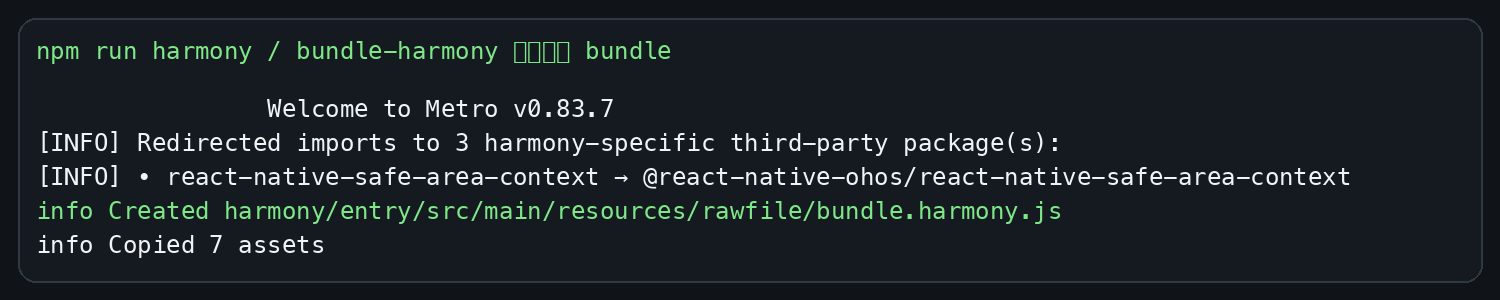
重新生成 bundle:
npm run harmony
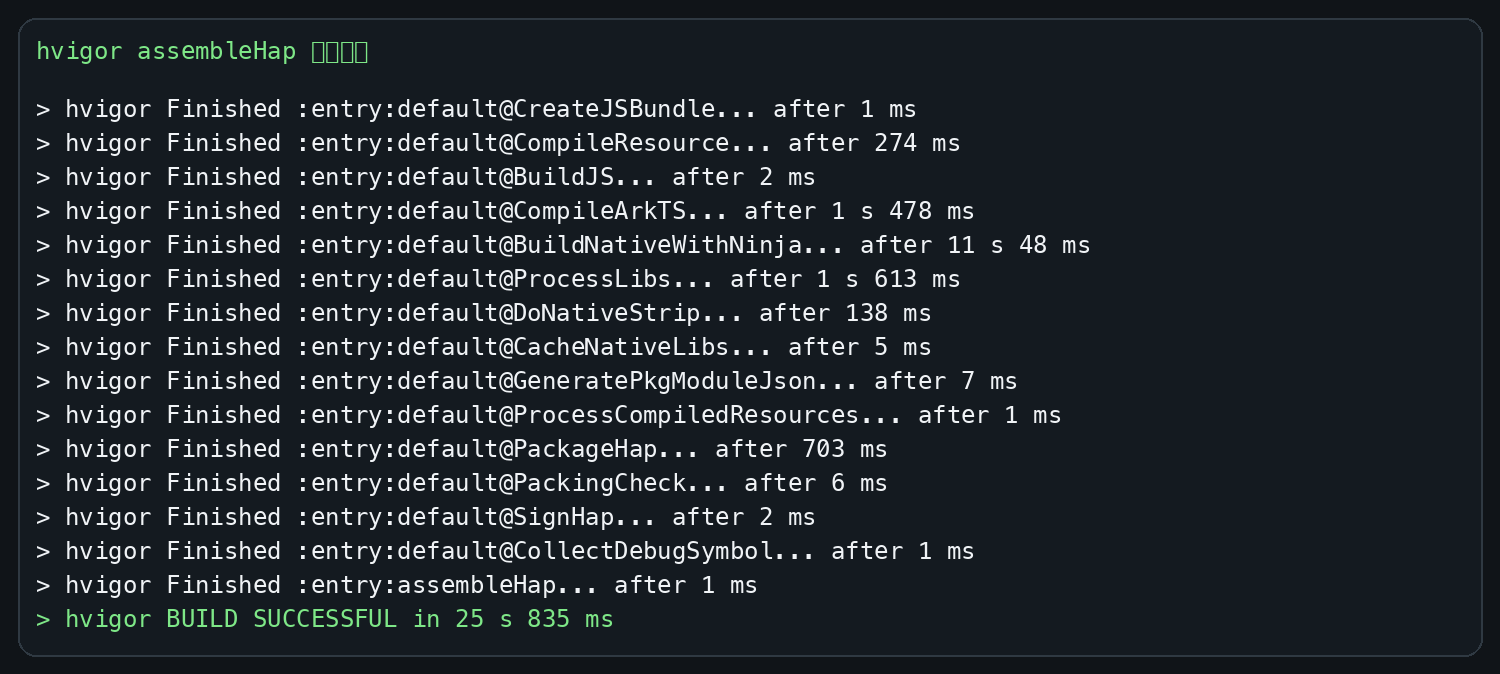
构建 HAP:
cd harmony
/Applications/DevEco-Studio.app/Contents/tools/node/bin/node \
  /Applications/DevEco-Studio.app/Contents/tools/hvigor/bin/hvigorw.js \
  --mode module \
  -p module=entry@default \
  -p product=default \
  -p requiredDeviceType=phone \
  assembleHap
安装并启动:
hdc install -r harmony/entry/build/default/outputs/default/entry-default-unsigned.hap
hdc shell aa start -a EntryAbility -b host.huqi.sku_assistant
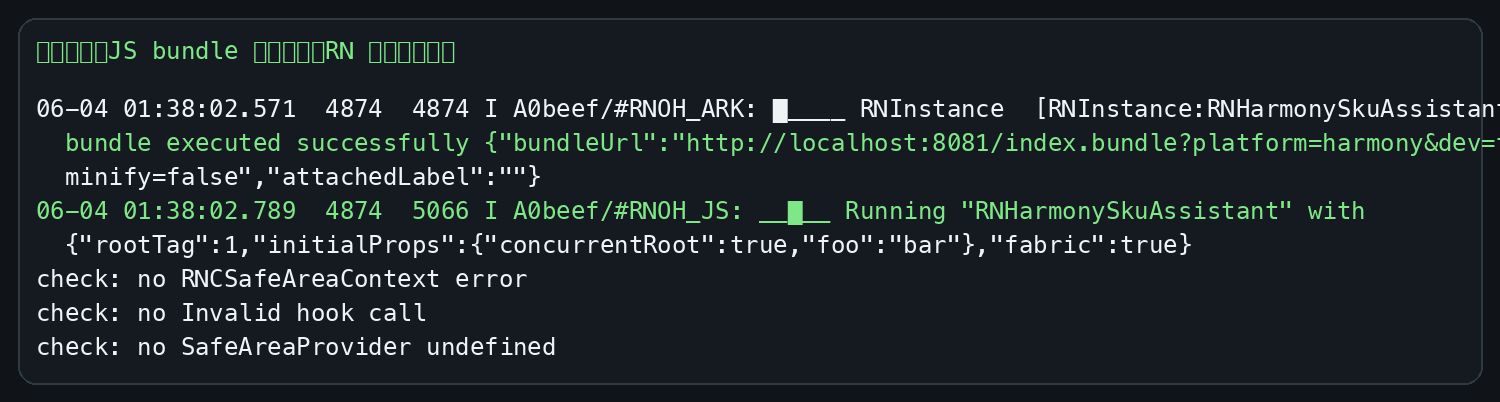
关键日志:
JS bundle executed successfully
Running "RNHarmonySkuAssistant"
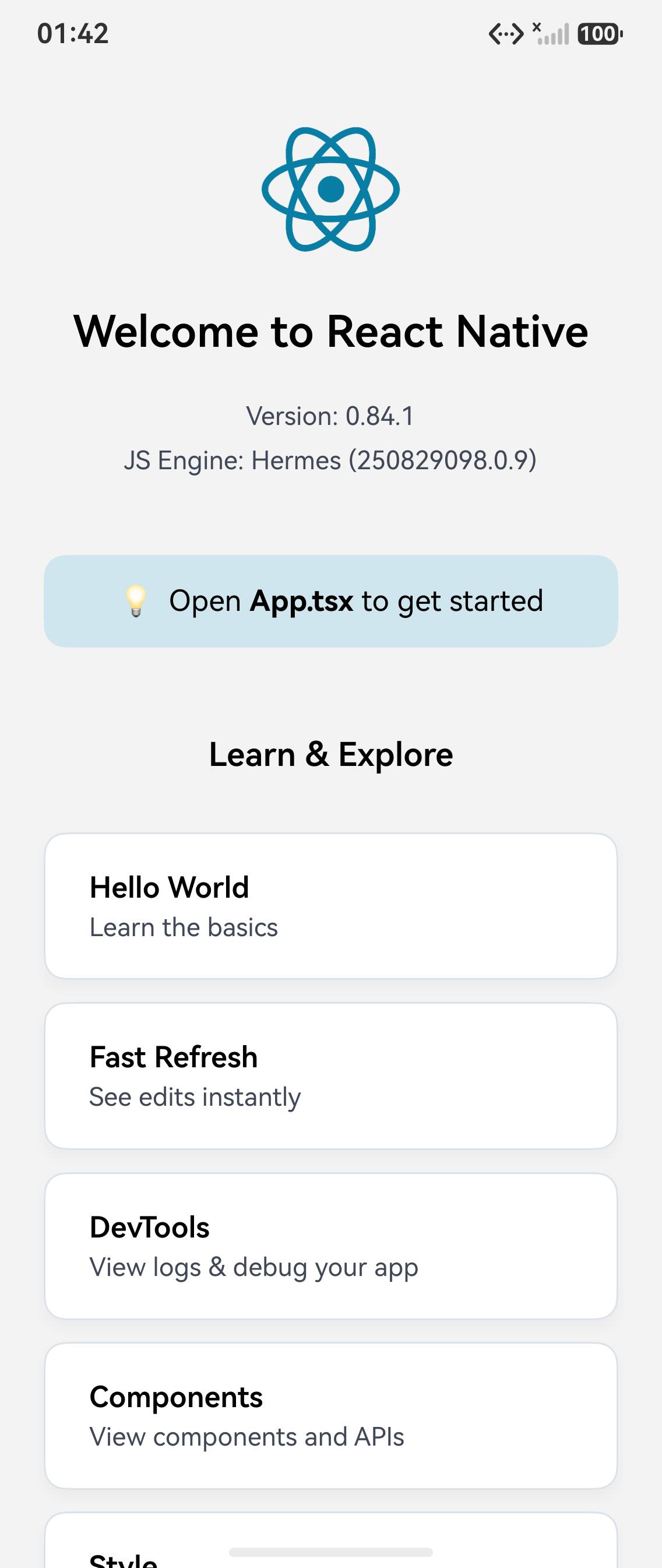
最终页面截图:
使用建议
- 如果只是首次跑通环境,先阅读 环境搭建。
- 如果遇到相同错误,再对照本附录逐项排查。
- 不要把 safe-area shim 当作长期方案;真实业务需要安全区能力时,应回到对应三方库的 ArkTS / C++ TurboModule 注册链路进行适配。
参考资料
- RNOH 仓库: https://atomgit.com/OpenHarmony-RN/ohos_react_native
- RNOH 中文文档入口: https://atomgit.com/OpenHarmony-RN/ohos_react_native/blob/main/docs/zh-cn/README.md
- RNOH TurboModule 文档: https://atomgit.com/OpenHarmony-RN/ohos_react_native/blob/master/docs/zh-cn/TurboModule.md
- React Native Metro 配置文档: https://metrobundler.dev/docs/configuration/
- HarmonyOS Developer 文档中心: https://developer.huawei.com/consumer/cn/doc/harmonyos-guides/

作为“人工智能6S店”的官方数字引擎,为AI开发者与企业提供一个覆盖软硬件全栈、一站式门户。
更多推荐
 0
0 0
0- 0


 已为社区贡献8条内容

所有评论(0)